HX4E/MX8A Series Voice Gateway User Manual
New Rock Technologies, Inc. 25
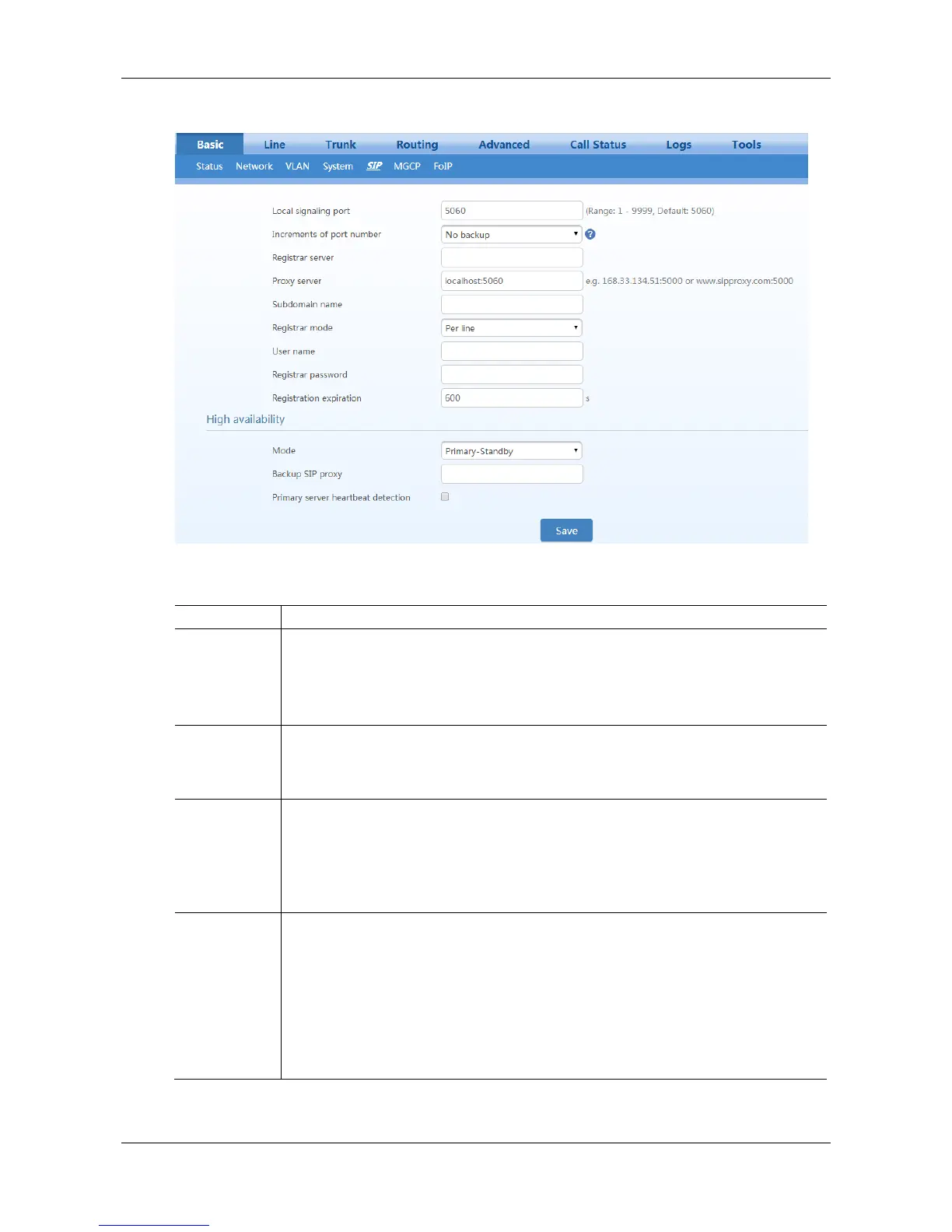
Figure 2-12 SIP Configuration Interface
Table 2-7 SIP Configuration Parameters
Configure the UDP port for transmitting and receiving SIP messages, with its default
value 5060.
Note: The signaling port number can be set in the range of 1-9999, but cannot conflict
with the other port numbers used by the equipment.
Increments of
port number
If "n" (ranked from 1-10) is chosen, after the failure registration of signaling port’s
original configuration, the range of signaling port’s change varies from "original signaling
port, original signaling port +n". Register with the new signaling port value (signaling
port +1) until it succeeds.
Configure the address and port number of the SIP registration server. The address and
port number are separated by “:”. It has no default value.
The register server address can be an IP address or a domain name. e.g.
168.33.134.51:5000 or www.sipproxy.com:5000.
When a domain name is used, you must activate DNS service and configure DNS server
parameters on the network-configuration page.
Configure the IP address and port number of the SIP proxy server. The address and port
number are separated by “:”. It has no default value.
The proxy server address can be set to an IP address or a domain name. e.g.
168.33.134.51:5000 or www.sipproxy.com:5000.
When a domain name is used, you must activate DNS service and configure DNS server
parameters on the network-configuration page.
When a domain name is used, you can fill in a backup IP address in Backup SIP proxy
server in the High Availability configuration. This allows the device to failover to the IP
address if the domain name resolution service fails.



 To Next Page