User Manual HX4E/MX8A Series Voice Gateway
30 www.newrocktech.com
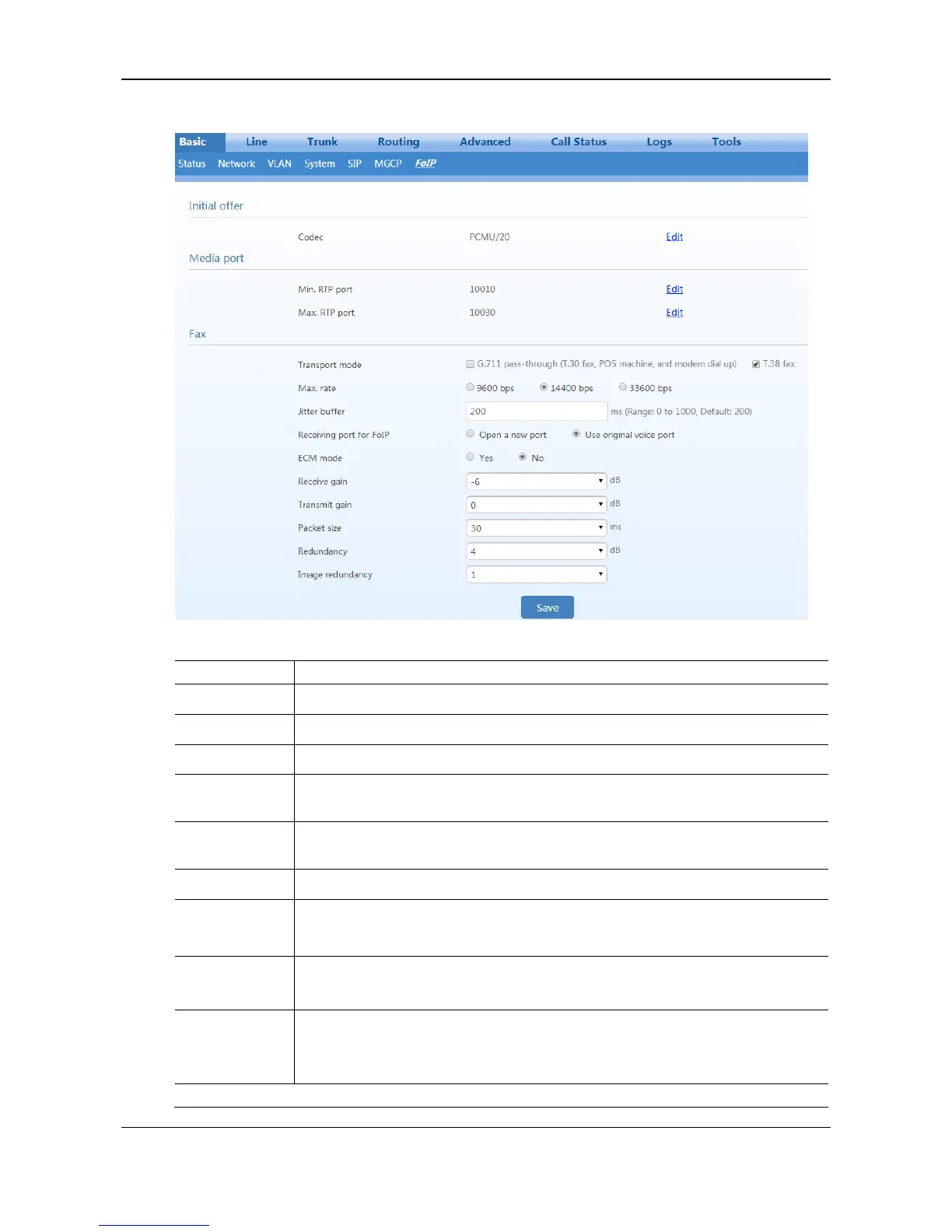
Figure 2-15 Fax Configuration Interface
Table 2-10 Fax Configuration Parameters
Go to Basic > System page to configure by clicking Edit. For details, see 2.3.4 System.
Go to Advanced > Media stream page to configure by clicking Edit. For details, see
2.7.6 Media Stream.
Go to Advanced > Media stream page to configure by clicking Edit. For details, see
2.7.6 Media Stream.
Only G.711
pass-through
selected
This parameter applies only to the T.30, POS terminal, and MODEM service.
In this mode, the voice codec must be set to G.711; otherwise the facsimile service fails.
T.38 with CED
T.38 with CNG
Both G.711
pass-through
and T.38 fax
selected
Both T.30 and T.38
Note: When received fax signaling carries both T.30 and T.38 media, preferentially use
T.38.
Adjustable parameters when the T.38 is enabled (Default values are recommended.)



 To Next Page