User Manual HX4E/MX8A Series Voice Gateway
74 www.newrocktech.com
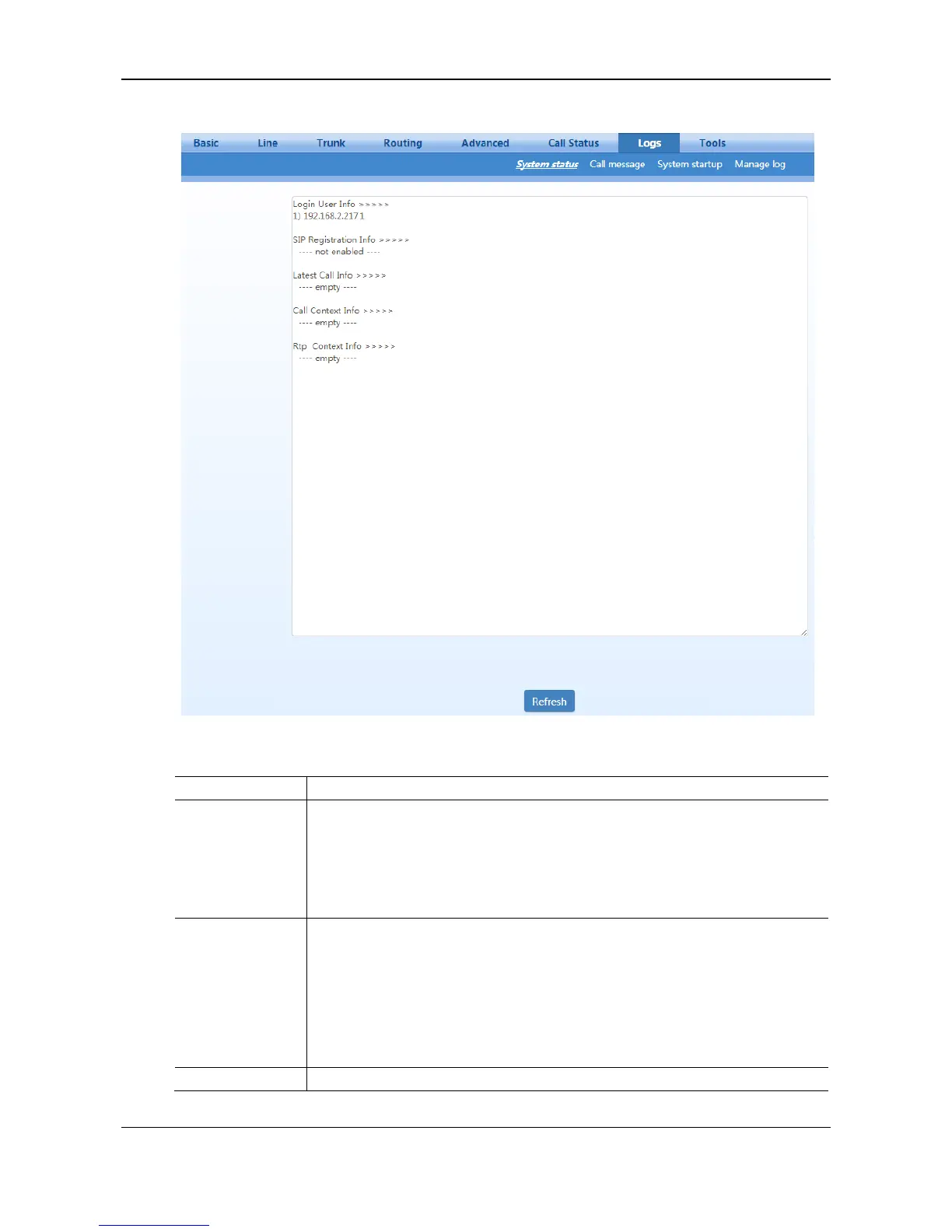
Figure 2-45 System Status Interface
Table 2-34 System Status Parameters
Show the IP address and permissions of the login user. The numbers following the IP
address show the online permission level of the user: 1- administrator; 2 - operator; 3
– viewer. The viewer can only read the configuration.
When more than one administrator logs in at the same time, the first login’s
permission level is 1; others are 3; also, when more than one operator logs in at the
same time, the first one’s permission is 2, others are 3.
Show registration status:
Not enabled: the registration server’s address is not entered yet;
Latest response: the latest response message for the registration. 200 means registered
successfully;
No response: no response from registration server. The cause may contribute to 1)
incorrect address for the registration server; 2) IP network fault; or, 3) the registration
server is not reachable.



 To Next Page