EasyManua.ls Logo

Nexcope NIB620 - User Manual

Default Icon
80 pages
Print Icon
To Next Page IconTo Next Page
Loading...
MANUAL
INSTRUCTION
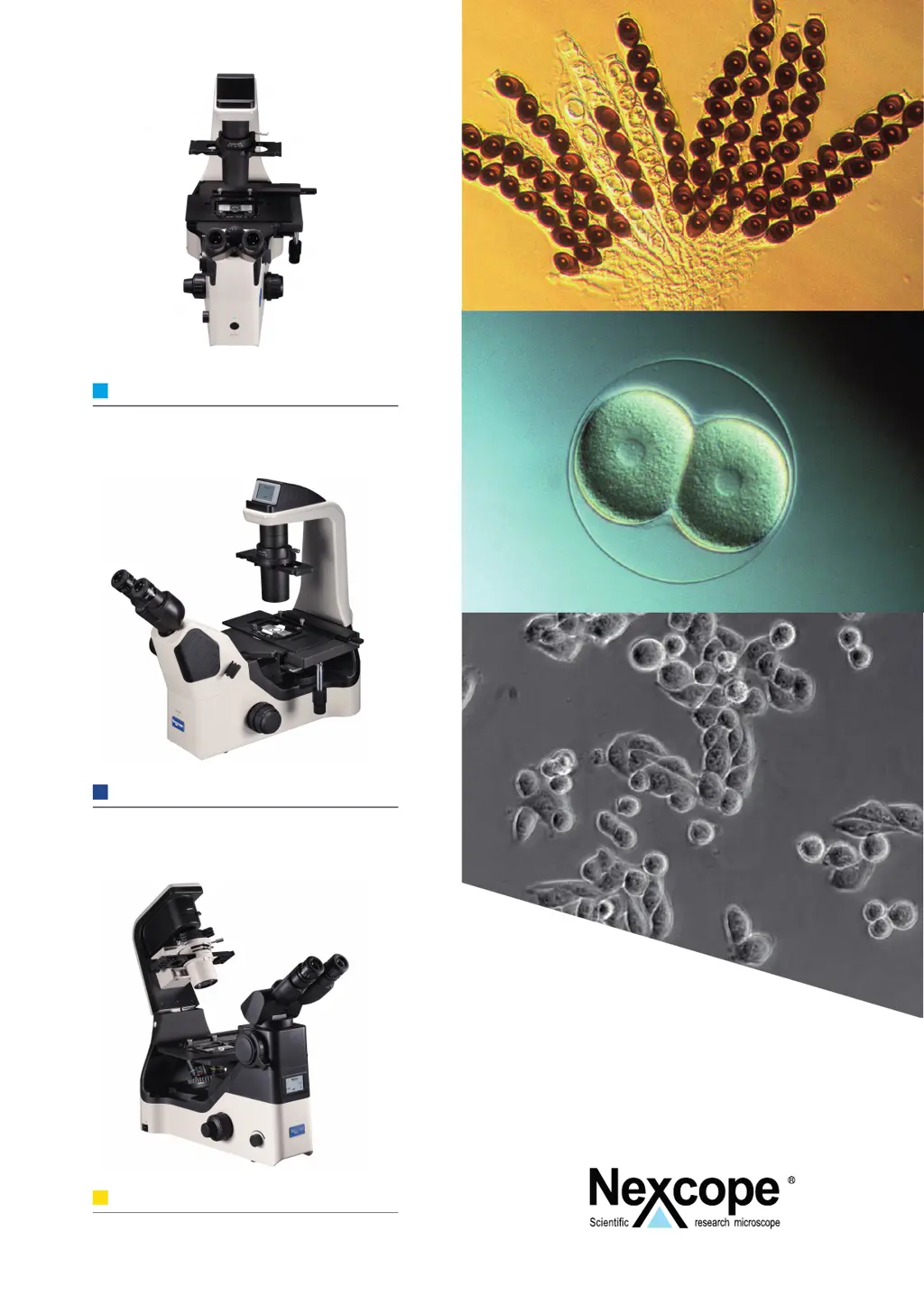
NIB600 SERIES
PROFESSIONAL INVERTED
MICROSCOPES
NIB610
MANUAL INVERTED MICROSCOPE
NIB620
AUTOMATIC INVERTED MICROSCOPE
NIB630
AUTOMATIC INVERTED MICROSCOPE PRO
INSTRUCTION MANUAL

Table of Contents

Questions and Answers

  • W
    williamslaurenAug 10, 2025
    What to do if one side of the image is blurred on my Nexcope NIB620 Microscope?
    • A
      Adam ChristensenAug 10, 2025
      If one side of the image appears blurred on your Nexcope Microscope, it might be caused by the condenser not being properly centered. Use the centering screw to center the condenser. Also, ensure the nosepiece is correctly engaged and that the specimen is securely clamped with stage clips.
  • R
    Robert BullockAug 20, 2025
    How to increase the brightness on a Nexcope Microscope?
    • K
      Kathleen AyalaAug 20, 2025
      If the brightness is insufficient on your Nexcope Microscope, adjust the aperture diaphragm to allow more light to pass through.
  • M
    mathew95Aug 29, 2025
    What to do if I see dirt or dust in the field of view of my Nexcope NIB620 Microscope?
    • K
      Kenneth PriceAug 29, 2025
      If you see dirt or dust in the field of view of your Nexcope Microscope, the specimen may be placed reversely, so turn it over. It could also be due to a dirty lens (objective, condenser, eyepiece, or collector), so clean it. Also, the aperture diaphragm may be too large or too small, so adjust the aperture diaphragm. Finally, check the eyepiece for dirt or dust and clean it if necessary.

Nexcope NIB620 Specifications

General IconGeneral
BrandNexcope
ModelNIB620
CategoryMicroscope
LanguageEnglish

Related product manuals