56
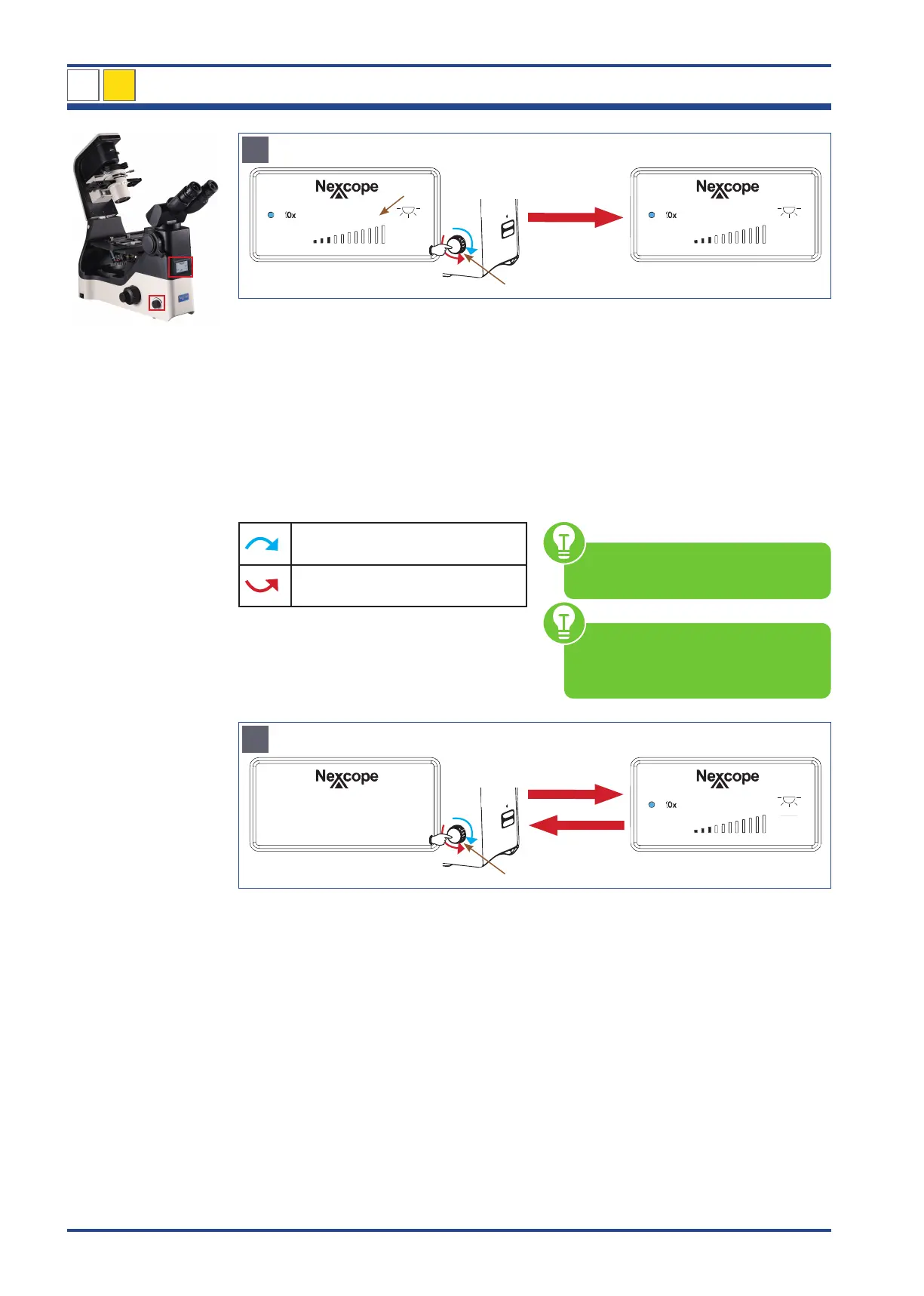
Illustration 047 C: LCD of NIB630 - ECO mode.
TIME 1:00
30
SLEEP 0:15
30
C
Press 3 seconds then turn
4
6
ECO Mode
(h)(min)
Set a time after which the light is
automatically switched off
(switch-off time):
Press the brightness control knob (4) for at
least 3 seconds. The TIME-display (6) ap-
pears with hours (h) and minutes (min). The
TIME-display flashes for setting.
Set the desired switch-off time by turning the
brightness control knob (5-minute increments
from 0 to 8 hours).
Switch-off time is extended by
5minutes
Switch-off time is shortened by
5minutes
After setting the switch-off time, release the
brightness control knob. The TIME-display
changes to SLEEP-display after flashing three
more times. The switch-off time (for example
15 min) is now saved.
The microscope switches the light off after
15 min.
You can leave the ECO mode by pressing the
brightness control knob for 3 seconds. Then
the display changes to the START/WORKING
mode and the TIME/SLEEP-display disappears.
For the other display symbols, refer to
the explanation in figure A.
The switch-off time should be set oth-
erwise the 0:00 display flashes contin-
uously.
Illustration 047 D: LCD of NIB630 - STANDBY/SLEEP mode and START/WORKING mode.
SLEEP
30
D
Press 1x
4
STANDBY/SLEEP Mode START/WORKING Mode
In STANDBY/SLEEP mode, the light is switched off to save energy and lamp life.
Press once or turn the brightness control knob (4) - both directions possible - to change from
STANDBY/SLEEP mode to START/WORKING mode.
Press once the brightness control knob to change from START/WORKING mode to STAND-
BY/SLEEP mode.
NIB630
4



 To Next Page