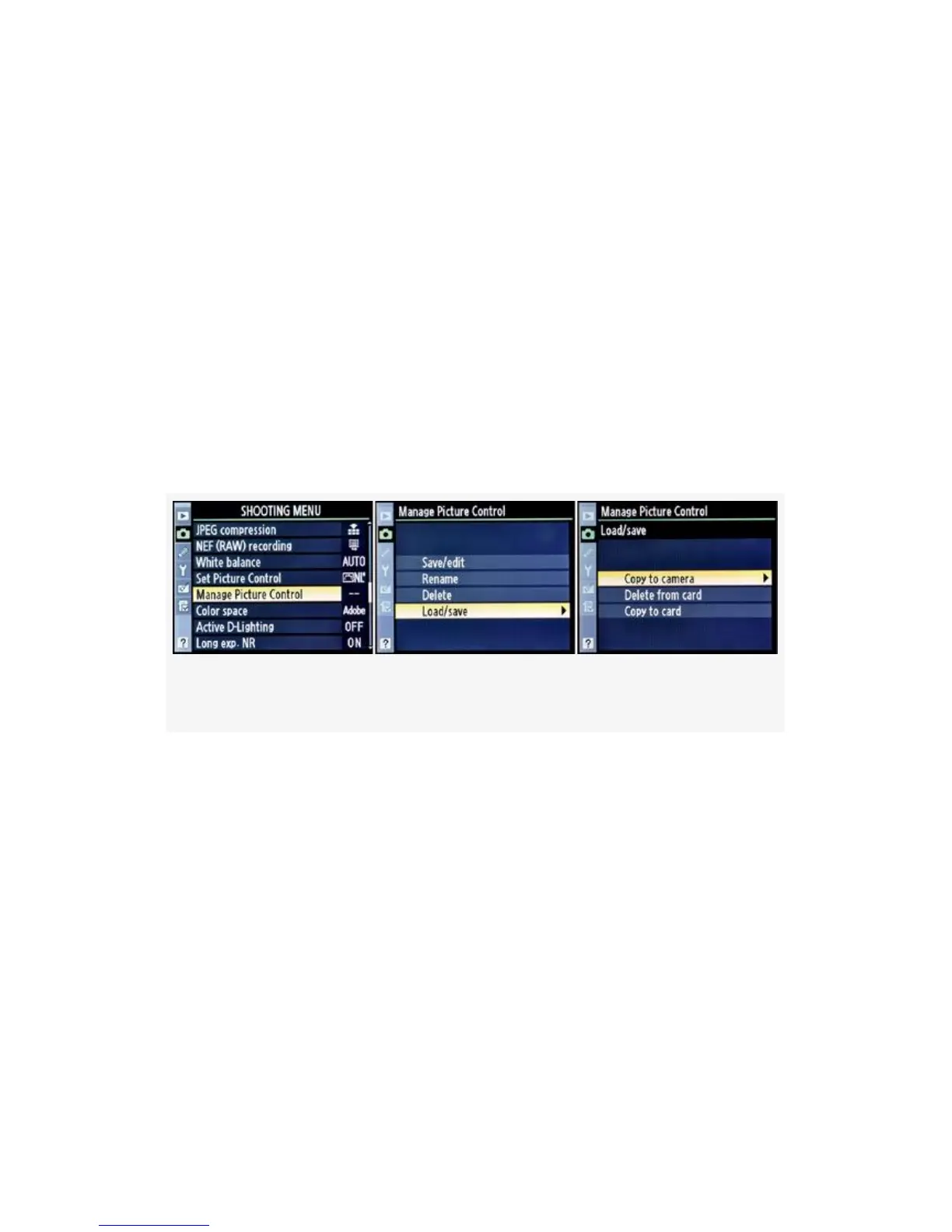
Load/Save a Custom Picture Control
There are three parts to the Load/save function. These allow
you to copy Custom Picture Controls to and from the memory
card or delete them from the card.
When I mention copying or deleting controls from the
memory card, I’m speaking of the primary card slot on the
D300S and, of course, the one CF card that the D300 uses.
You cannot copy or delete controls from the secondary card
slot on the D300S. There are three selections on the Load/
save menu, as shown in Figure 3-31, image 3:
Figure 3-31. Load/save a Custom Picture Control
▪ Copy to camera – Loads Custom Picture Controls from
the memory card into your camera. You can store up to
nine controls in your camera’s nine available memory
locations (C1–C9).
▪ Delete from card – Displays a list of any Custom Picture
Controls found on the memory card. You can selectively
delete them.
▪ Copy to card – Allows you to copy your carefully crafted
Custom Picture Controls from your camera to a memory
card. You can then share them with others. The camera
181



 To Next Page