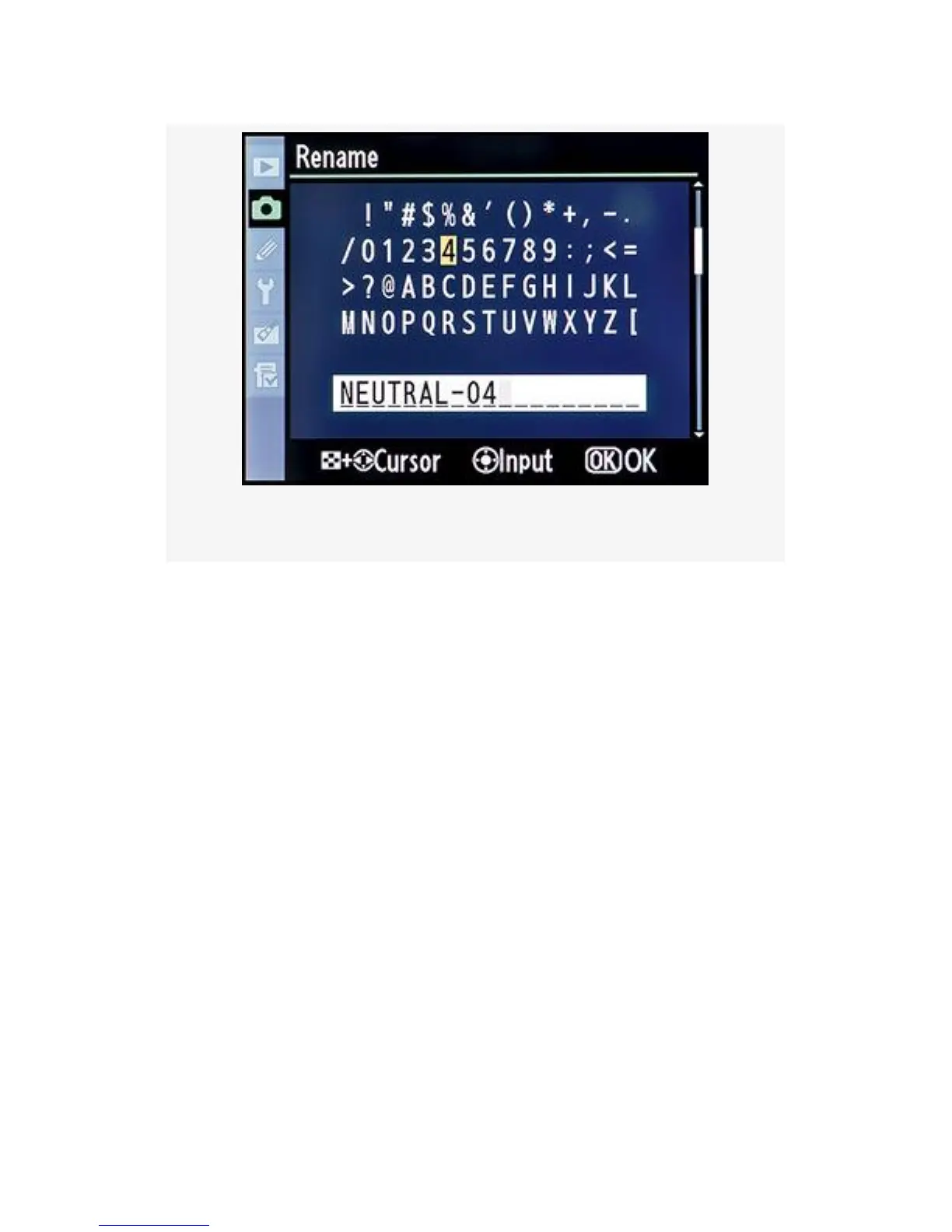
Figure 3-33. Rename Control
To create a different name, hold down the Thumbnail/
playback zoom out button and use the Multi Selector to scroll
back and forth within the old name. Once you have the small
gray cursor positioned over a character, you can delete it with
the garbage can Delete button. To insert a new character,
position the yellow cursor in the character list above and press
the Multi selector center button on the D300S or the center of
the Multi Selector on the D300. The character that is under
the yellow cursor will appear on the name line below, at the
position of the gray cursor. If there is already a character
under the gray cursor, it will be pushed to the right. Please
limit the name to a maximum of 19 characters. Press the OK
button when you’ve completed the new name.
You can also create Custom Picture Controls in programs like
Nikon Capture NX2, which uses its Picture Control Utility,
and load them into your camera using the preceding steps.
184



 To Next Page