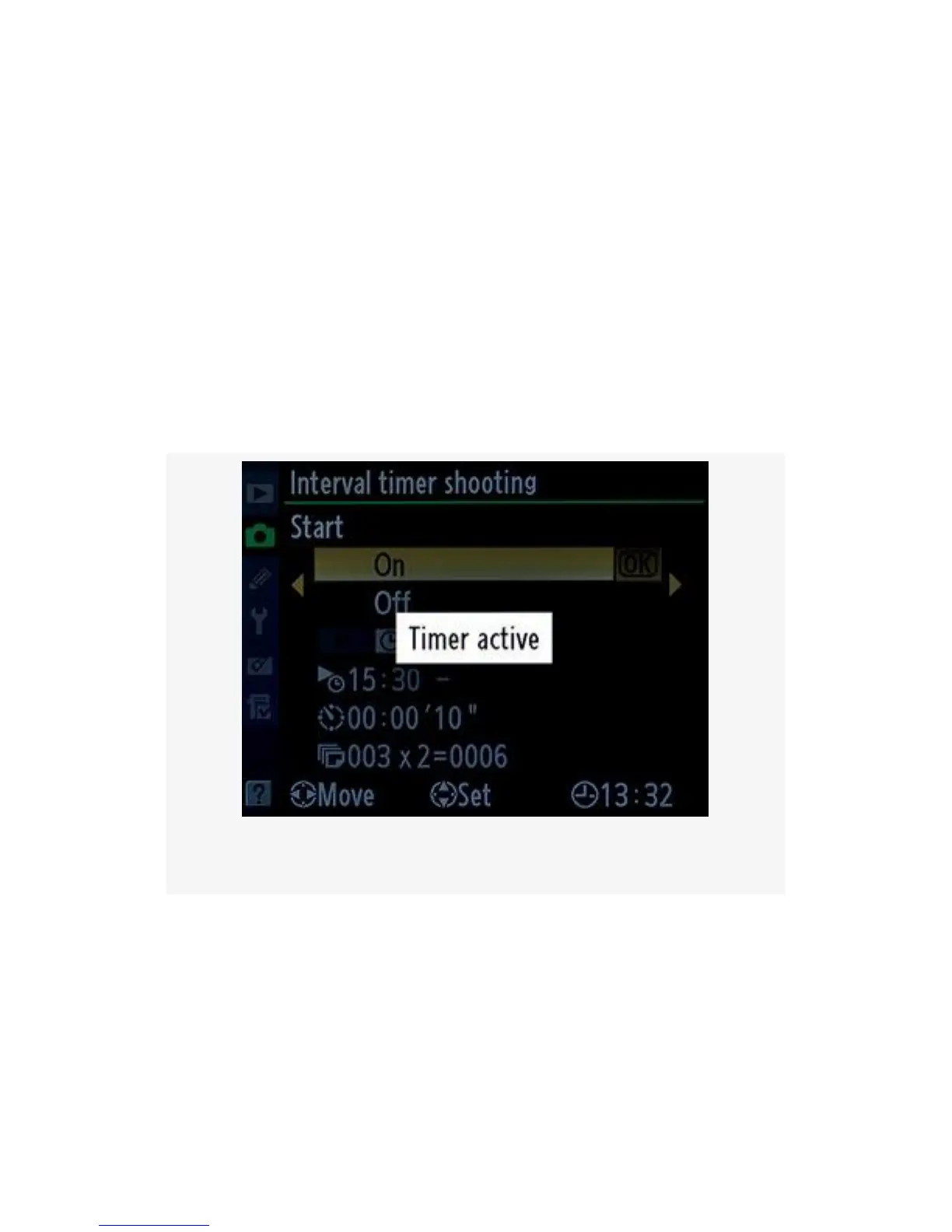
other words, 2 pictures will be taken every 10 seconds
over a period of 30 seconds for a total of 6 images. Now
scroll to the right to get to the next screen.
5. Select On from the final screen (Figure 3-61, image 6)
and press the OK button. A Timer Active message will
appear on your camera’s Monitor (see Figure 3-62). If
you look at the top Control panel you will see the word
INTVL on the D300S, or INTERVAL on the D300,
flashing. This will keep flashing as long as the Interval
timer is in operation.
Figure 3-62. Timer is active
If you’re shooting a timed interval during daylight hours, be
sure to use the little black eyepiece cap (DK-5) supplied with
your camera. Otherwise, changes in the light from behind the
camera could cause the exposure to be inaccurate.
To pause or stop an interval and cease timer operations,
simply select Interval timer shooting from the Shooting Menu
240



 To Next Page