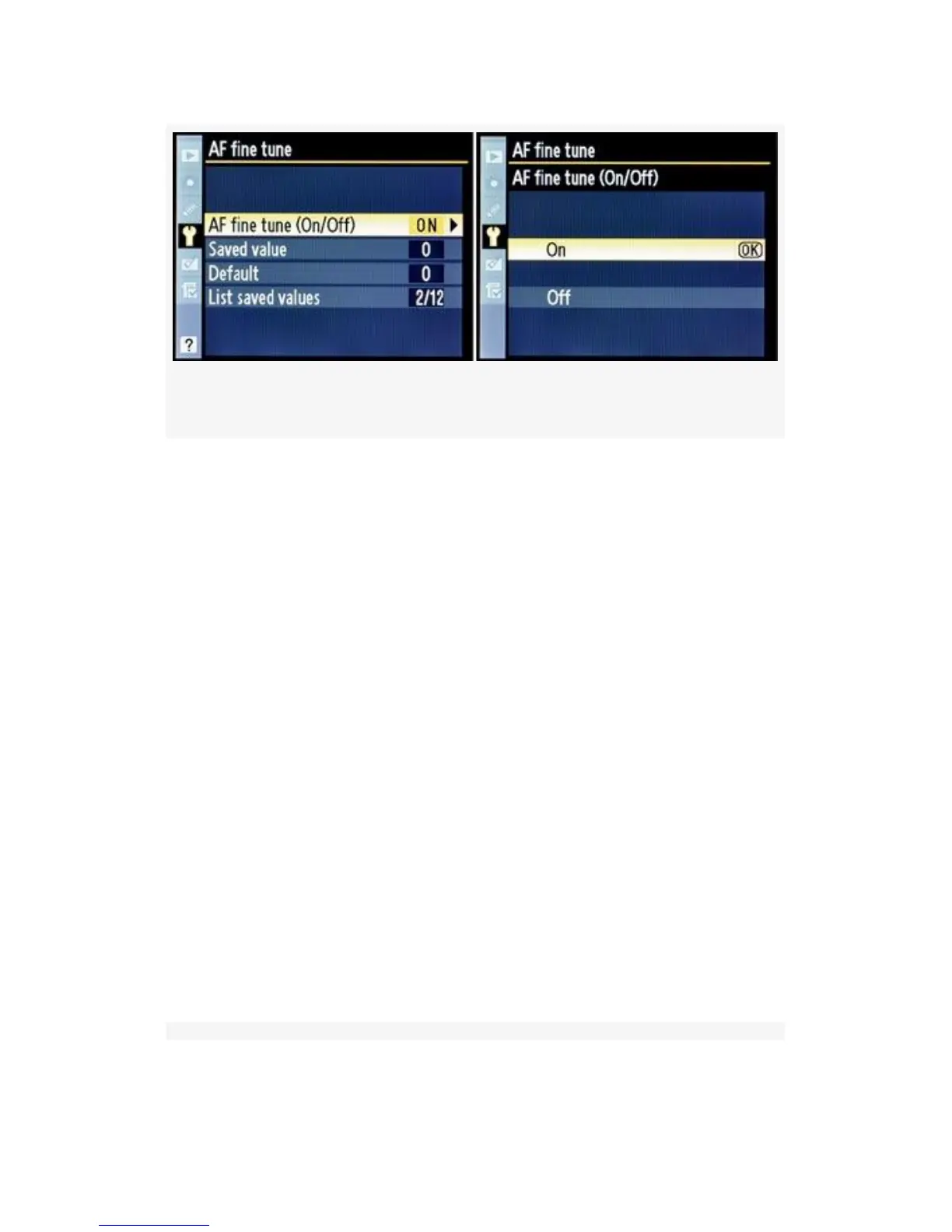
Figure 5-40. AF fine tune configuration screens
AF fine tune (On/Off) – In Figure 5-40 we see the AF fine
tune (On/Off) screen and its selections. The two values you
can select are as follows:
▪ On – This setting turns the AF fine tune system on.
Without this enabled, the D300(S) focuses like a factory
default D300(S).
▪ Off – This default setting disables the AF fine tune
system.
Saved value – With an AF lens mounted, Saved value allows
you to control the amount of front or back focus you’d like to
input for the listed lens. At the top left of the configuration
screen in Figure 5-41, image 2, just under the words Saved
value, you’ll see the focal length of the lens mounted on your
camera, the maximum aperture, and the number assigned to
the lens. If you’re configuring a lens for the first time, you’ll
probably see No. 1. You can fine-tune for a maximum of 12
lenses.
514



 To Next Page