studied earlier. Instead, it simply reduces the image size in the
same aspect ratio as the original, except it has a smaller
megapixel size.
Edit Movie (D300S only)
(User’s Manual – D300S page 64)
Edit movie gives you a two-step process to cut a section out
of the middle of a D300S-created movie. Or you can simply
remove a beginning or ending segment only. This is only
available on the D300S.
There are two individual parts to the process—Choose start
point and Choose end point—and you can choose to use only
one of them. Each time you complete one of the start or end
point choices, the camera saves the file as a new movie with a
new file number. This tends to create a bunch of smaller
movies on your memory card that you’ll need to carefully
delete, taking care that you aren’t deleting the wrong one.
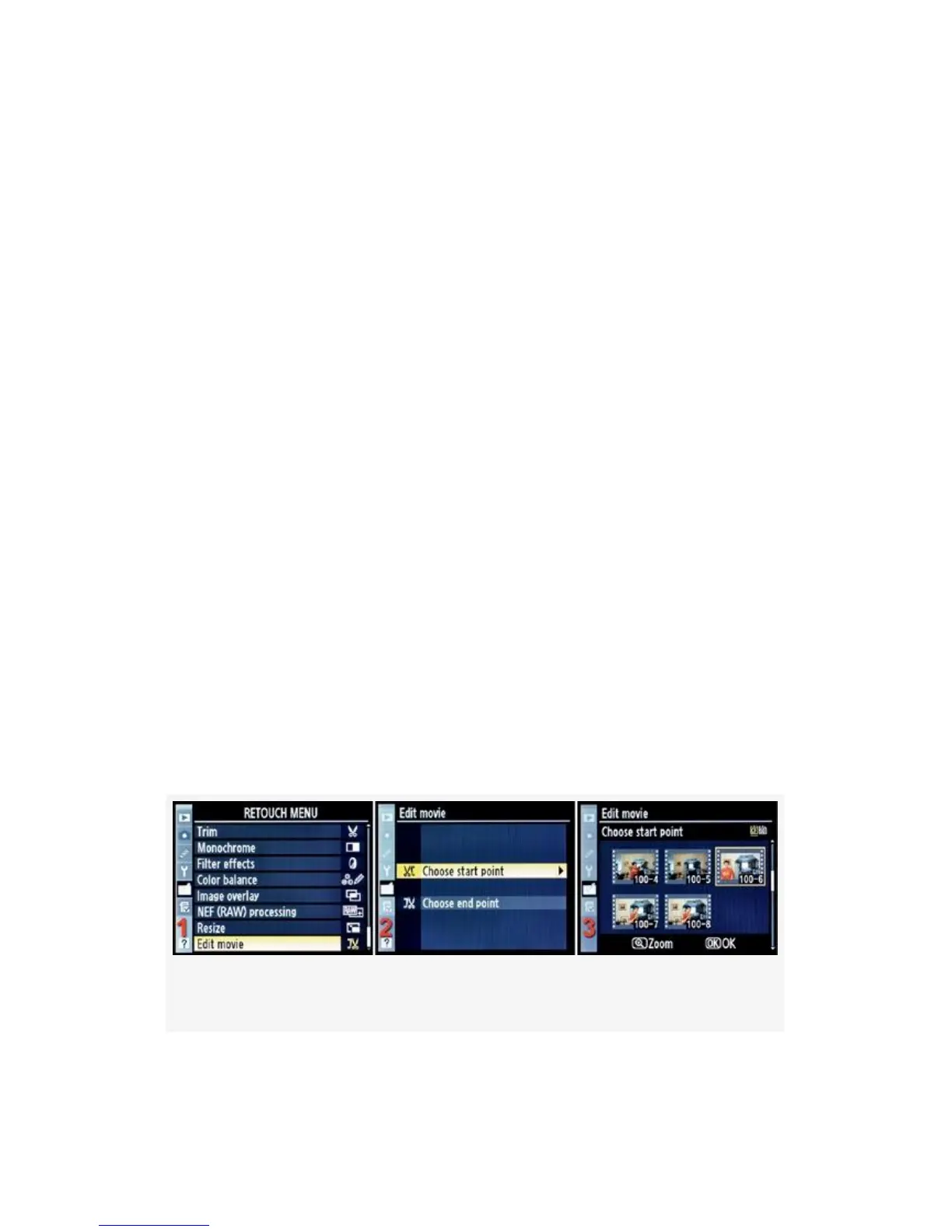
Let’s look at the screens and steps used to remove a movie
segment (see Figure 6-25):
Figure 6-25. Edit movie – Choose start point
1. Choose Edit movie from the Retouch Menu and scroll to
the right.
561



 To Next Page