very little quality difference between the two encoding
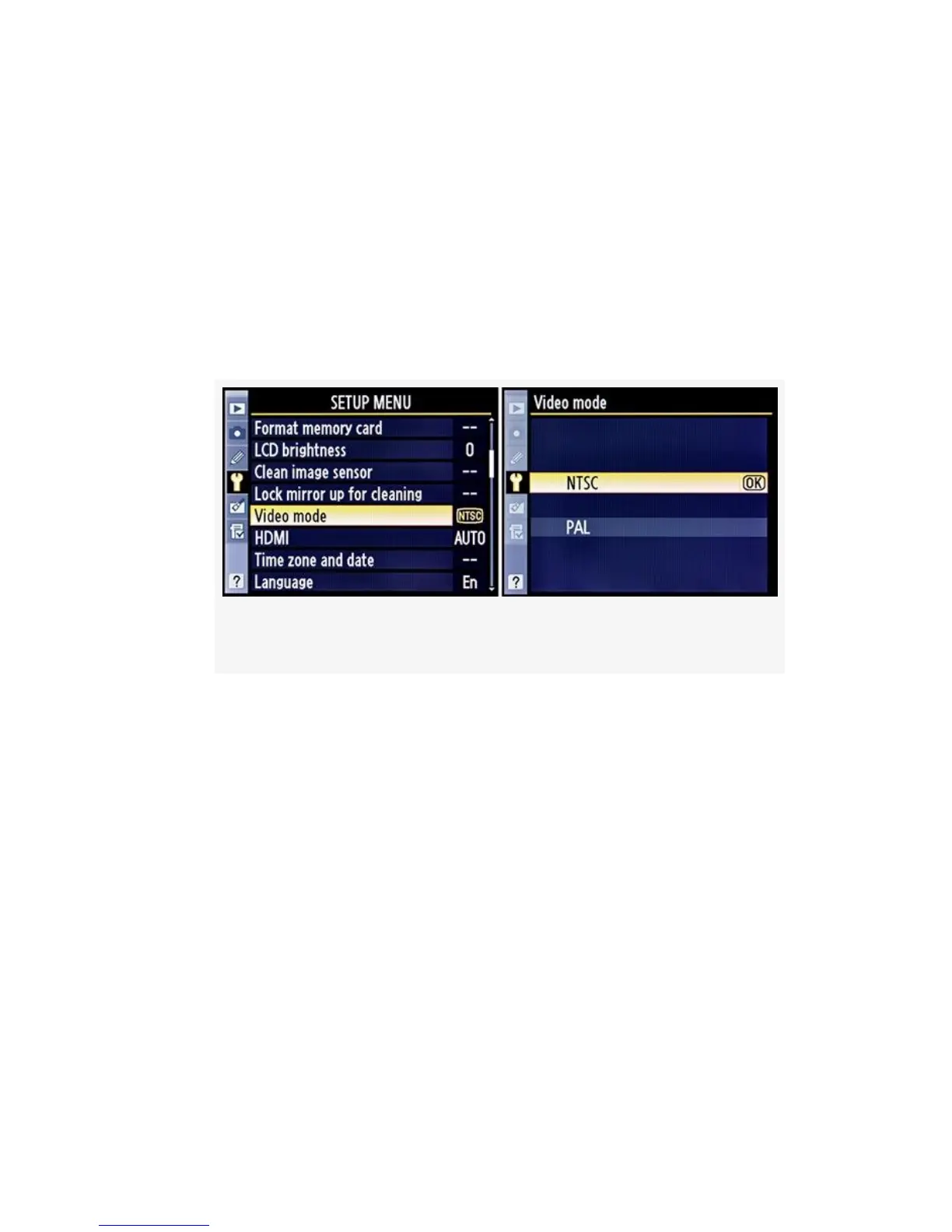
methods. Here are the Setup Menu screens and steps used to
select the encoding mode (see Figure 8-7):
1. Select Video mode from the Setup Menu and scroll to
the right.
2. Select NTSC or PAL encoding mode, per your hardware
standard.
Figure 8-7. Video encoding mode
3. Press the OK button to set the mode and return to the
Setup Menu.
You’ll need to refer to the manual of your display device to
determine which video encoding type it uses.
My Recommendation: If you live in the United States,
you’ll usually use NTSC. If you live in Europe, you probably
use PAL. Check your display device’s user’s manual.
Selecting a D-Movie Video Quality
There are three basic D-Movie Quality settings available in
the D300S. The first—1280×720—is for when you want to
605



 To Next Page