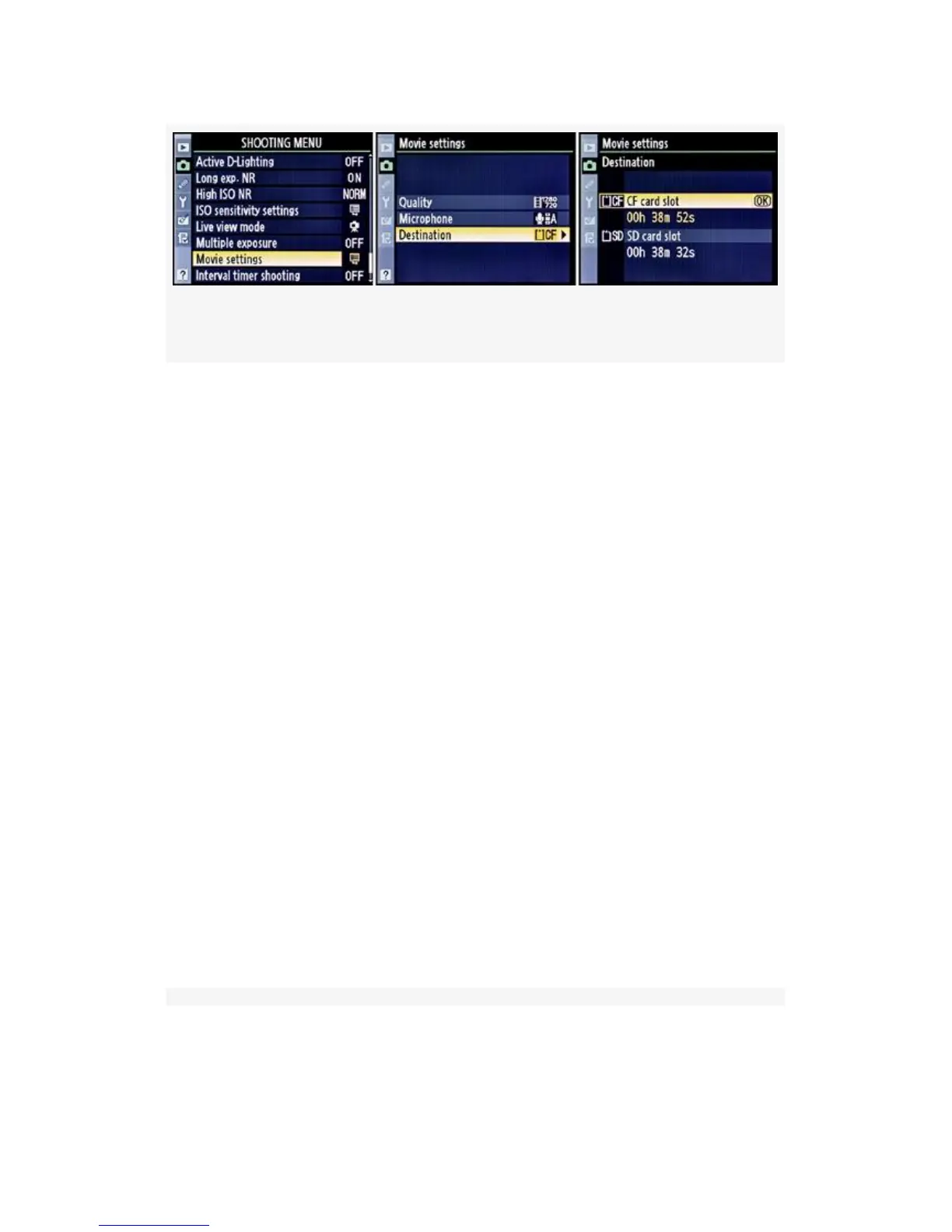
Figure 8-12. D-Movie Destination card slot
1. Select Movie settings from the Shooting Menu and scroll
to the right.
2. Select Destination and scroll to the right.
3. Select one of the two memory card slots, paying
attention to how much recording time is available at the
camera’s current video frame size. I have two 8 GB
memory cards in my D300S, so the time is
approximately the same (see Figure 8-12, image 3). Both
of my cards offer a little over 38 minutes of recording
time at the 1280×720 (3:2) frame size selected under
Movie settings > Quality.
4. Press the OK button to lock in the slot selection.
Recording a Video with Your D300S
Now let’s look at the process of recording a video. It’s rather
simple! There are five steps, as shown in the screens and list
below (see Figure 8-13):
612



 To Next Page