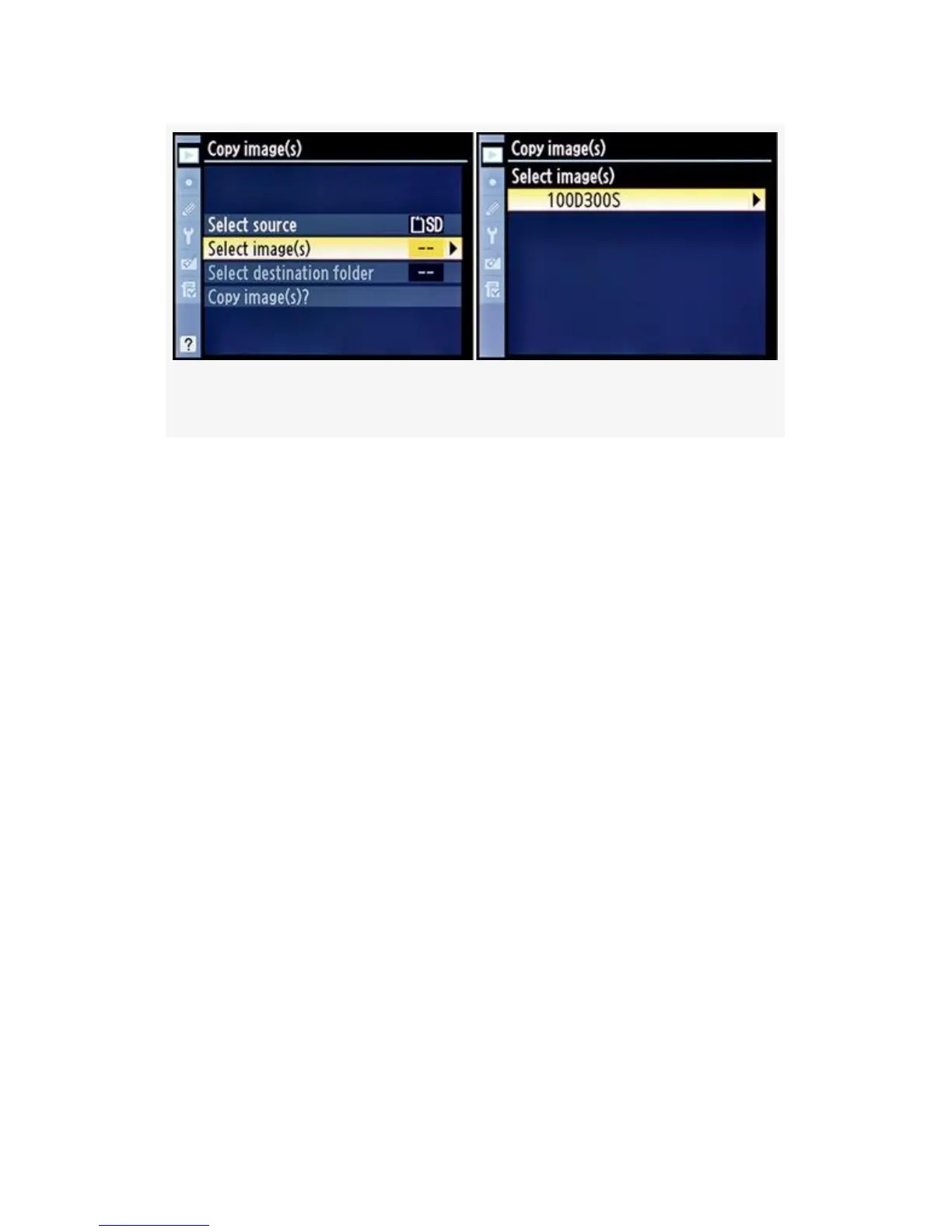
Figure 2-16. Copy image(s) – Selecting a source folder
Let’s examine the steps for choosing images to copy, starting
with choosing a folder (see Figure 2-16):
1. Select Copy image(s) from the Playback Menu.
2. Choose Select image(s) from the Copy image(s) screen
(see Figure 2-16, image 1).
3. Choose the folder that contains the images you want to
copy (see Figure 2-16, image 2). My D300S happens to
be using the default folder, 100D300S. If you are using a
D300, it may be 100ND300 instead. Or you might have
more folders with different names.
4. Now you have three choices to select from, and each has
a slightly different way of doing things. In this step (#4),
you should select only one of the three choices listed for
each copy operation. Your choices are Deselect all,
Select all images, or Select protected images. The
description for each selection is listed between steps 4
and 5. Choose one, and examine the corresponding FIG
for visual instructions:
63



 To Next Page