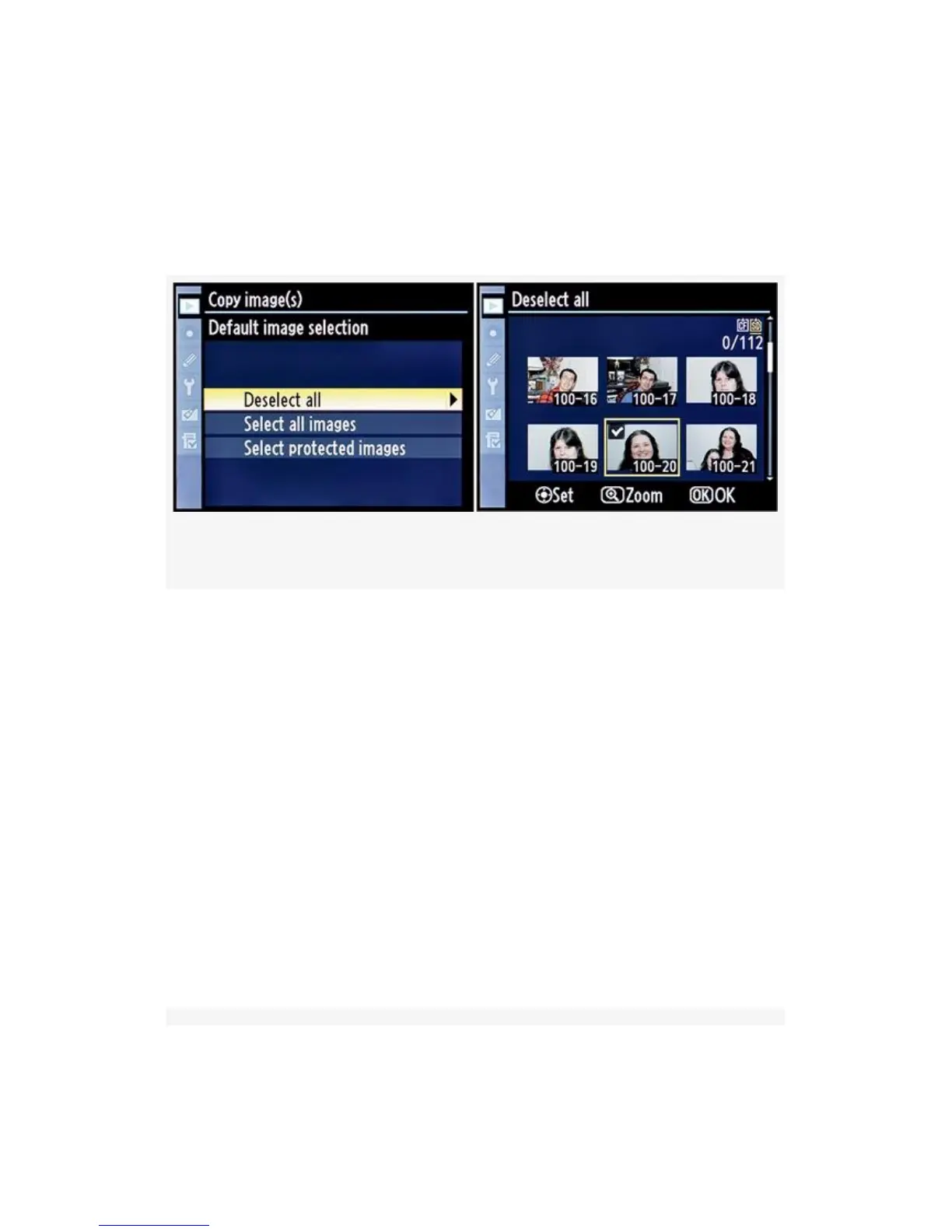
Deselect all (see Figure 2-17) – Choose Deselect all from
the Default image selection menu and then scroll to the right.
Deselect all opens a list of images, none of which have been
selected.
Figure 2-17. Deselect all function
You’ll need to scroll around and select images one at a time.
Mark an image for copying by pressing the Multi selector
center button on the D300S or the center of the Multi Selector
on the D300.
When you select an image, you’ll see a small white check
mark surrounded by a black box appear in the top-right corner
of the image thumbnail. Figure 2-17, image 2 shows only one
picture selected, number 100-20—the only one with a check
mark. Now, move on to step 5.
Select all images (see Figure 2-18) –
Choose Select all images from the Default image selection
menu, and then scroll to the right.
64



 To Next Page