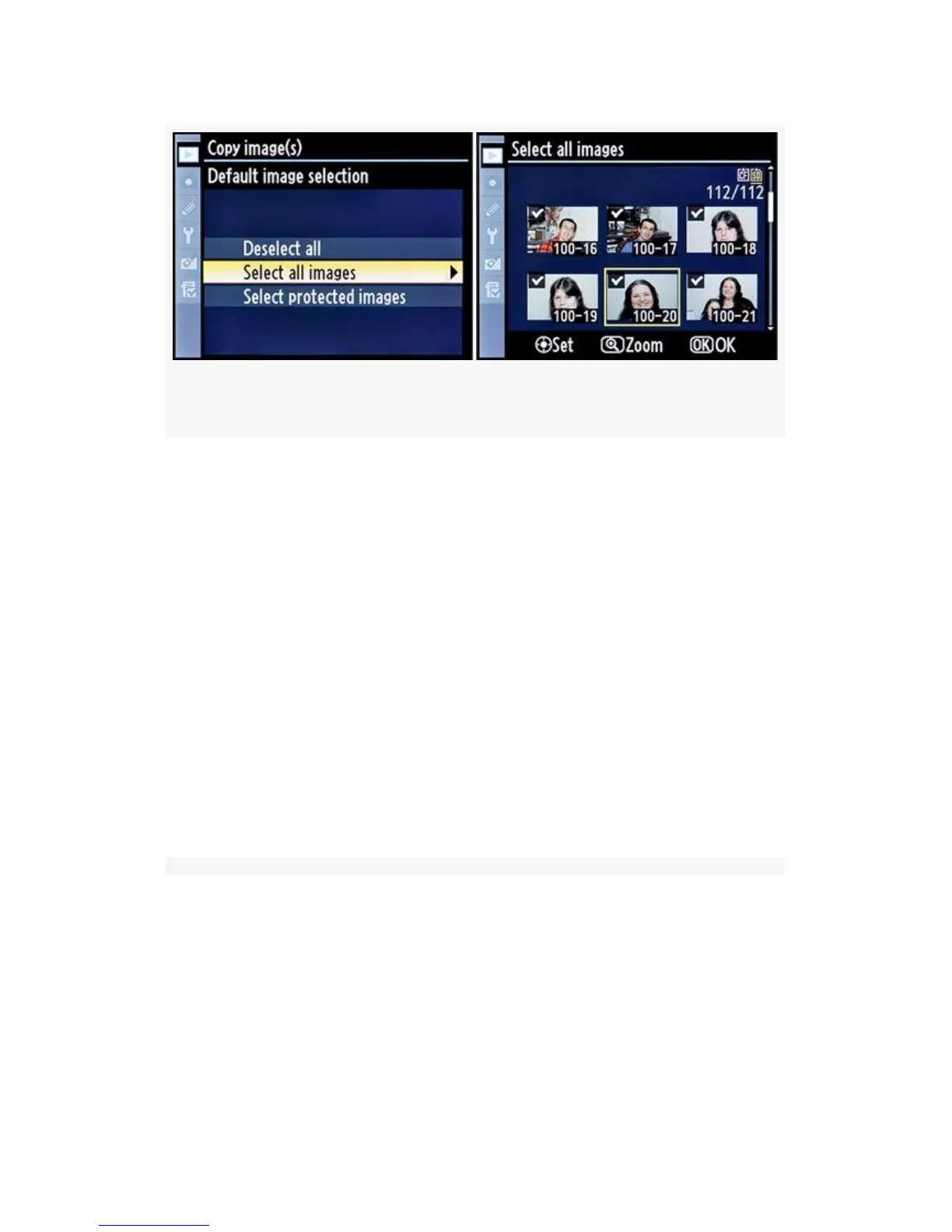
Figure 2-18. Select all images function
The Select all images screen will now show, with all images
selected.
If you want to copy all the images, move on to step 5. If you
want to deselect a few of them before copying, scroll to an
image and press the Multi selector center button on the
D300S or the center of the Multi Selector on the D300. This
action will remove the check mark from the image thumbnail.
Once you’ve unchecked the images you don’t want to copy,
move on to step 5.
Select protected images (see Figure 2-19) – Choose Select
protected images from the Default image selection menu, and
then scroll to the right.
65



 To Next Page