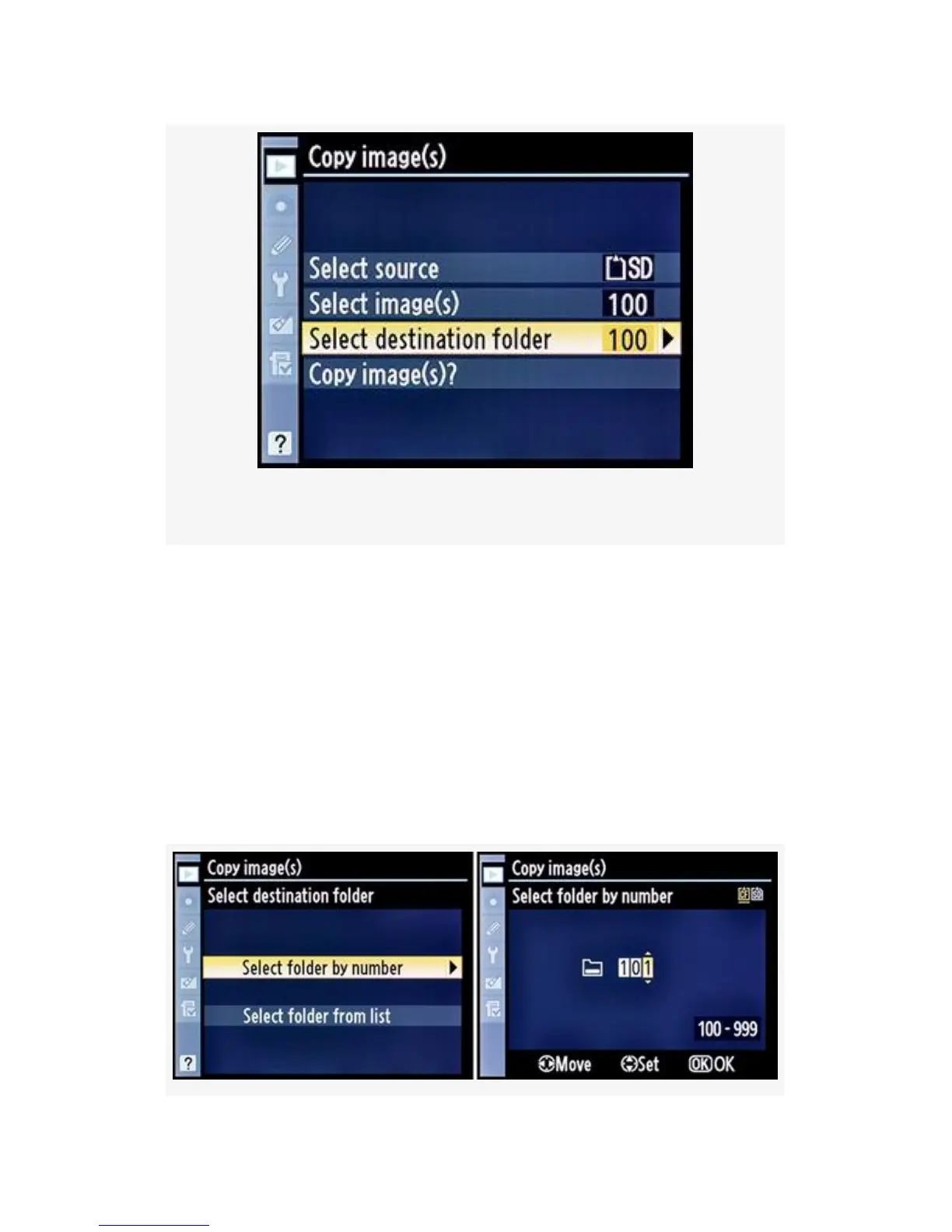
Figure 2-20. Select destination
Select folder by number (see Figure 2-21) –
Choose Select folder by number from the Select destination
folder menu and scroll to the right. The next screen will show
a folder number that can be changed to any number between
100 and 999. If you select a number for a folder that exists on
the destination card, the images will be copied into that
folder. If a folder by that number does not exist, it will be
created, and the source images will be copied into the new
destination folder. Now move on to step 7.
67



 To Next Page