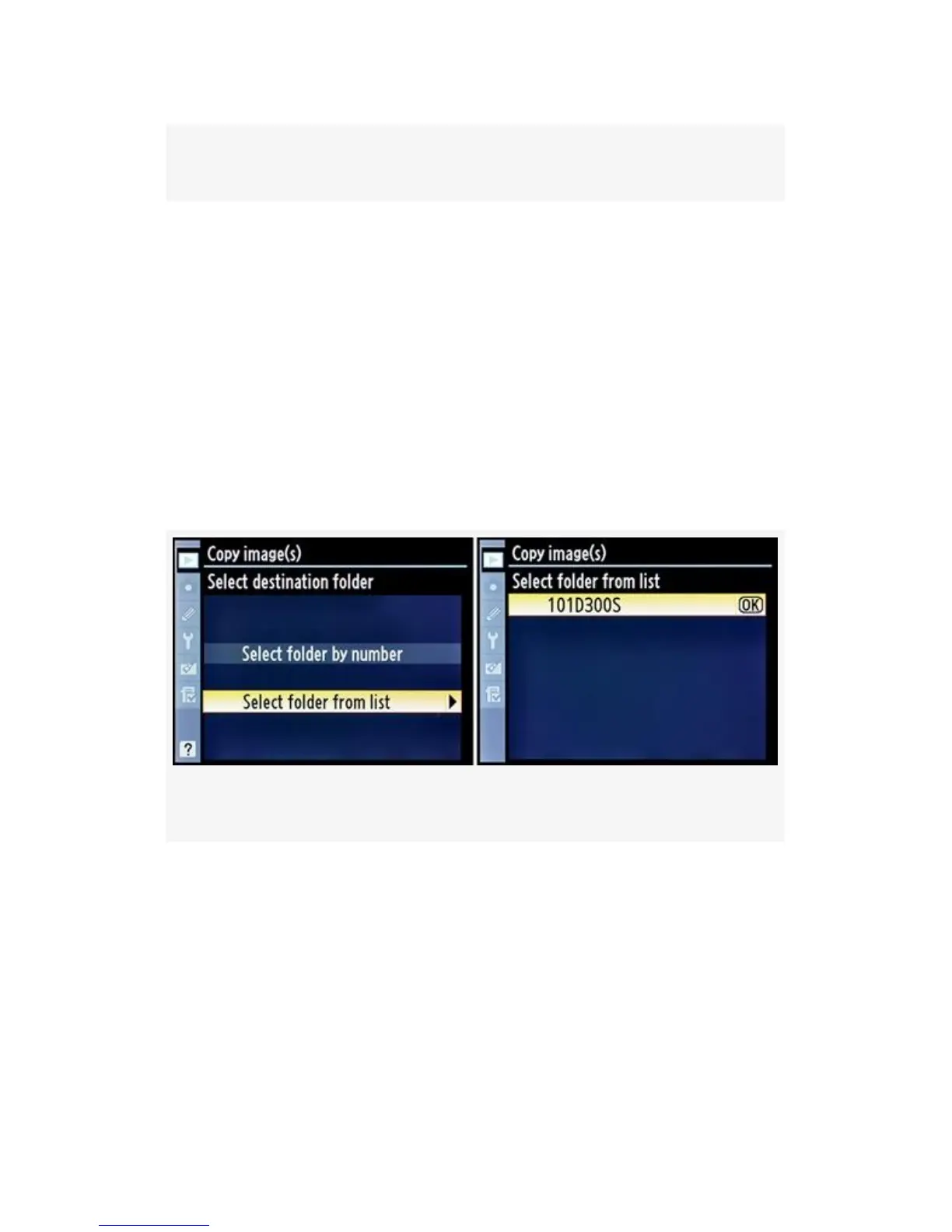
Figure 2-21. Select folder by number
Select folder from list (see Figure 2-22) – If there are no
existing folders on the destination memory card, this selection
will be grayed out. Obviously, you can’t copy images to a
folder that doesn’t exist. If this selection is grayed out, use
Select folder by number to create a new folder. If it’s not
grayed out, choose Select folder from list and scroll to the
right. The next screen will show you a list of folders. My list
in Figure 2-22, image 2 has only one folder in it, 101D300S.
Once you’ve selected the destination folder, move on to step
7.
Figure 2-22. Select folder from list
1. Now it’s finally time to copy some images. We’ve
selected a source card and folder, some images, and a
destination folder. Notice that you don’t have to select a
destination memory card. Since we’ve already selected a
source card, the other card automatically becomes the
destination. The D300S does not support copying images
to the same memory card, only between the two cards.
68



 To Next Page