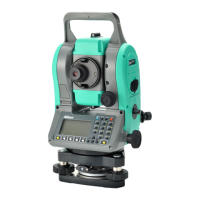
Total Station NPL-322 Instruction Manual 139
Menu Key 5
Time
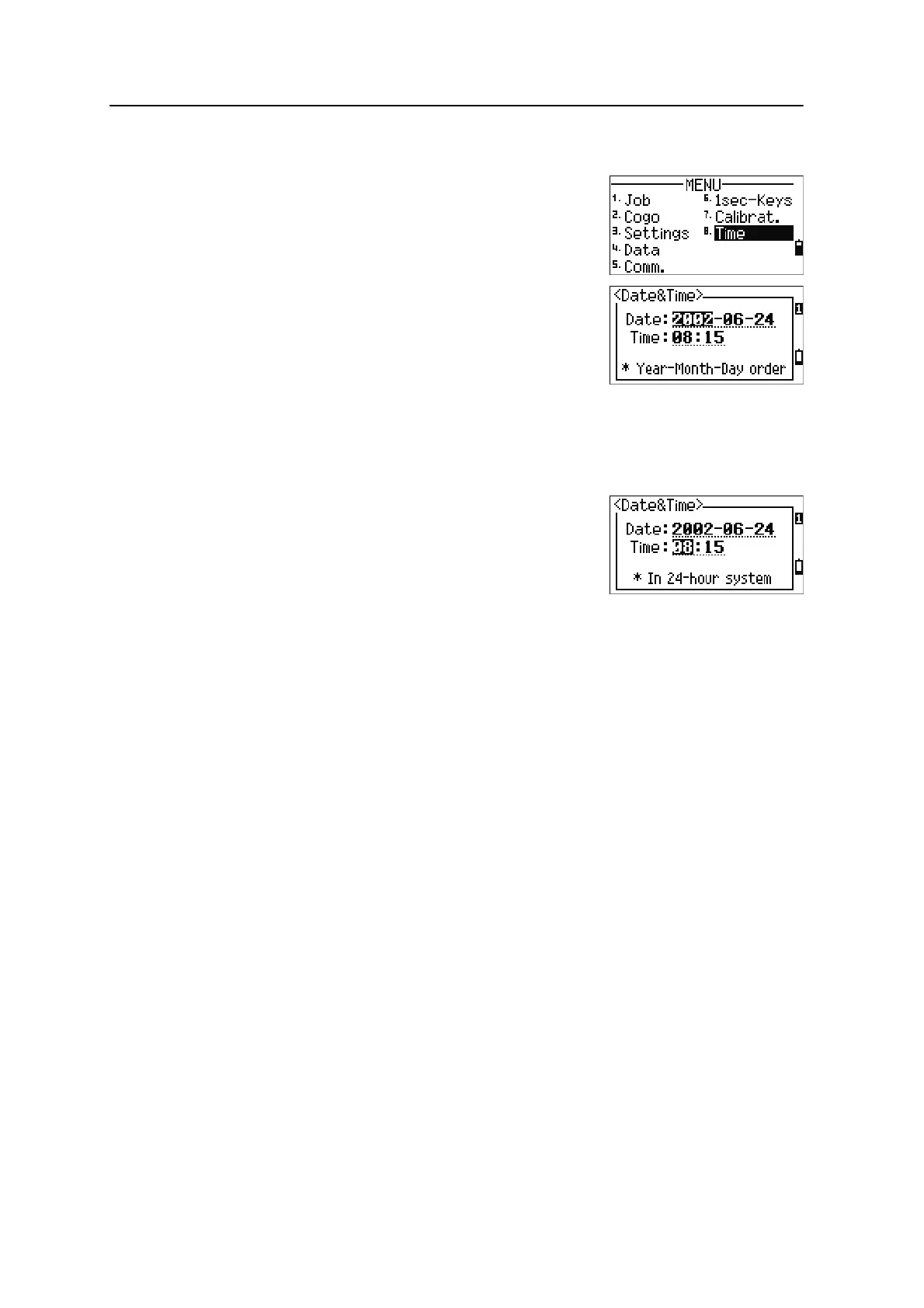
Use the Date & Time screen to set the current date and
time.
1. To open the Date & Time screen, press
[8] or
select
Time on the MENU screen.
The current date and time settings are displayed.
2. Enter the date in Year-Month-Day format. For
example, to change the date to June 18, 2002,
press
[2] [0] [0] [2] [ENT] [6] [ENT] [1] [8] [ENT].
If the highlighted part of the field (for example, the year) is already correct, you
can just press
[ENT] to use the current value. For example, if the date is already
set to June 24, 2002, and you want to change the date to June 18, 2002, press
[ENT] [ENT] [1] [8] [ENT].
3. To move to the Time field, press
[ENT] in the Date
field.
4. Enter the time in 24-hour format. For example,
to set the time to 4:35 PM, press
[1] [6] [ENT] [3] [5] [ENT].
5. Do one of the following:
– To finish setting the date and time, press [ENT] in the Minutes field.
– To cancel the input, press [ESC].


 To Next Page