3 Getting Started
32 Total Station NPL-322 Instruction Manual
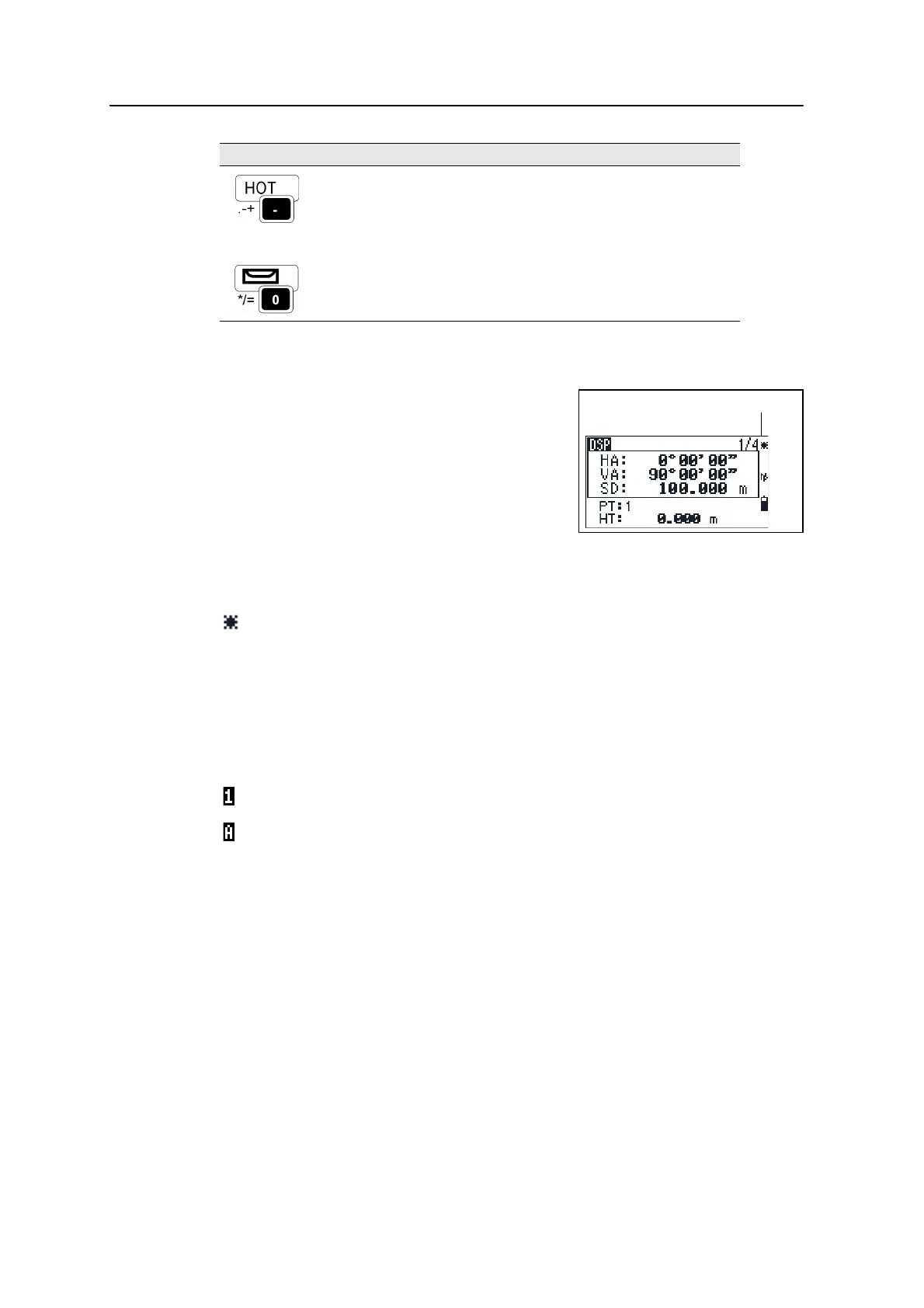
Status bar
The status bar appears on the right side of every
screen. It contains icons that indicate the status of
various system functions.
Laser pointer indicator
The icon appears while turning on the laser pointer. When the icon is displayed on the
screen, the emitting power is laser class 2.
Input mode indicator
The Input mode indicator only appears when you are entering points or coordinates. It
shows the data input mode:
Displays the (HOT) menu, which includes Height of Target,
Temp-Press, Target, Note recording, and Default PT
settings.
In numeric mode, enters – (minus). In alphanumeric mode,
enters . (period), – (minus), or + (plus).
page 38
Displays the Bubble indicator.
In numeric mode, enters 0. In alphanumeric mode, enters *,
/, =, or 0.
page 40
Laser pointer ON.
None Laser pointer OFF.
Input mode is numeric. Press a key on the number pad to enter the number printed on
the key.
Input mode is alphabetic. Press a key on the number pad to enter the first letter printed
beside the key. Press the key repeatedly to cycle through all the letters assigned to that
key.
For example, to enter the letter O in alphabetic mode, press
[5] three times.
Key Function Details



 To Next Page