3 Getting Started
26 Total Station NPL-322 Instruction Manual
Turning the Instrument On and Off
Turning on the instrument
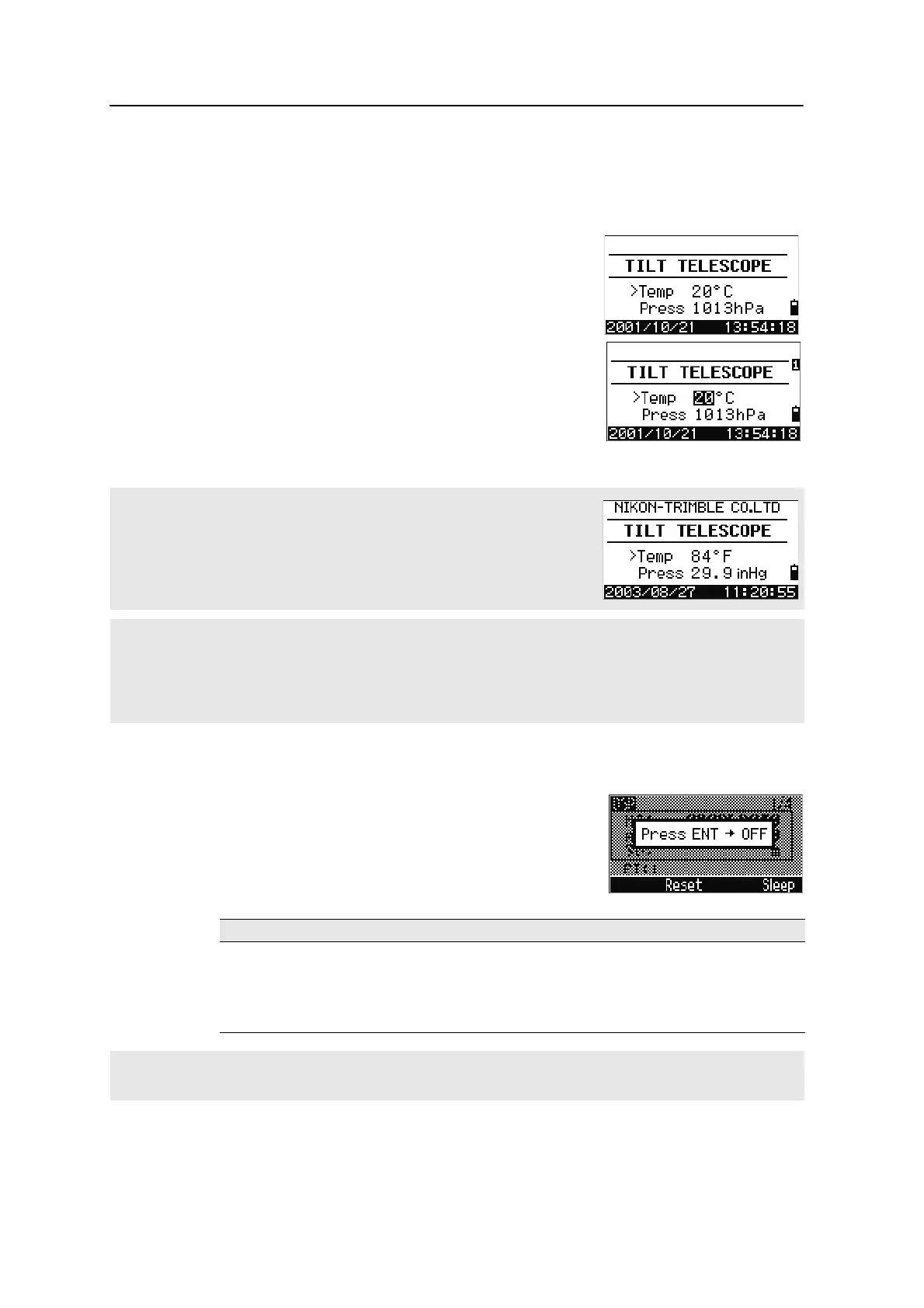
1. To turn on the instrument, press [PWR]. The start-
up screen appears. It shows the current
temperature, pressure, date, and time.
2. To change the temperature or pressure value,
use
[^] or [v] to move the cursor to the field that
you want to change. Then press
[ENT].
3. Tilt the telescope until it passes the horizontal
position on Face-1.
Turning off the instrument
To turn the instrument off, press [PWR] and [ENT].
Then do one of the following:
If you have entered your name or your company’s name in the Owner’s detail
field, the text from this field appears on the start-up screen. To set the Owner’s
detail field, go to MENU > Settings > Other. For more information,
see page 118.
Once you start to use an initialized HA, you must rotate the alidade to initialize the HA every time you turn on the
instrument. If you do this, you can maintain a fixed HA orientation even if the instrument has moved while it is
turned off.
If you tilt the telescope before you rotate the alidade, the horizontal angle is not initialized, and the instrument
uses the previous HA reading.
Press ... To ...
[ENT] again turn off the instrument
the
Reset softkey reboot the program and re-start the instrument
the
Sleep softkey put the instrument into power-saving mode
[ESC]
cancel the power-off process and return to the previous screen
If you press the Reset softkey, the software is rebooted and the Basic Measurement Screen (BMS) appears
without an open job.



 To Next Page