3 Getting Started
34 Total Station NPL-322 Instruction Manual
Alternatively, to highlight the switch that you want to set, press [^] or [v]. Then press
[ENT] to cycle through the settings for that switch.
Switch 1 (Backlight)
Switch 2 (Laser pointer)
Switch 3 (Sound)
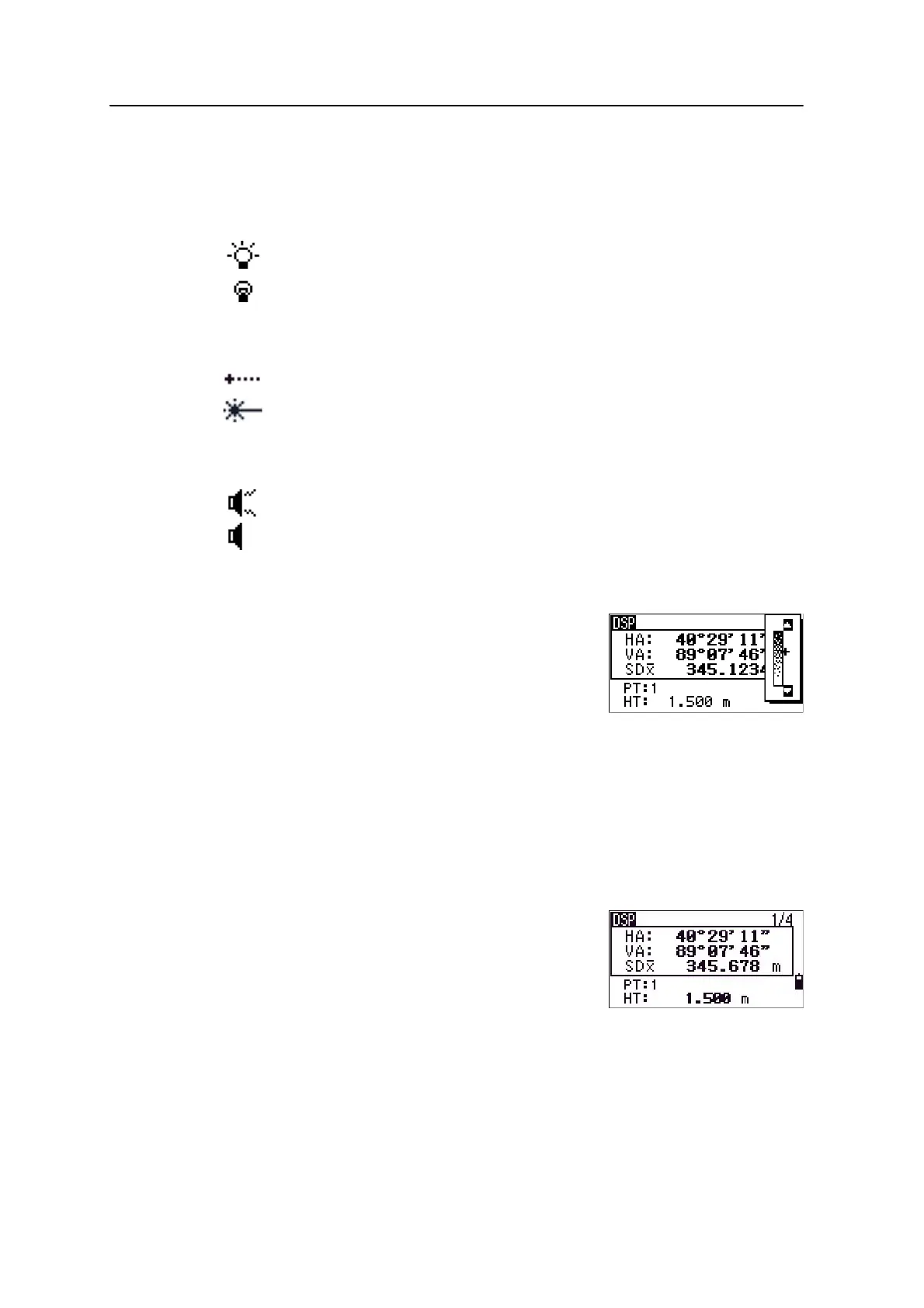
Contrast adjustment window
When the 3-switch window is open, press
[<] or [>] to
display the contrast adjustment window. Then press
[^]
or
[v] to change the contrast level. The arrow indicates
the current contrast level. To return to the 3-switch
window, press
[<] or [>].
When you have finished changing display light and
sound settings, press
[ESC] to close the 3-switch or contrast adjustment window.
[DSP] key
Use the key to change the current display screen or to change display settings.
Switching between display screens
When several display screens are available, the
DSP
indicator appears at the top left of the screen, and the
screen indicator (for example,
1/4) appears at the top
right.
LCD backlight is on.
LCD backlight is off.
Laser pointer is off.
Laser pointer is on.
Sound is on.
Sound is off.



 To Next Page