Total Station NPL-322 Instruction Manual 35
Getting Started 3
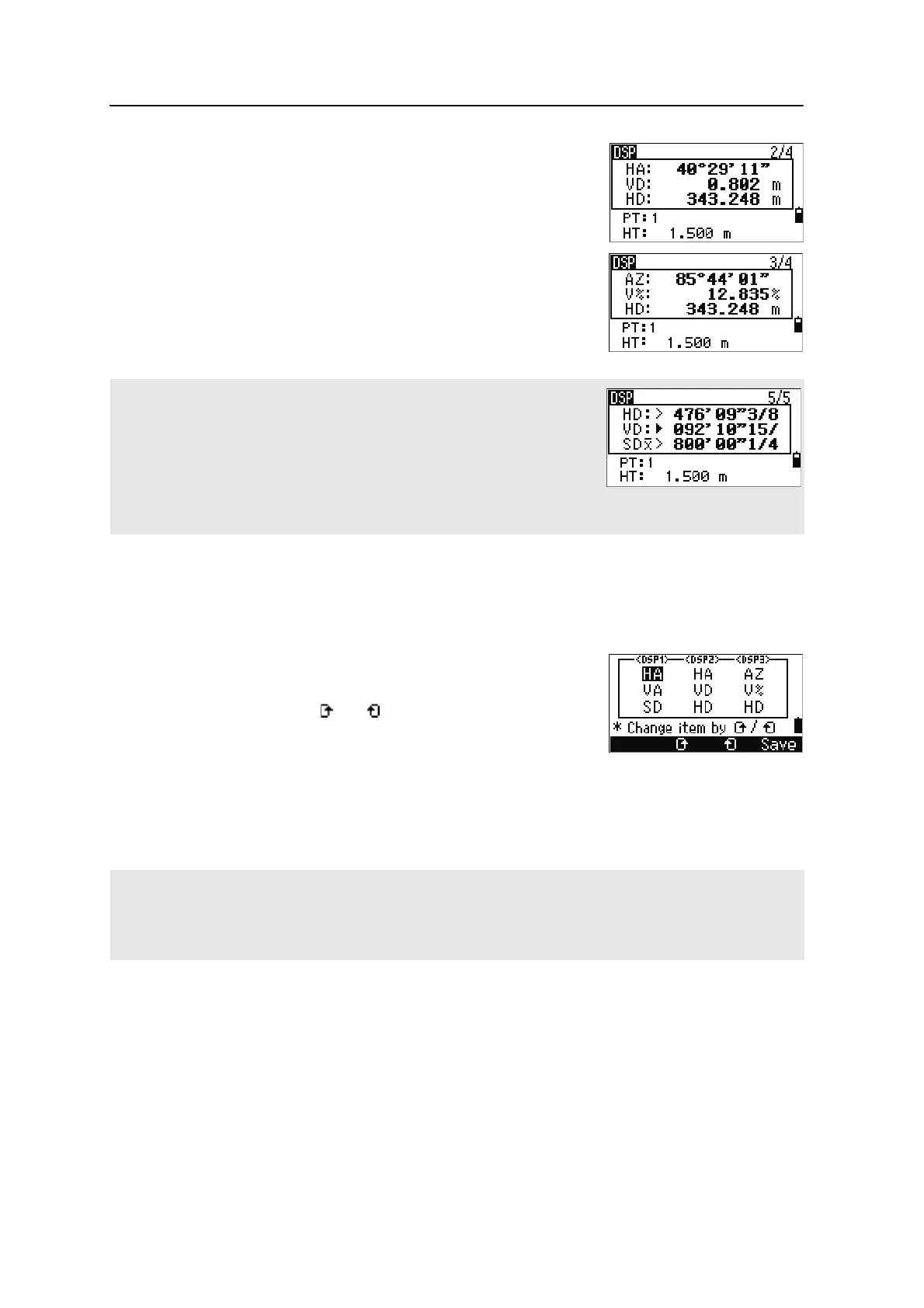
To move to the next available screen, press [DSP].
For example, if the DSP2 screen is currently displayed,
press
[DSP] to move to the DSP3 screen. The screen
indicator changes from
2/4 to 3/4.
Customizing items in the Basic Measurement Screen (BMS)
To customize the items that are displayed on the DSP1, DSP2, and DSP3 screens:
1. Hold down
[DSP] for one second.
2. Use the arrow keys
[^], [v], [<], and [>] to highlight
the item that you want to change.
3. Use the and softkeys to scroll through the
list of items that can be displayed for this item.
The items that you can choose from are HA, AZ,
HL, VA, V%, SD, VD, HD, Z, and (none).
4. To save your changes, press the
Save softkey. Alternatively, highlight the last
item for DSP3 and press
[ENT]. The DSP screens show the items you have
selected.
When the secondary distance unit is set, an additional screen is available. It
shows the HD, VD, and SD values. For information on setting the secondary
distance unit, see page 118.
The smallest unit of display for distances measured in feet-and-inches is 1/16
in. Smaller units are impractical in the field. When the actual value is greater
than 99999'11''15/16, the “>” symbol is shown. If the actual distance is less
than -9999'11''15/16, the “`” (solid triangle) symbol is shown. This does not
affect calculations. The precise value is used internally in all cases.
Except for the (none) item, you cannot display the same item on more than one line of the same screen.
The items displayed in the DSP1, DSP2, DSP3, and DSP4 screens are also used in the corresponding Stakeout
screens (SO2, SO3, SO4, and SO5).
You can also customize the displayed items in Stakeout.



 To Next Page