Total Station NPL-322 Instruction Manual 69
Applications 4
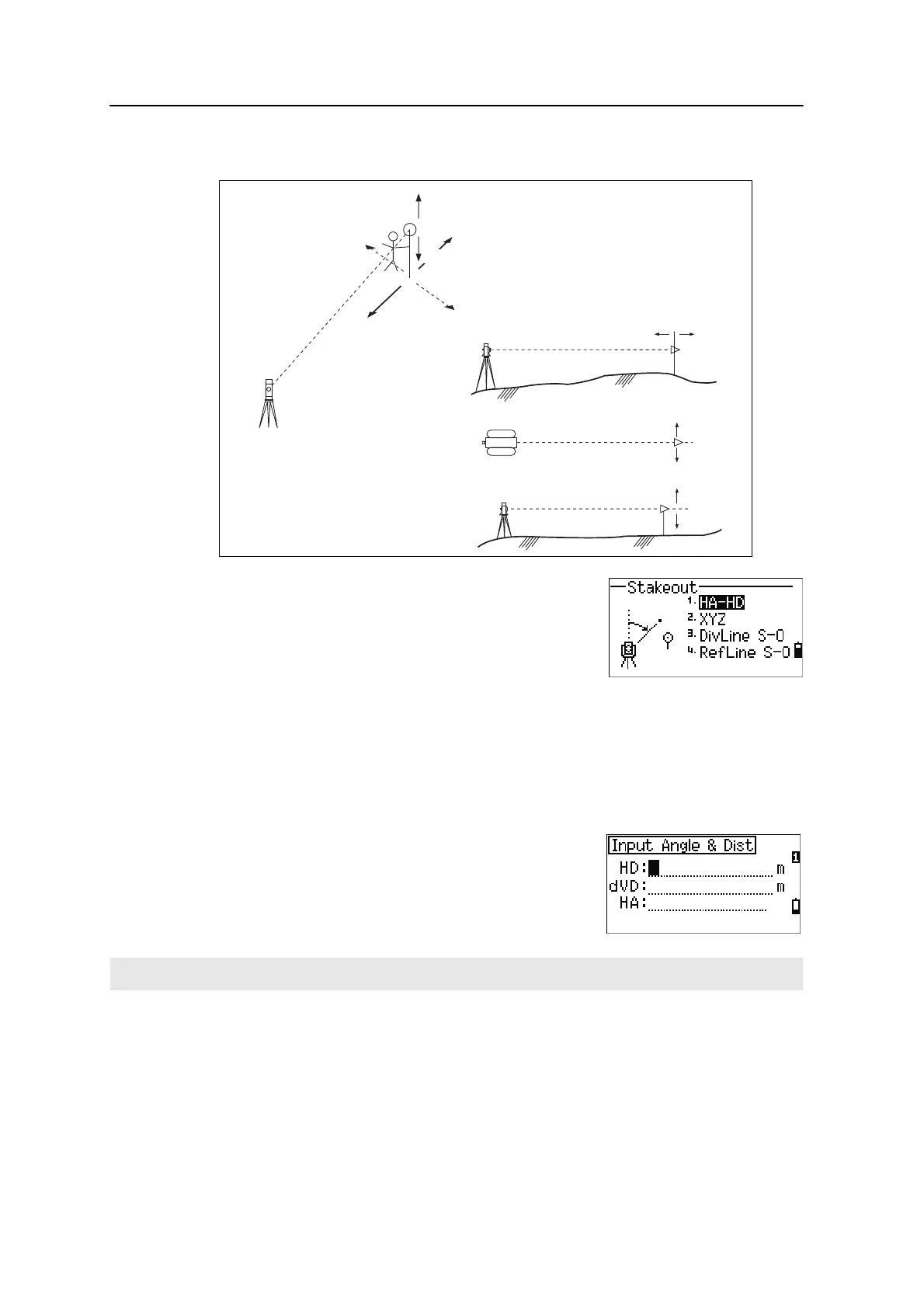
Stakeout
To display the Stakeout menu, press [S-O].
Specifying the stakeout point by angle and distance
1. To display the input screen for the distance and angle to the target, press [1] or
select
HA-HD in the Stakeout menu.
2. Enter the values and press
[ENT].
HD Horizontal distance from station point to stakeout
point
dVD Vertical distance from station point to stakeout point
HA Horizontal angle to stakeout point
If you press [ENT] without entering HA, the current HA is used.
R
IN
L
OUT
CUT
FiLL
IN OUT
Height
of target
R
L
FILL
CUT



 To Next Page