Total Station NPL-322 Instruction Manual 27
Getting Started 3
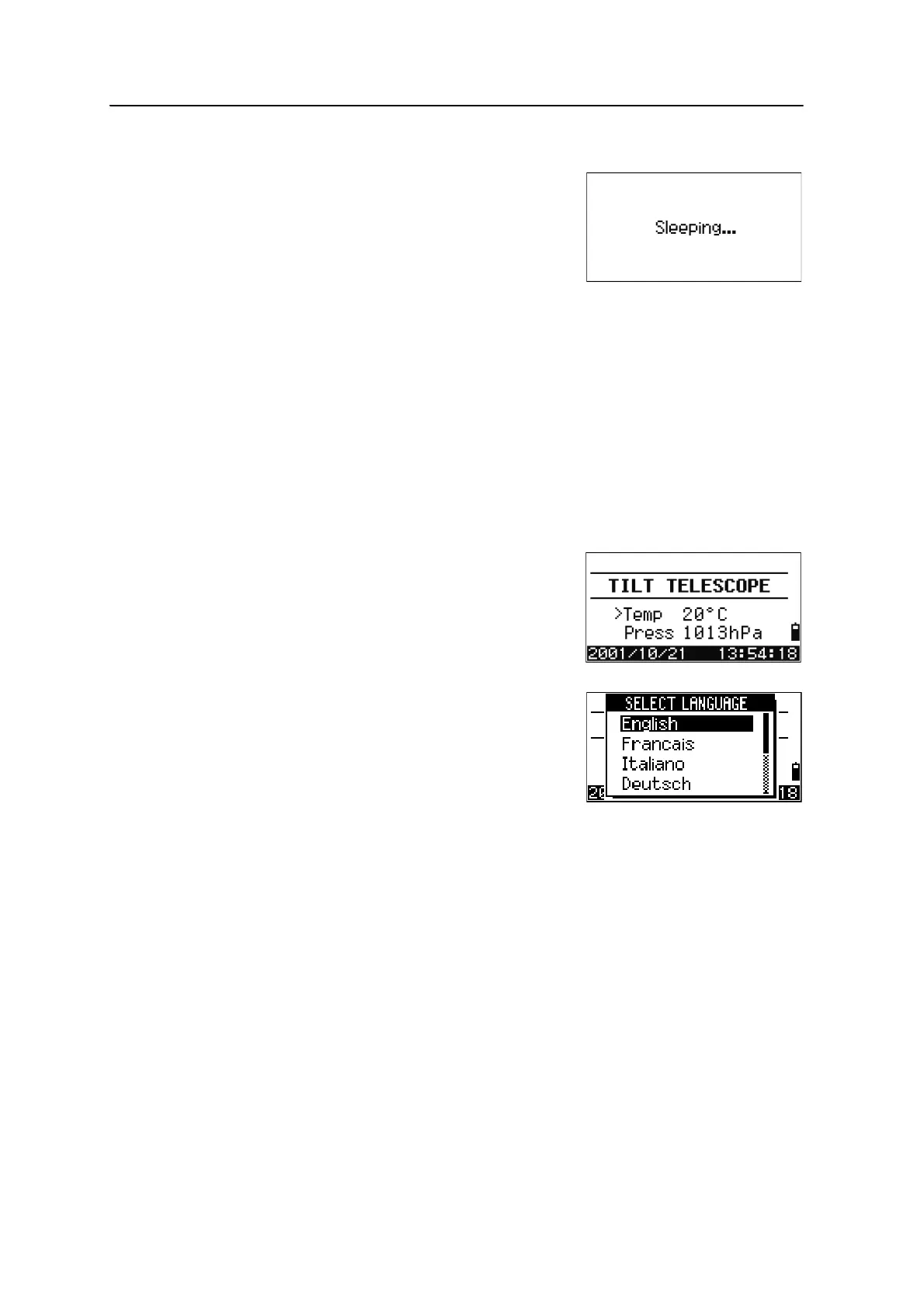
Sleep mode
If you press the
Sleep softkey in the Press [ENT] →
OFF screen, or enable the Power Save setting (see
Power saving, page 116), the instrument goes into
sleep mode.
When the instrument is in sleep mode, it wakes up
if any of the following occurs:
• You press a key
• The instrument receives a remote control command
• You rotate the alidade
• You tilt the telescope
Selecting a Language
The Nikon total station supports the following languages; English, French, Italian,
German, Spanish, Russian, Chinese.
1. To select a different language, power on the
instrument and press
[ESC] and [3] at the Tilt
Telescope screen.
The current language selection is
highlighted.
2. Press
[^] or [v] to highlight the required
language and then press
[ENT.]
3. The instrument reboots and displays the
start-up Tilt Telescope screen in the selected
language.



 To Next Page