4 Applications
74 Total Station NPL-322 Instruction Manual
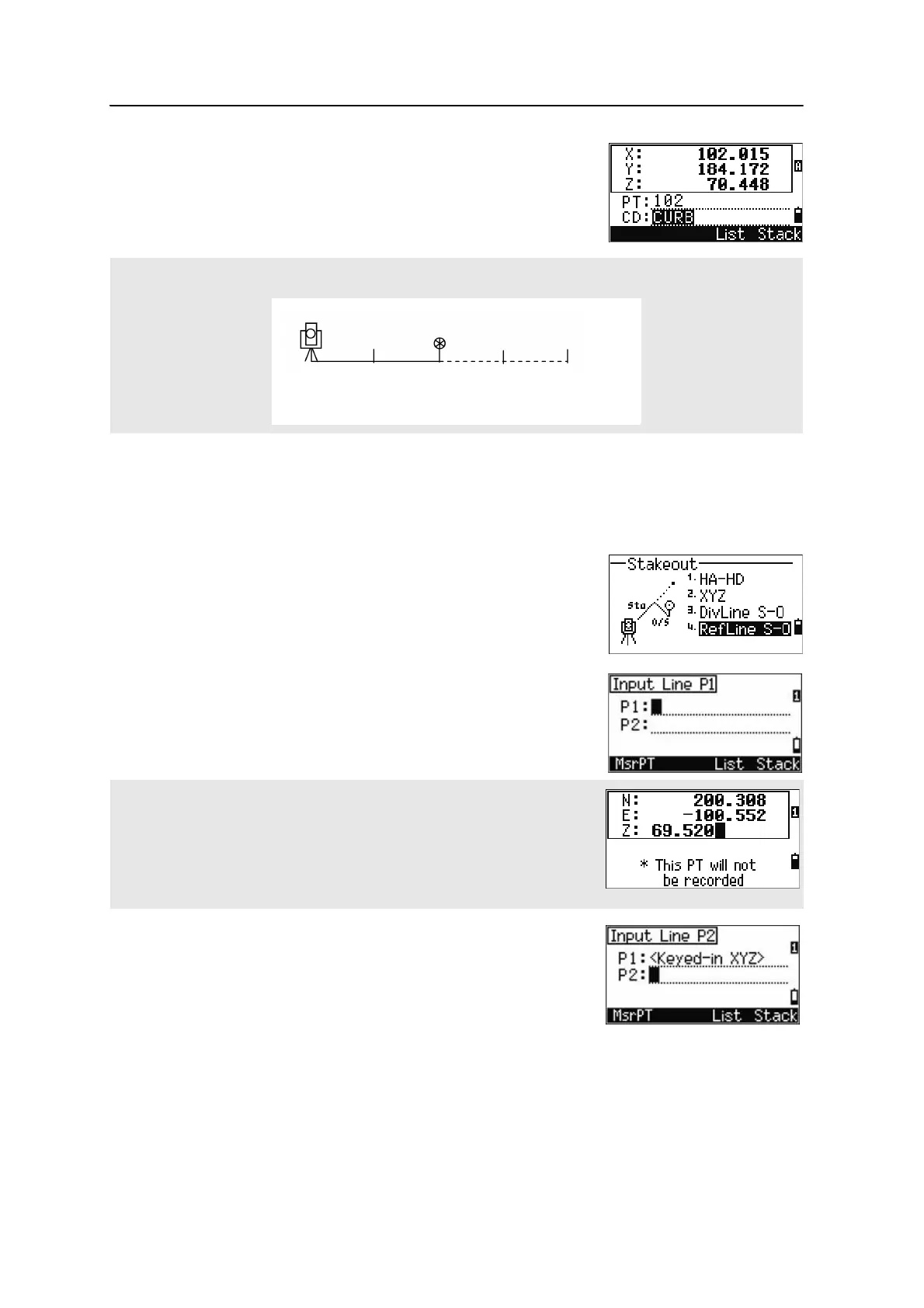
6. To record the point as an SO record, press [ENT].
RefLine S-O
This function allows you to stake out a point based on the Sta, O/S, and dZ to a
specified line.
1. Press
[4] or select
RefLine S-O in the Stakeout menu.
2. Enter the first point (P1) of the line.
3. Enter the second point (P2) of the line.
For example, if you measure to the end point at 100 m from the instrument and set the span total to 2, the
following four points are calculated and can be staked:
If you press [ENT] without entering a PT name, you can enter temporary
coordinates which are not recorded in the job.
Alternatively, press the MSR softkey to measure a point.
<1/2>
HD
<2/2> <3/2> <4/2>
50 m 100 m 150 m 200 m


 To Next Page