Total Station NPL-322 Instruction Manual 77
Applications 4
Using [DSP] to switch between display screens
Press
[DSP] to switch between the Stakeout display screens. The following screens are
available:
The REF5 screen is only available if the secondary distance unit is set. For more
information, see Others settings, page 118.
Every time you press
[DSP], the next screen appears. If you press [DSP] in the last screen
(REF4 or REF5), the REF1 screen appears.
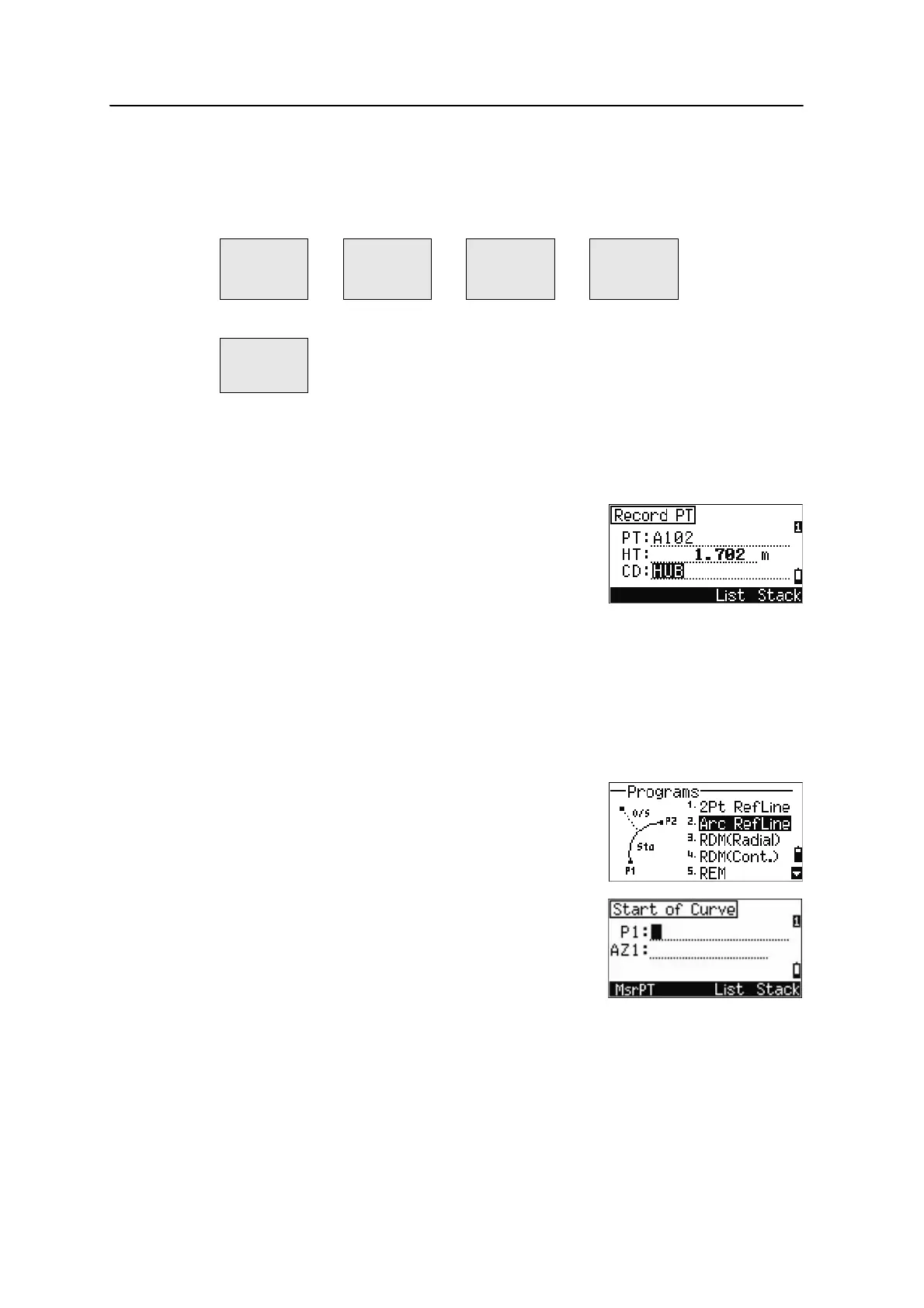
To store the point and its offset distance information,
press
[ENT].
Enter the point name and feature code.
You can also use this screen to change the HT value.
Sample records
CO, 2pt-Ref Pt:16 & Pt:13 Az:311.2932
CO, Sta= -12.6876 Offset= 1.3721 dZ= 0.0971
SS,17,1.0000,6.9202,18.4700,80.3120,15:48:48,2REF-LINE
Measuring distance and offset values on the arc-curve
1. Press [2] or select Arc RefLine in the
Programs menu.
2. Enter the start of the curve point (P1) and the
azimuth of its tangent line (AZ1).
3. To enter P1 by direct measurement, press the
MSR softkey.
REF1 REF2 REF3 REF4
Sta
O/S
dZ
X
Y
Z
HA
VA
SD
HA
VD
HD
REF5
HD
VD
SD



 To Next Page