A-44
StatStrip Glucose Hospital Meter
6. Press the Factory/Custom button to toggle to Cus-
tom.
7. The meter now displays the name of the attached
SSID,CAandUsercerticatenamesandexpiration
date.
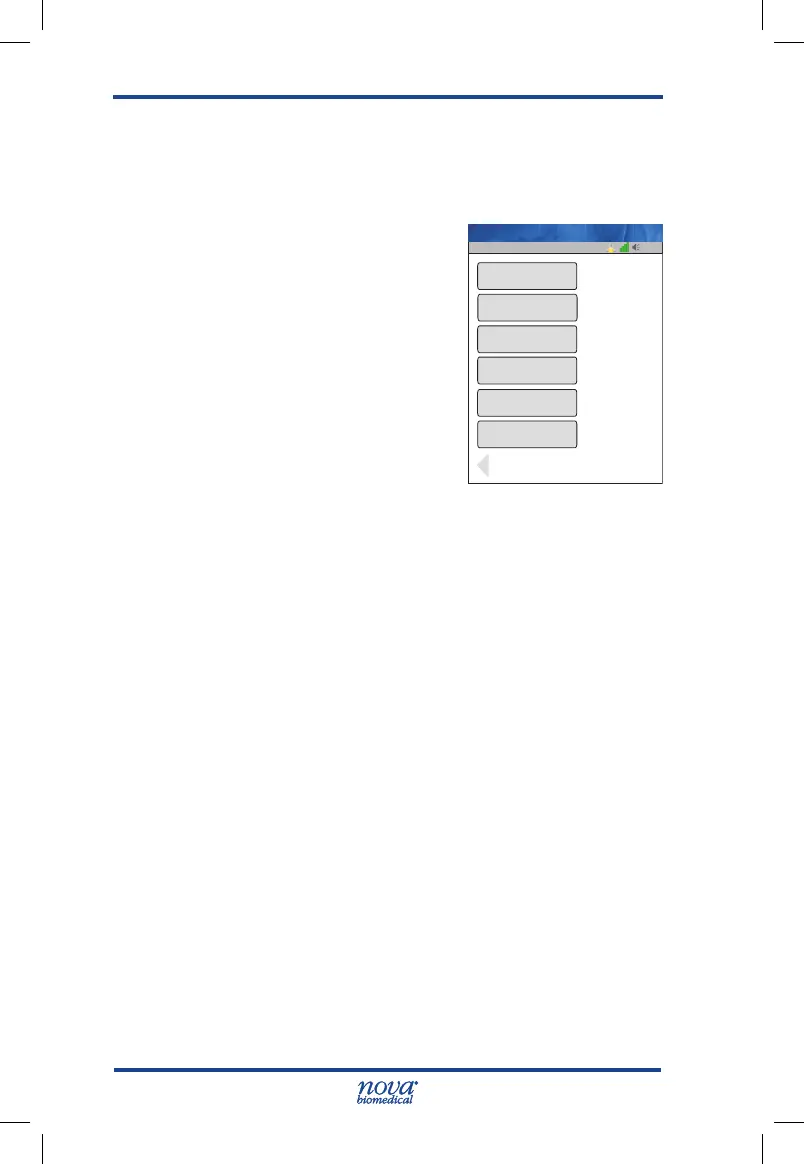
The WiFi Radio is now “ON” and
will start the WAP association. If the
WiFi Radio connection is success-
ful, the WiFi icons on the Screen
Title Bar will change to indicate
the signal strength, and network
communication with the device
manager.
NOTE: When placed in a wired docking station, the meter
will connect in the follow manner;
a. Radio ON and associated with a WAP – Meter
connects and communicates via WLAN.
b. Radio ON and NOT associated with a WAP – Meter
connects and communicates via LAN.
c. Radio OFF – Meter connects and communicates
via LAN.
NOTE: When the radio is enabled, the StatStrip Glucose
Hospital Meter with wireless option monitors the
Quality of Service (QoS) of the WLAN communication
connection. Should the last attempt to communicate
fail, the Radio is OFF or no connection to WAP” icon
will be displayed on the Screen Title Bar.
A degraded QoS will not impact the testing functionality
of the meter but may delay the communication of results
to the device manager. Users should be aware that real-
time communication of blood glucose readings cannot be
guaranteed by the StatStrip Glucose Hospital Meter with
wireless option.
13:42
Factory/Custom
OnWiFi ON/OFF
Set Svr
Op: ****
Custom
SSID
Ca Cer Installed
Cers Expire
User Cer Installed
SSID Name
hosp root.ca
7-22-2019
12-15-2016
novausercert
Name: A Unit-1
StatStrip Glu IFU 1.86 PN55848E EN 510K.indd 44 9/13/18 8:29 AM



 To Next Page