1-18
StatStrip Glucose Hospital Meter
1.10.1 Power Up Procedure
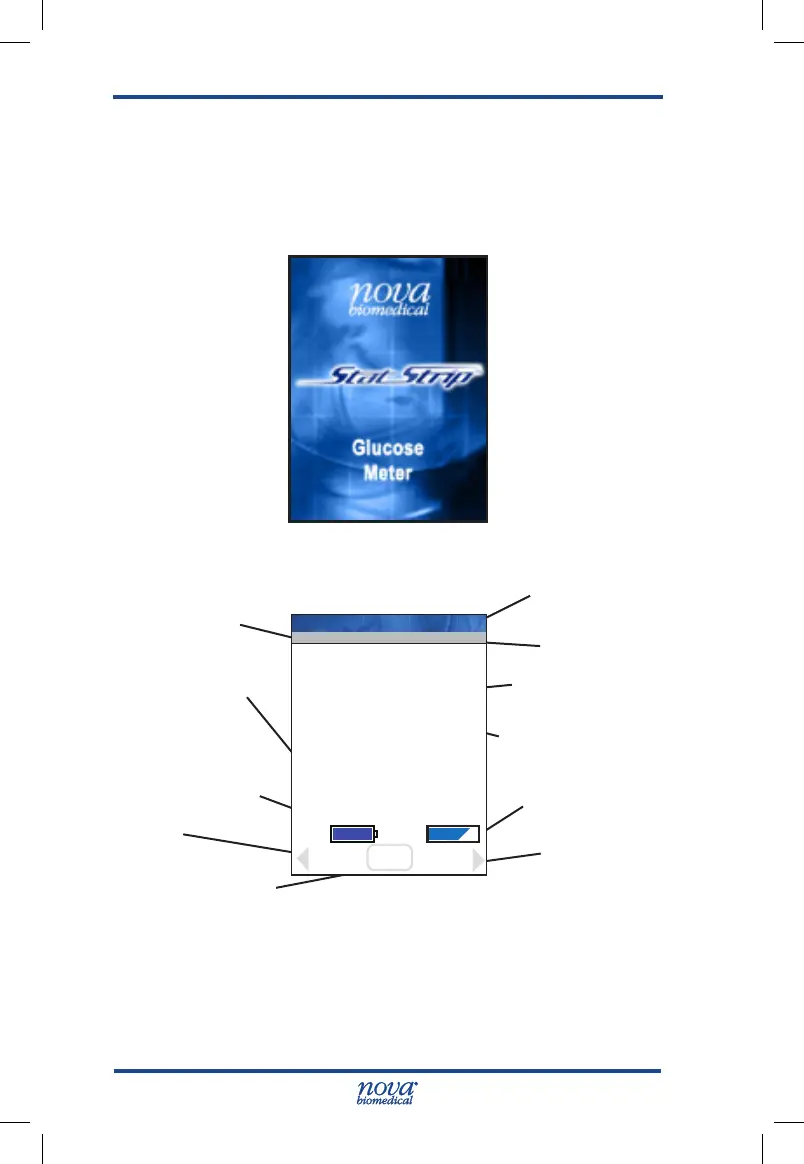
After initial power up or after battery replacement, the Boot
screen appears and is displayed while the software loads.
Once the software has loaded, the Welcome screen is
displayed.
Figure 1.4 Boot Screen
Figure 1.5 Welcome Screen
Beeper on/off
Current Facility:
Name
Current Location:
Name
OK to test or Alert
Message Here
Battery Charge
Icon
Memory Icon
Login or Continue
Meter's name
View Setup
Review
Operator ID
displays here
13:42
Name: Meter
OK
Meter
Batt: Mem:
Review
Login
Press OK to begin testing
location: Your Location
Facility: Your Facility
View
Setup
StatStrip Glu IFU 1.86 PN55848E EN 510K.indd 18 9/13/18 8:29 AM



 To Next Page