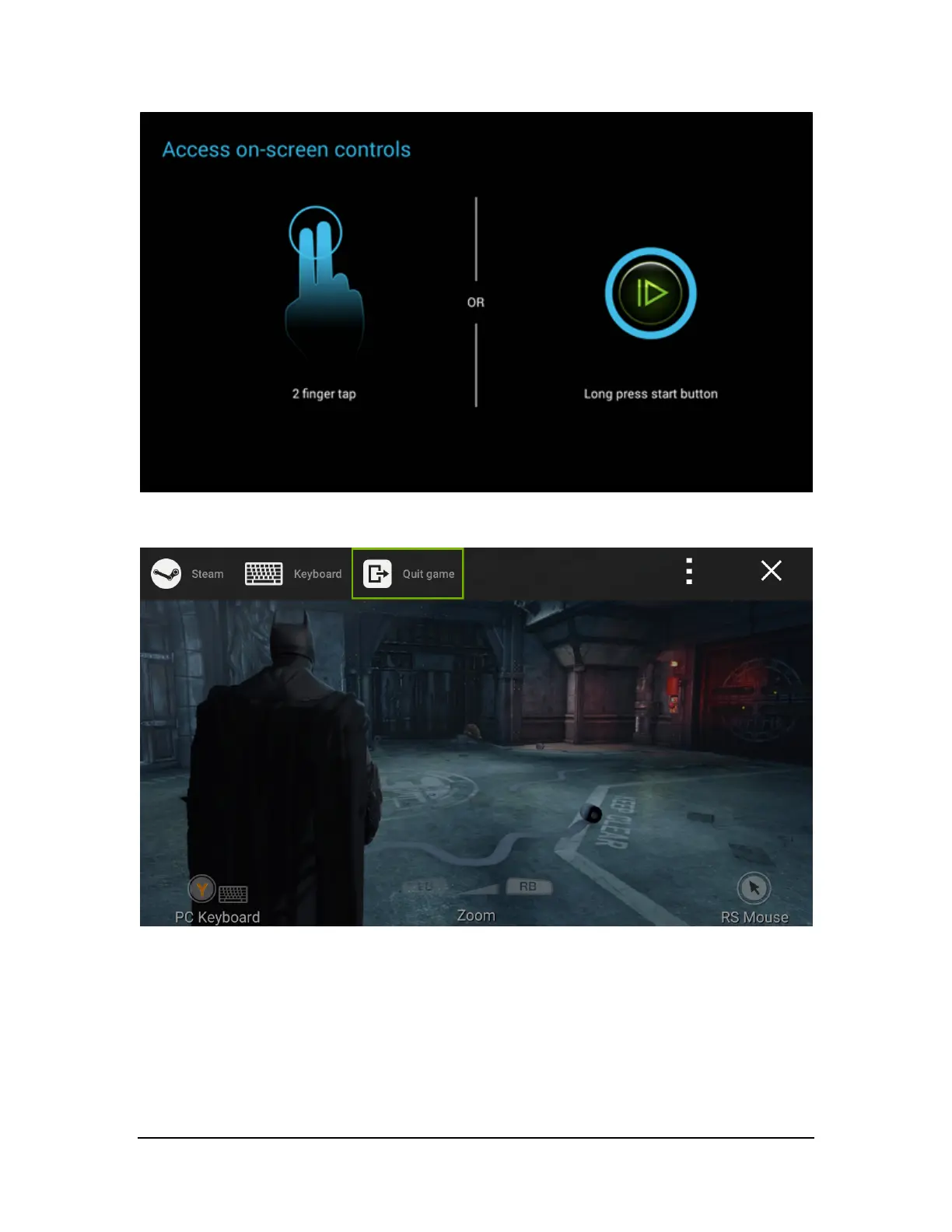
The on-screen controls will bring up a menu screen with four options: Steam, Keyboard, Quit, and Help.
If you need to input information into a dialog, use the Keyboard selection.
Most of the touch navigation options are straightforward. Clicking Help will display the full list of available touch
interactions.
Copyright © 2014 NVIDIA Corporation



 To Next Page