60 Océ 3050 User Manual
■ A number of selections and control buttons.
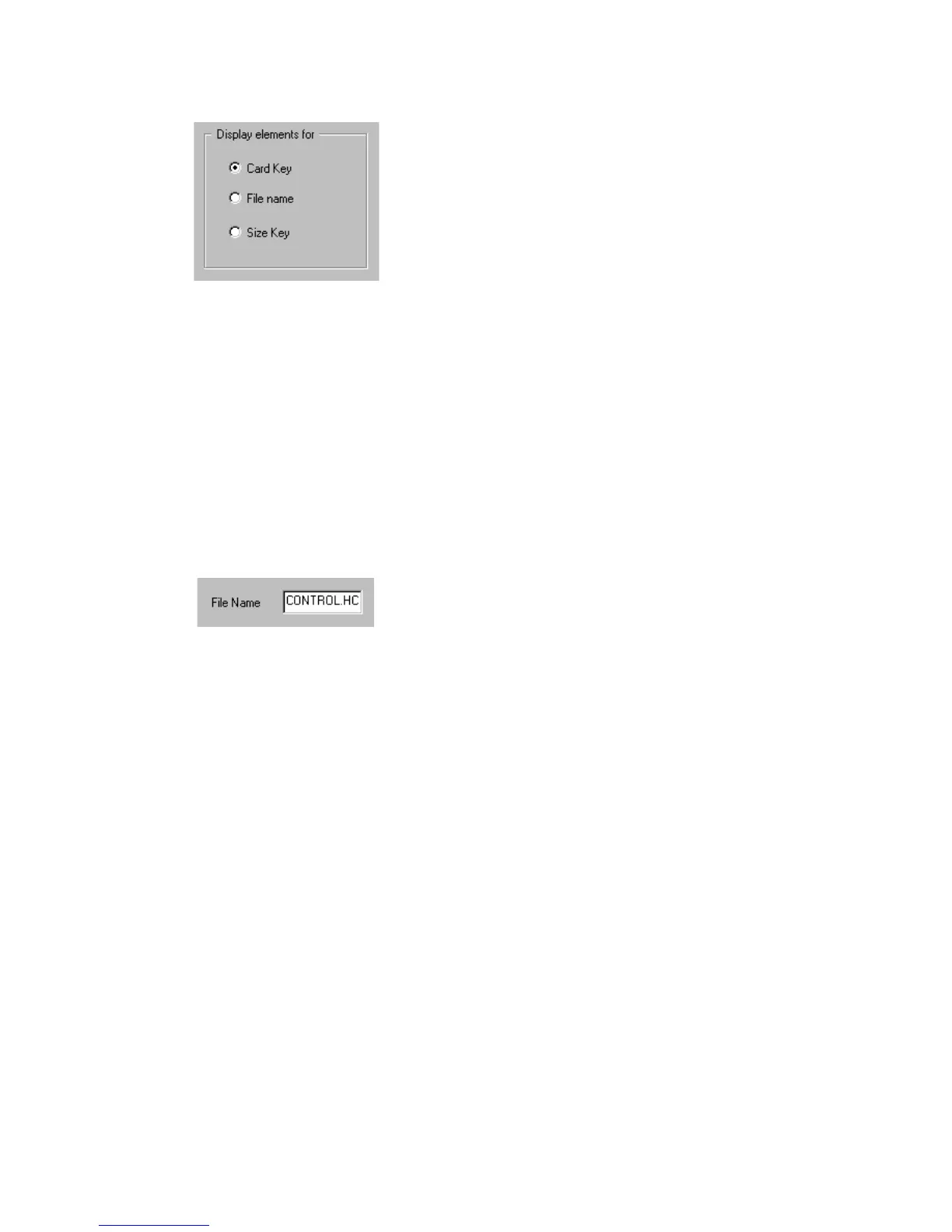
[34] Display elements entry box
The radio buttons in the Display elements entry box select which Hollerith
elements are displayed in the Hollerith Elements window: the elements
containing the card key information, the name of the image or the size
information.
▼ To define a Hollerith Control File:
To store the Hollerith elements in a file, first a filename for the Hollerith
control must be defined.
1 Insert the filename (max. 8 characters) and the extension .hcf in the filename
entry box. In this example the filename is control.hcf.
[35] The name of the Hollerith Control File
2 To save the filename click update to go back to the Scanner setup.
3 Choose the new created Control filename in the Hollerith Control entry box of
the Scanner Setup window to return to the Edit Hollerith Control File window.
Note: Up to a 1000 different Hollerith Control Files can be defined.



 To Next Page