Print Controller User’s Guide 5-9
Chapter 5 Scanner Operation
[QUALITY]
Use this feature to select the resolution. You can select [600 dpi], [400 dpi], [300 dpi] or
[200 dpi].
The scanned data is read into the copier’s memory (E-RDH). If scanned data exceeds
the E-RDH capacity, which translates into an error, you cannot go on with scanning.
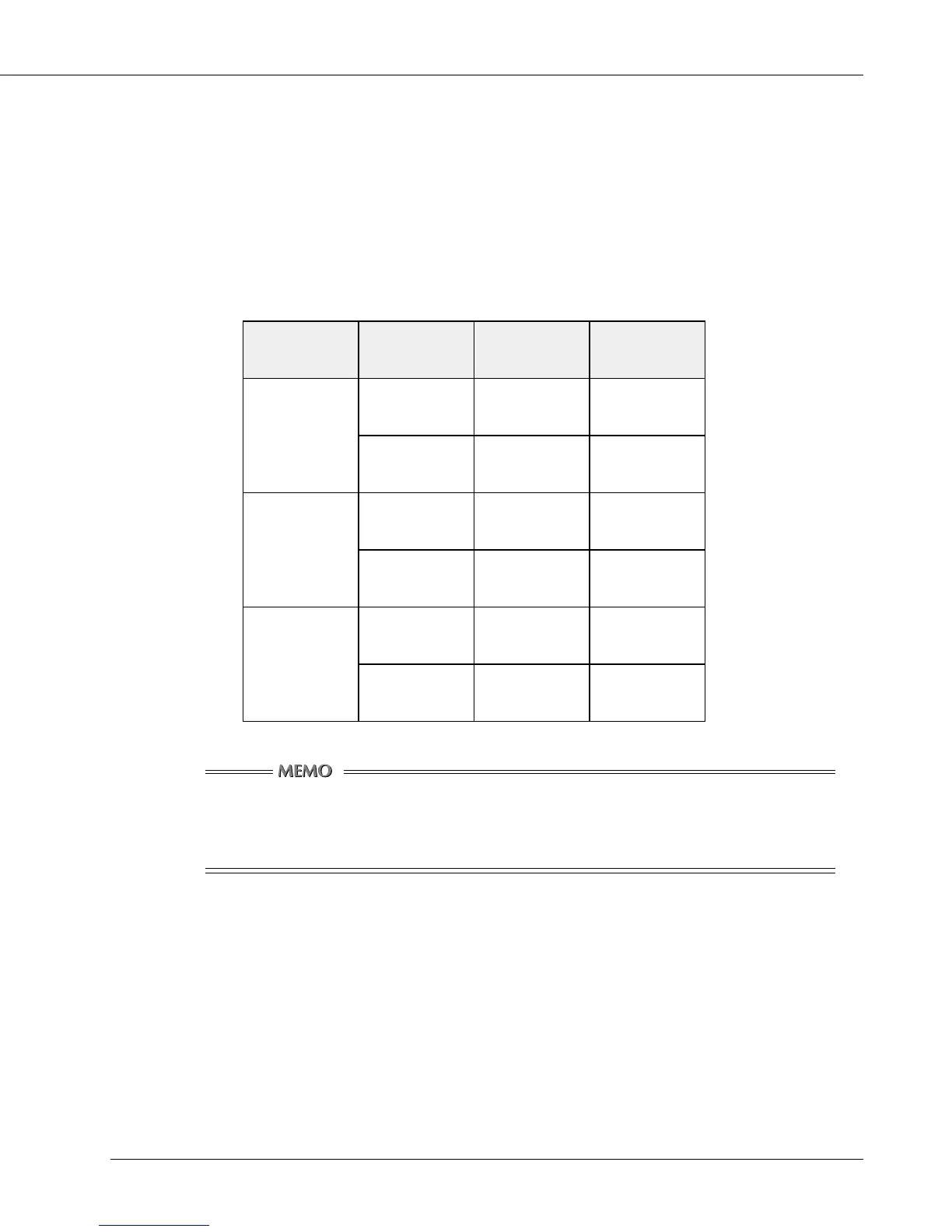
The following table shows how many Letter/A4-size originals can be scanned with the
copier’s standard memory (64 MB).
noituloseR lanigirO
eziSataD
)teehs1(
fo.oN
slanigirO
ipd002
ylnotxeTBK07tuobA098tuobA
dnatxeT
erutciP
BK031tuobA084tuobA
ipd004
ylnotxeTBK002tuobA013tuobA
dnatxeT
erutciP
BK084tuobA031tuobA
ipd006
ylnotxeTBK034tuobA041tuobA
dnatxeT
erutciP
BM34.1tuobA04tuobA
Data Size and No. of Originals available to be read depend on data actually
scanned. Understand the numbers in the table to be intended to serve as a
rough guide for you.



 To Next Page