3-14 Print Controller User’s Guide
Chapter 3 Printer Driver Functions
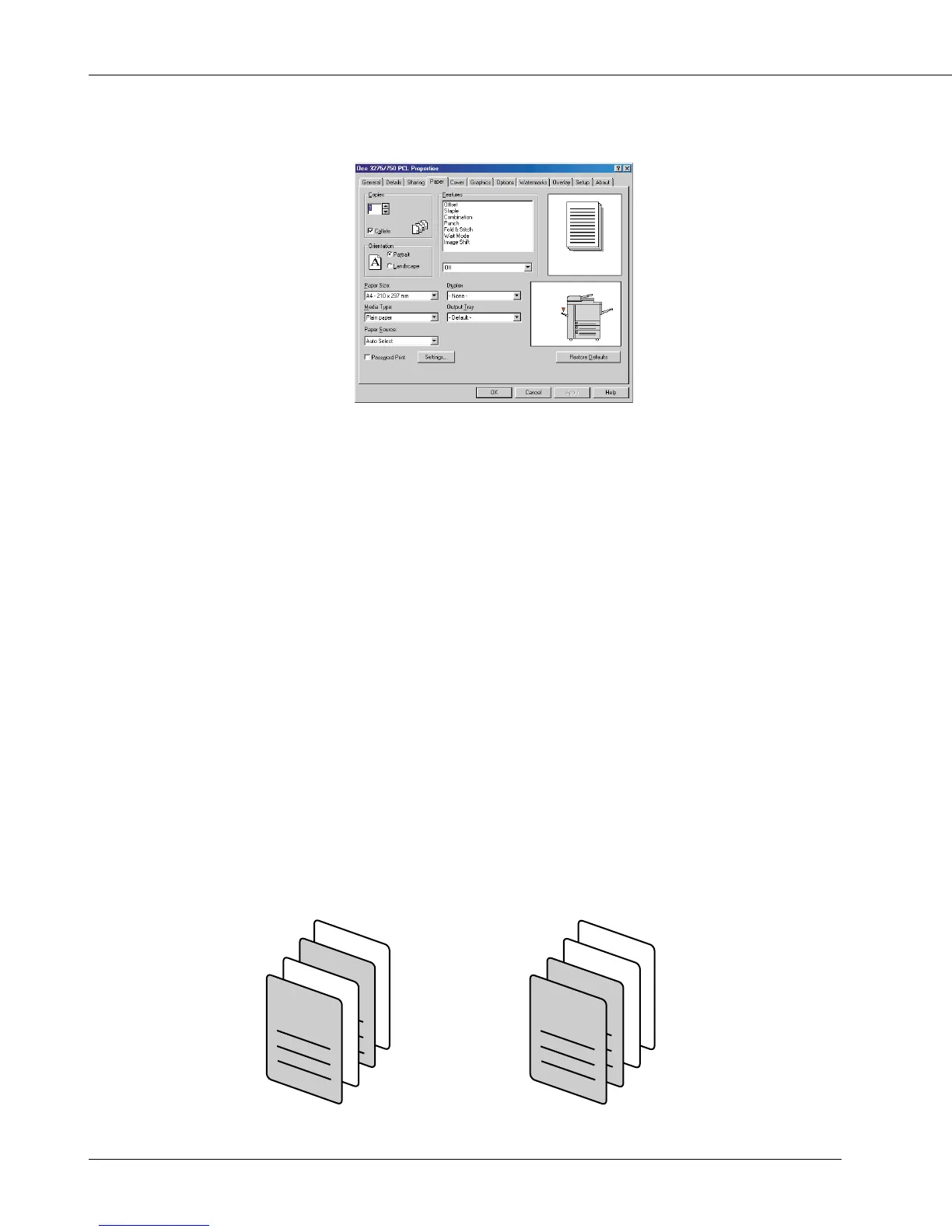
[Paper] Tab
Copies
This function is used to specify the number of copies to be printed.
Click the [▲] or [▼] button or directly enter the number of copies from the keyboard
(1-9999).
Default is 1.
Collate
This function is used to specify how to output multiple pages.
When [Collate] is checked (on, Default), after one copy of all pages has been printed,
the second copy, the third copy, ..... are printed.
When [Collate] is not checked (off), the required pieces of the first page are printed.
Then, the required pieces of the second page, the third page, ..... are printed.
It is recommended that you select [Collate] on the [Paper] tab rather than select it for
each application.
collate on collate off
2
1
1
2
1
1
2
2



 To Next Page