Print Controller User’s Guide 3-15
Chapter 3 Printer Driver Functions
Orientation
This function is used to specify orientation.
Select either [Portrait] or [Landscape].
Default is Portrait.
Paper Size
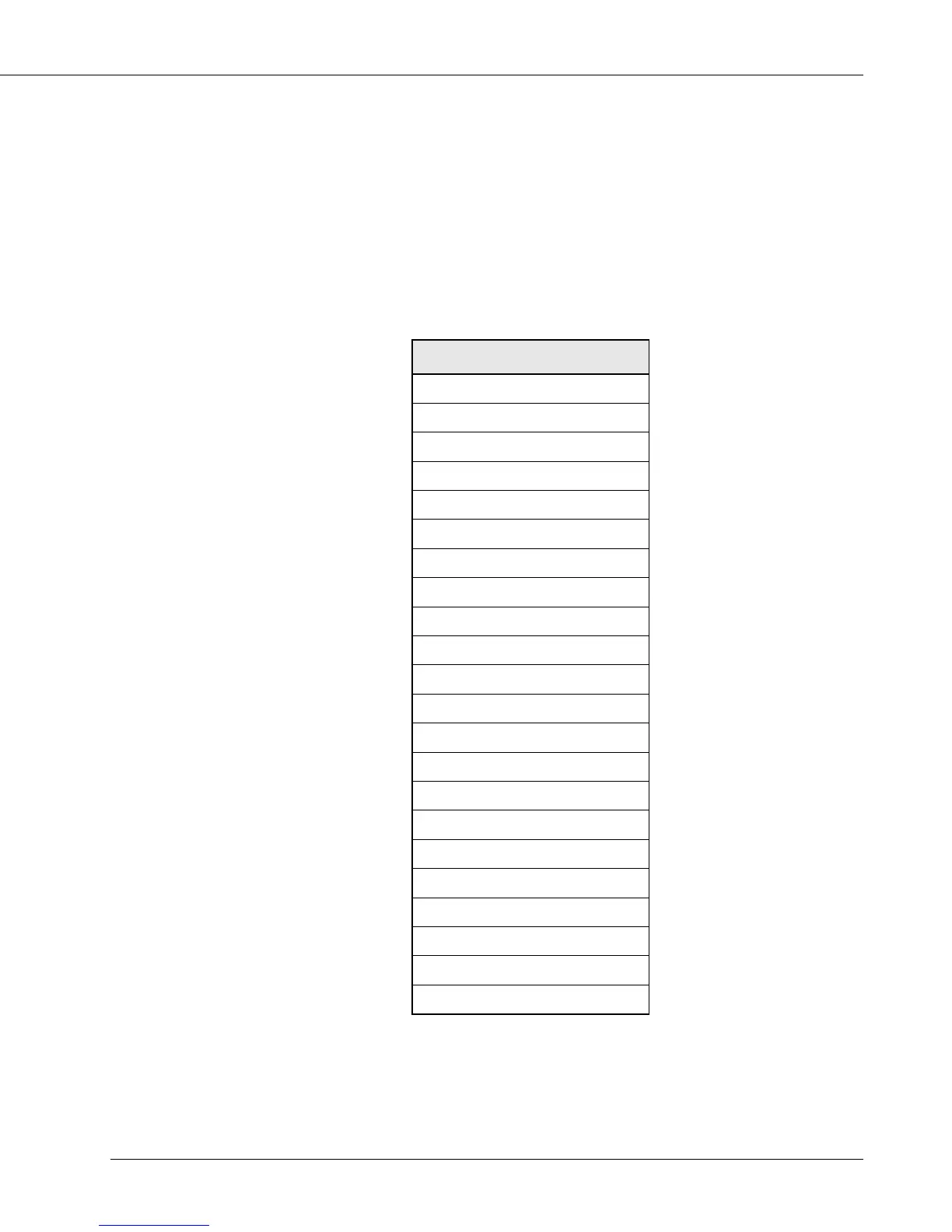
You can select a paper size from the list shown by clicking the [▼] button.
Default is [8.5” x 11”].
detcelesebotezisrepaP
"5.8x"5.5
"11x"5.8
"41x"5.8
"71x"11
mm024x792-3A
mm792x012-4A
mm012x841-5A
mm841x501-6A
mm453x052-4B
mm752x281-5B
mm281x821-6B
sehcni31x0.8-4F
mm093x762-K8
mm762x591-K61
W"5.8x"5.5
W"11x"5.8
W"71x"11
mm024x792-W3A
mm792x012-W4A
mm012x841-W5A
mm453x052-W4B
mm752x281-W5B
• The paper sizes selected automatically according to the job settings:
5.5 x 8.5R / 8.5 x 11R / A4R / A5R / A6R / B5R / B6R / F4R /
5.5 x 8.5WR / 8.5 x 11WR / A4WR / A5WR / B5WR



 To Next Page