Print Controller User’s Guide 3-33
Chapter 3 Printer Driver Functions
[Chapter] is off;
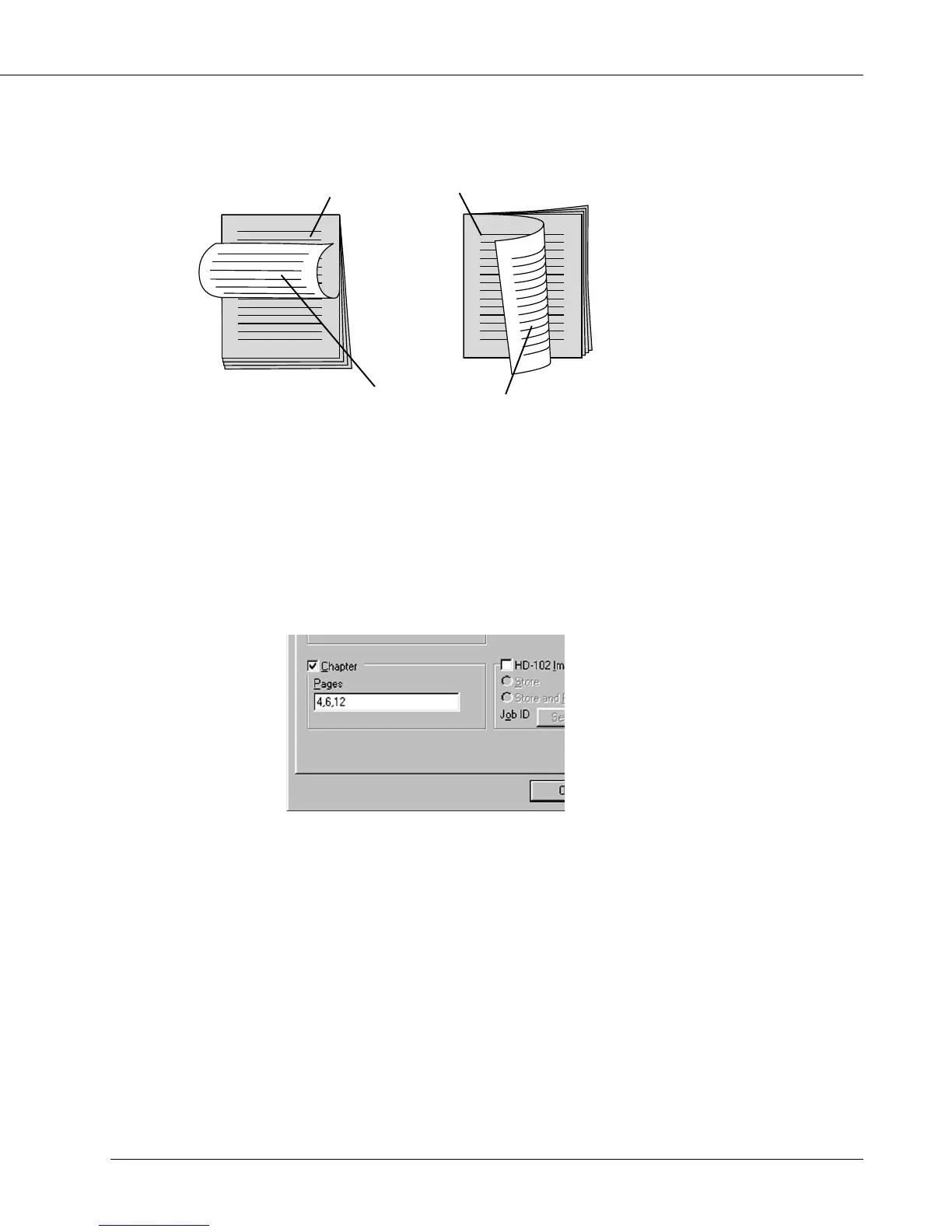
[Duplex] - [Flip on short edge] [Duplex] - [Flip on long edge]
The maximum number of total pages you can specify to chapter is 30.
You can specify the numbers using comma “,”.
The same number can not be specified.
You can specify 1 to 999 as follows;
e.g. chapter at page 4: 4
chapter at pages 4, 6, and 12: 4, 6, 12
[Chapter] can not be performed in the following cases:
• When [Collate] is not selected in [Copies]
• When [OHP (Transparency)], [OHP-Interleave (Blank)], [OHP-Interleave (Print)] is
selected in [Media Type]
• When [On] is not selected in [Duplex]
• When settings other than [1] are selected in [Layout] - [Pages per sheet]
• When settings other than [None] are selected in [Features]-[Combination]
end of a chapter
1’st page of a chapter



 To Next Page