Océ Power Logic®: The Settings Editor 107
System Administrator settings
The Océ TDS320 System Administrator is responsible for:
■ Dithering matrix and Poker settings
■ Printer language controller settings
■ Pen settings
■ Automatic Language Selection (ALS) settings
■ Controller identification settings
■ Set memory reservation settings
■ Connectivity settings.
Note: Poker stands for Portable Kernel. Poker performs automatic
interpretation of the host language in which the data from the scanner or in the
job ticket is encoded. Poker makes sure that the quality between the input from
the printer driver or scanner and the output from the printer is consistent.
Poker supports data compression for scan-to-file and changes raw data from
the scanner into high level file formats.
To modify the System Administrator settings you have to access the SA
settings in the Océ Settings Editor.
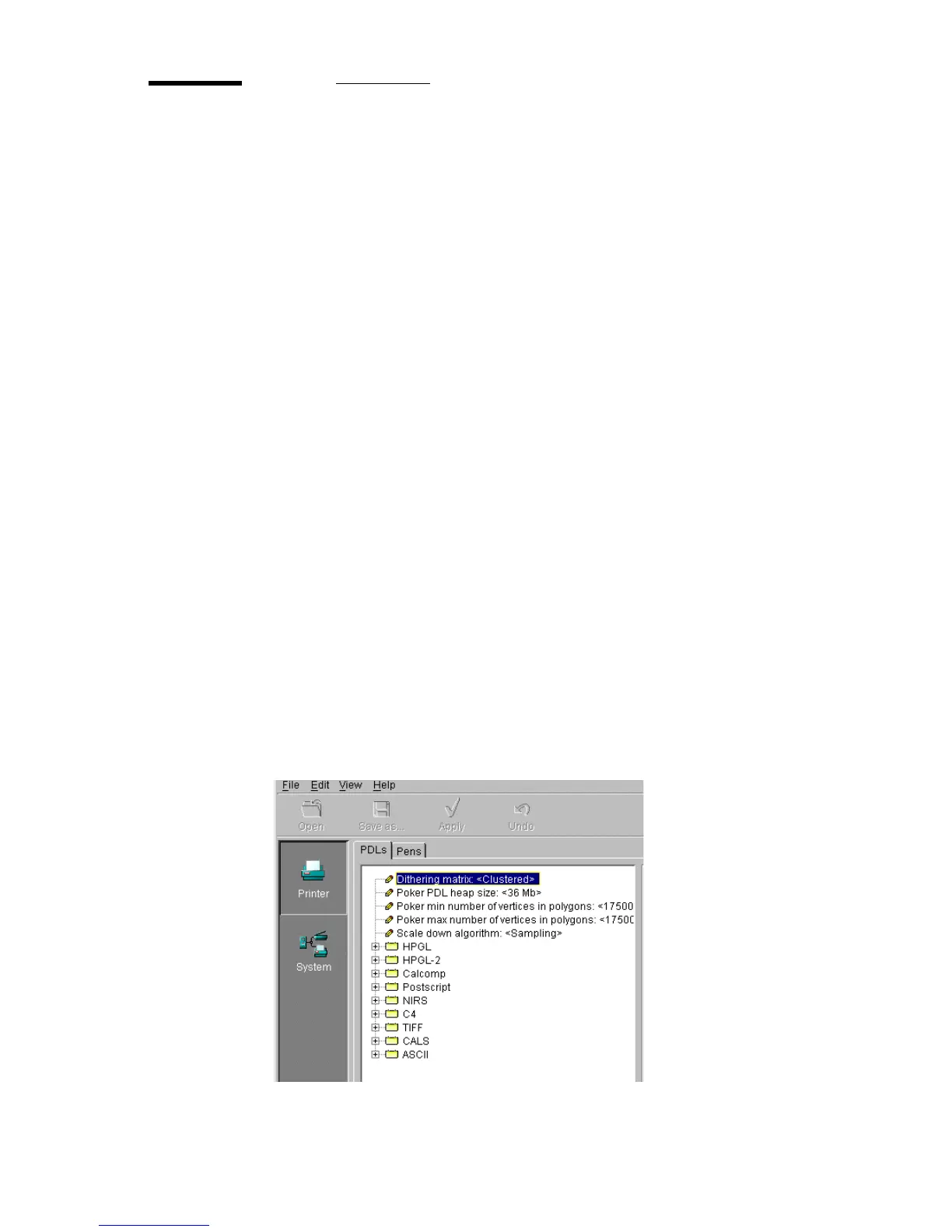
There are two types of System Administrator settings (see figure 41):
■ Printer
■ System
.
[41] System Administrator settings in the Océ Settings Editor



 To Next Page