Introduction 15
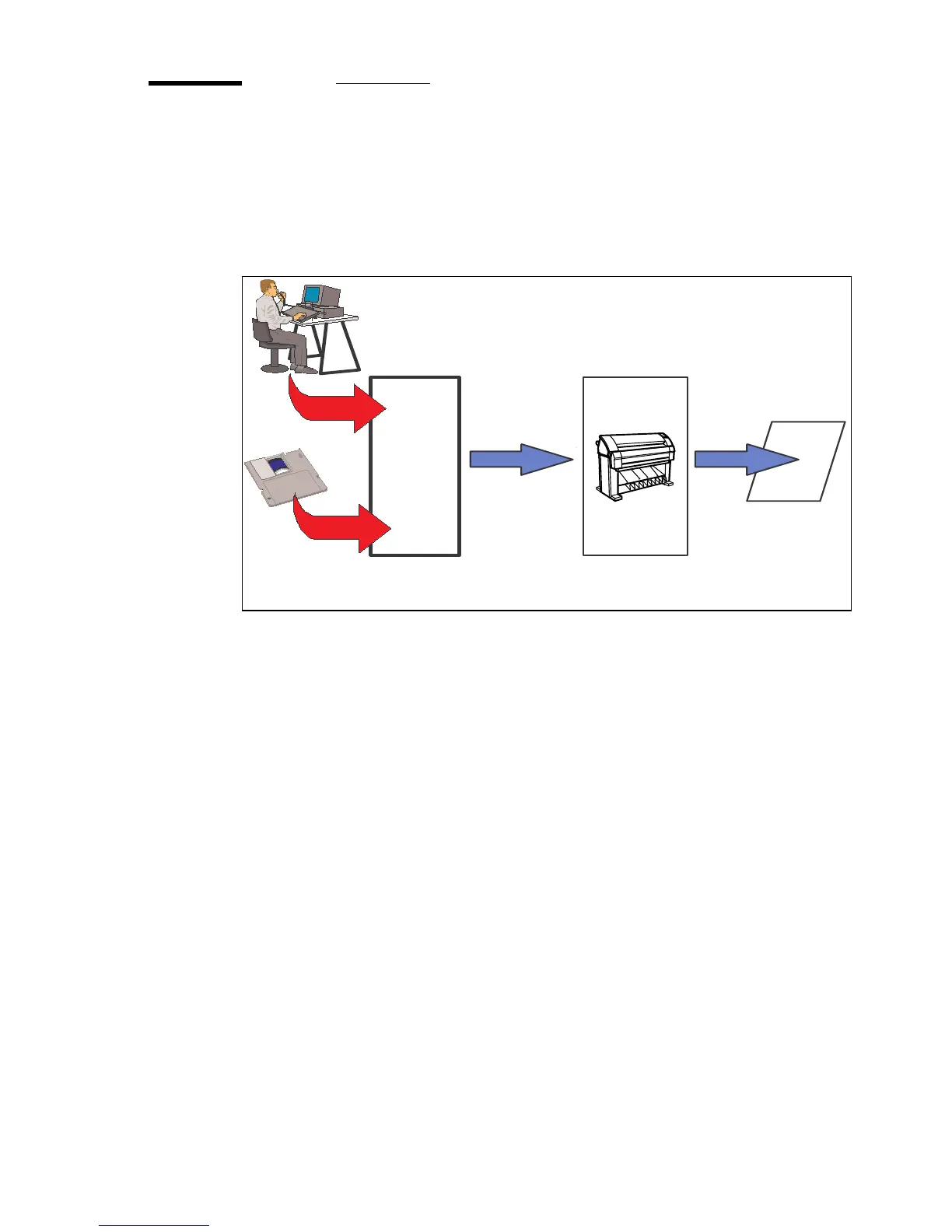
The data flow to the Océ TDS320
Connect the Océ TDS320 to a workstation connected to a network. It accepts
different standard format vector and raster data files from the host environment
and converts these into high quality prints
(see figure 2).
[2] Data flow to the Océ TDS320
When an Océ TDS320 receives vector, raster, Adobe® PostScript® or PDF
(optional, Adobe® PostScript® 3™) data it will generate a print with the
settings as specified in the Océ Settings Editor.
Each print job has remote control commands to indicate the settings for a job.
This so-called header contains the job and the file defined settings in Océ Job
Ticket (OJT). The OJT settings overwrite the settings defined in the Océ
Settings Editor. Except for pen settings and job management which have
priority over the Océ Job Ticket settings.
Application
Software
Océ TDS320
Printfile
Print
Job
Settings
Print
File



 To Next Page