36 Océ TDS320 User Manual
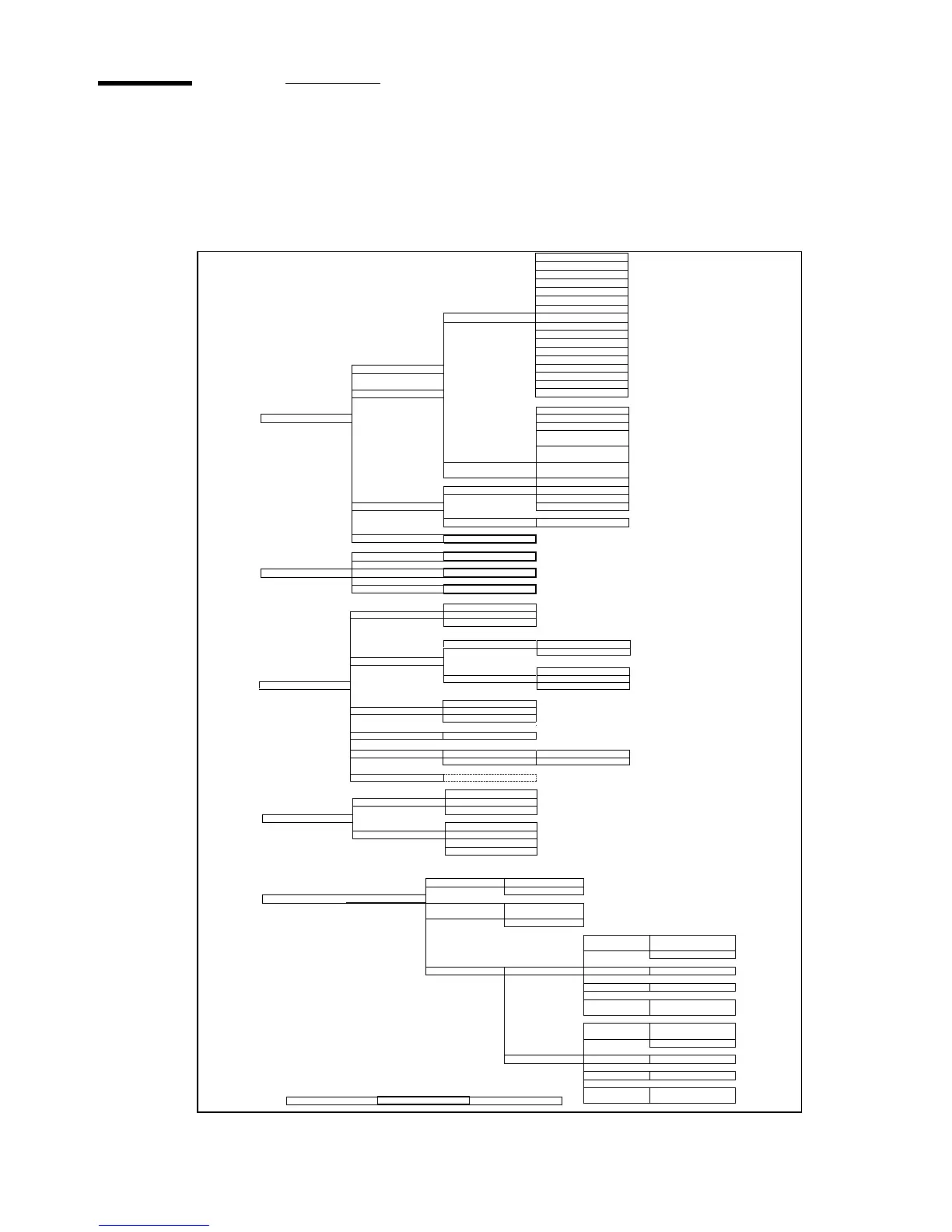
Menu structure of the printer
When you browse through the tree, the left items are displayed on top. The
upper items are displayed first.
A0 (841x1189mm)
A1 (594x841mm)
A2 (420x594mm)
A3 (297x420mm)
B1+ (707x1000mm)
B2+ (500x707mm)
B1 (700x1000mm)
Width B2 (500x700mm)
E (34x44”)
D (22x34”)
C (17x22”)
B (11x17”)
Roll 1
E+ (36x48”)
D+ (24x36”)
C+ (18x24”)
Roll 2
B+ (12x18”)
30x42”
Media settings
Paper 16lb
Paper 20lb
Transparent 20lb
oz
Transparent 20lb
oz
Material Transparent 28lb
oz
Vellum
Material Film 3.5
Film 4.5
Manual feed Translucent
Timeout 67 seconds
Cut media Cutting...
Configuration Printing...
Print info Menu card Printing...
Demo print Printing...
US English
Language Nederlands
more...
Configuration
DIN
Paper series DIN CARTO
ONLY 8.5”
MIX 8.5/9”
Clear setmem Yes
No
System Enter password
Diagnostic
mode
Yes
No
Use DHCP
server
Yes
No
Network sett. adapter 1 IP address 123.456.789.123
Subnetmask 123.456.789.123
Default
gateway
123.456.789.123
Use DHCP
server
Yes
No
adapter 2 IP address 123.456.789.123
Subnetmask 123.456.789.123
Default
gateway
123.456.789.123
Installation Enter password start install.
Stacker
Delivery First Fold
Belt
Trailing
Legend
Leading
Input
Standard
Method Afnor
Ericsson
Off
Binding On
Reinforce
Binding edge (15 .. 30)
Package Length (276..310)
Width (186..230)
Clean RU knife
Cleaning RU...
Folding
Paper 28lb



 To Next Page