120 Océ TDS320 User Manual
Clean the glass platen and the reference
roller of the scanner
If the glass platen of the scanner is dirty or static, it should be cleaned to ensure
top quality copies are produced. At the same time you can clean the white
reference roller.
Attention: When you clean the reference roller, be careful not to damage the
sensors on the scanner
▼ How to clean the glass platen and reference roller
1 Switch off the scanner.
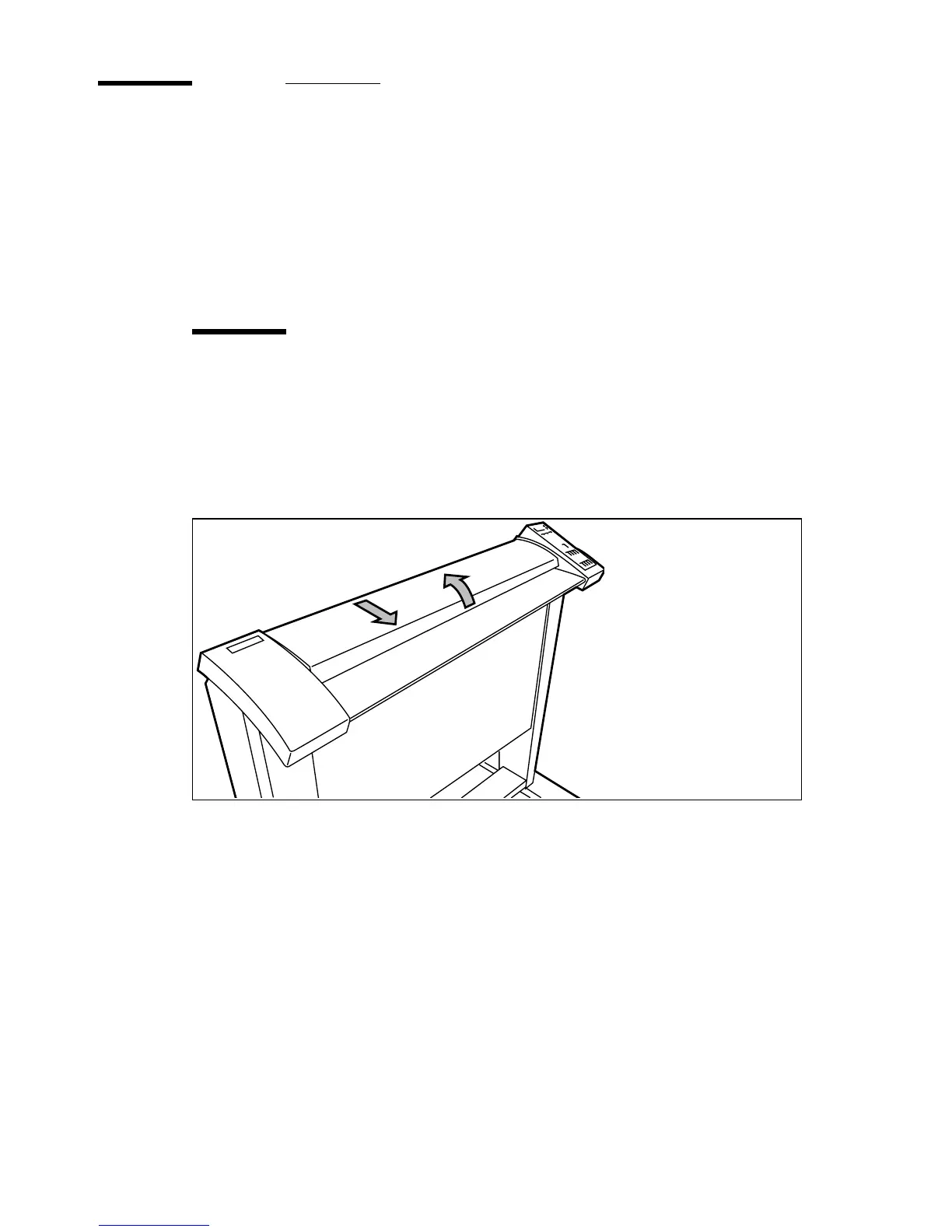
2 Unlock the top cover by pushing the front side of the cover down and pulling
it towards.
[55] Open the top cover of the scanner
3 Raise the cover (see figure 56 on page 121).
4 Clean the glass platen and the white pressure platen gently with a soft cloth
moistened with a small quantity “Cleaner A”.
For safety information see the safety data sheet in Appendix B.



 To Next Page