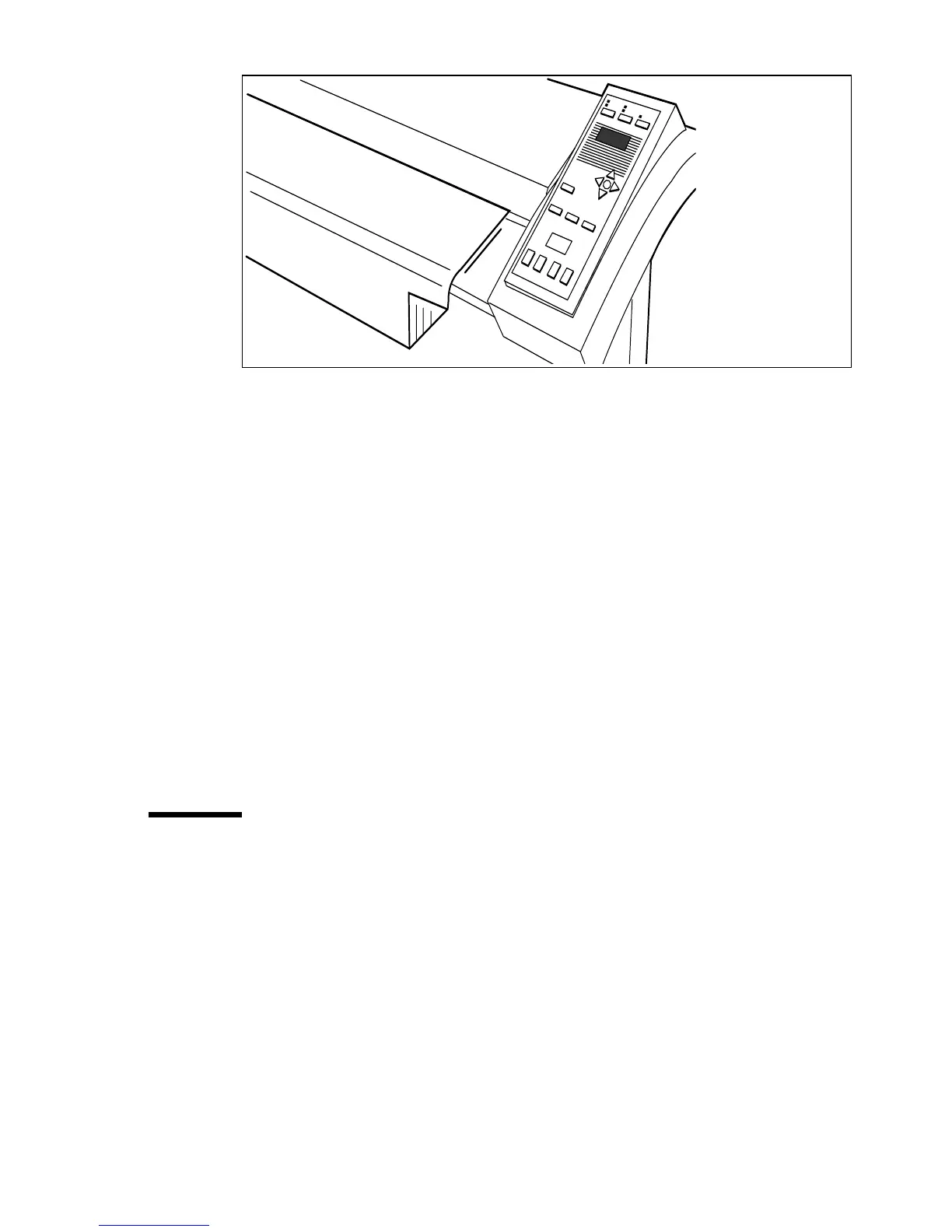
Use the Océ TDS320 to copy 45
[10] Insert the original
The original will be transported about 1 centimeter to a defined position.
2 Specify the number of copies with the ‘+’ or ‘-’ keys.
3 Press the ‘media’ key to select a roll or to select ‘manual feed’.
4 Press the ‘input’ key to specify how a job is sorted: ‘sheet’ (output 1-1, 2-2,
3-3, or ‘set’ (output 1-2-3, 1-2-3).
5 Press the ‘zoom’ key to specify a reduction or an enlargement factor, if needed.
6 Press the ‘exposure’ key to correct for a lighter or darker original, if needed.
7 Press the ‘strip’ key to add or remove a strip, if needed.
8 Press the green Start key to start the copy job. The original is fed into the
scanner. The printer starts.
9 Collect your output.
If you make a copy within the time-out of 1 minute, the machine will use the
settings of the previous copy job.
Number of copies
To have multiple copies from one original, enter the number of copies on the
scanner operator panel. The original is scanned just once and the required
number of copies are processed.
Refer to ‘Product specifications Océ TDS320’ on page 135 for the limitation
of multiple copy jobs.



 To Next Page