How to solve problems 125
Original jams in scanner
If an original jams, you can stop the original with the orange Cancel key.
▼ How to remove a jammed original
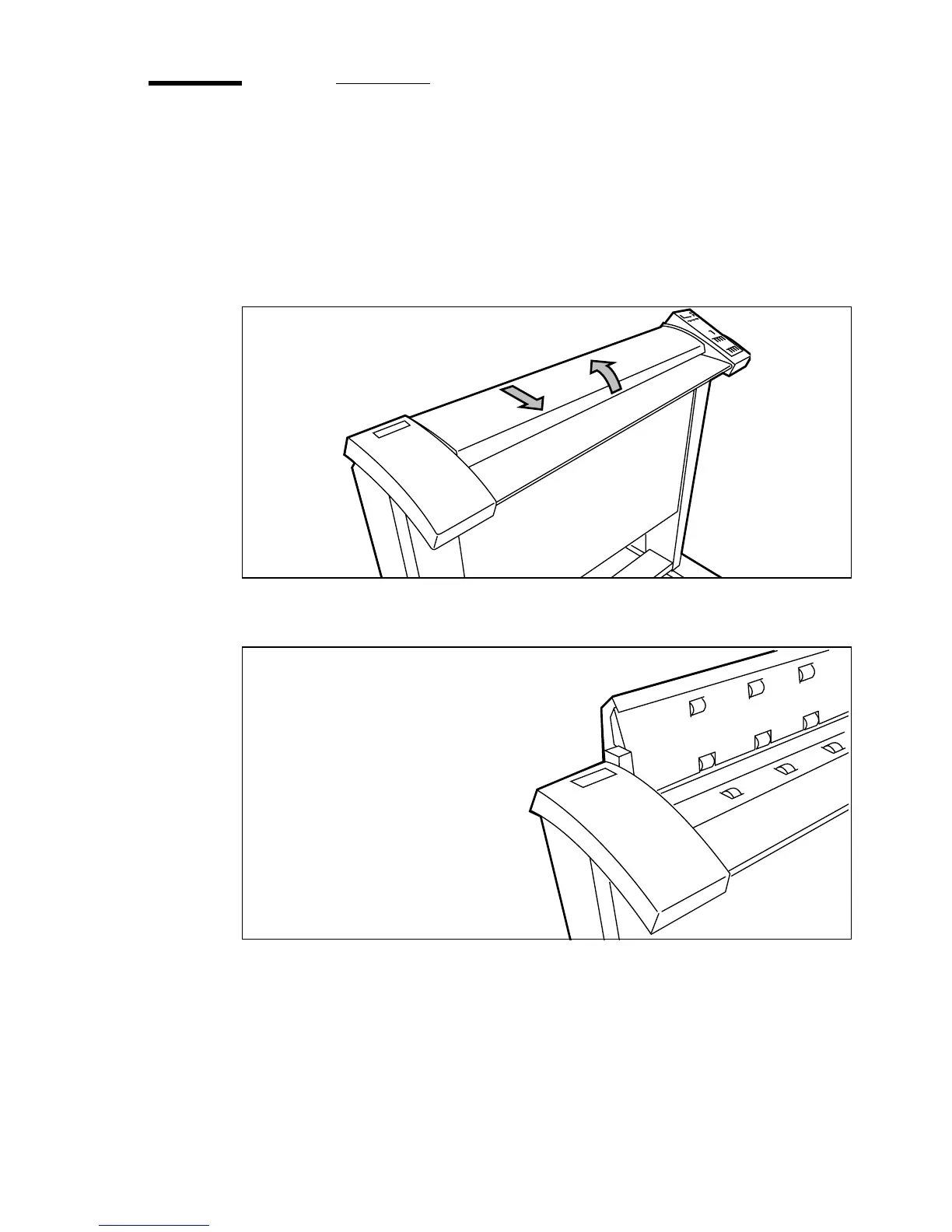
1 Unlock the top cover by pushing the front side of the cover down and pull it
towards you.
(see figure 57).
[57] Open the top cover of the scanner
2 Raise the cover (see figure 58)
[58] Raise the cover of the scanner
3 Remove the original.
4 Lower the top cover.
5 Lock the cover by pushing the front side of the cover down and push it back to
the rear until you hear a click.



 To Next Page