141
Automatic format selection
The Océ TDS320 controller switches to the next larger format. For example
you set the 8.5 inch range on the printer. The job you print is an A1 format. The
printer will automatically select the 30 inch format. The next table shows
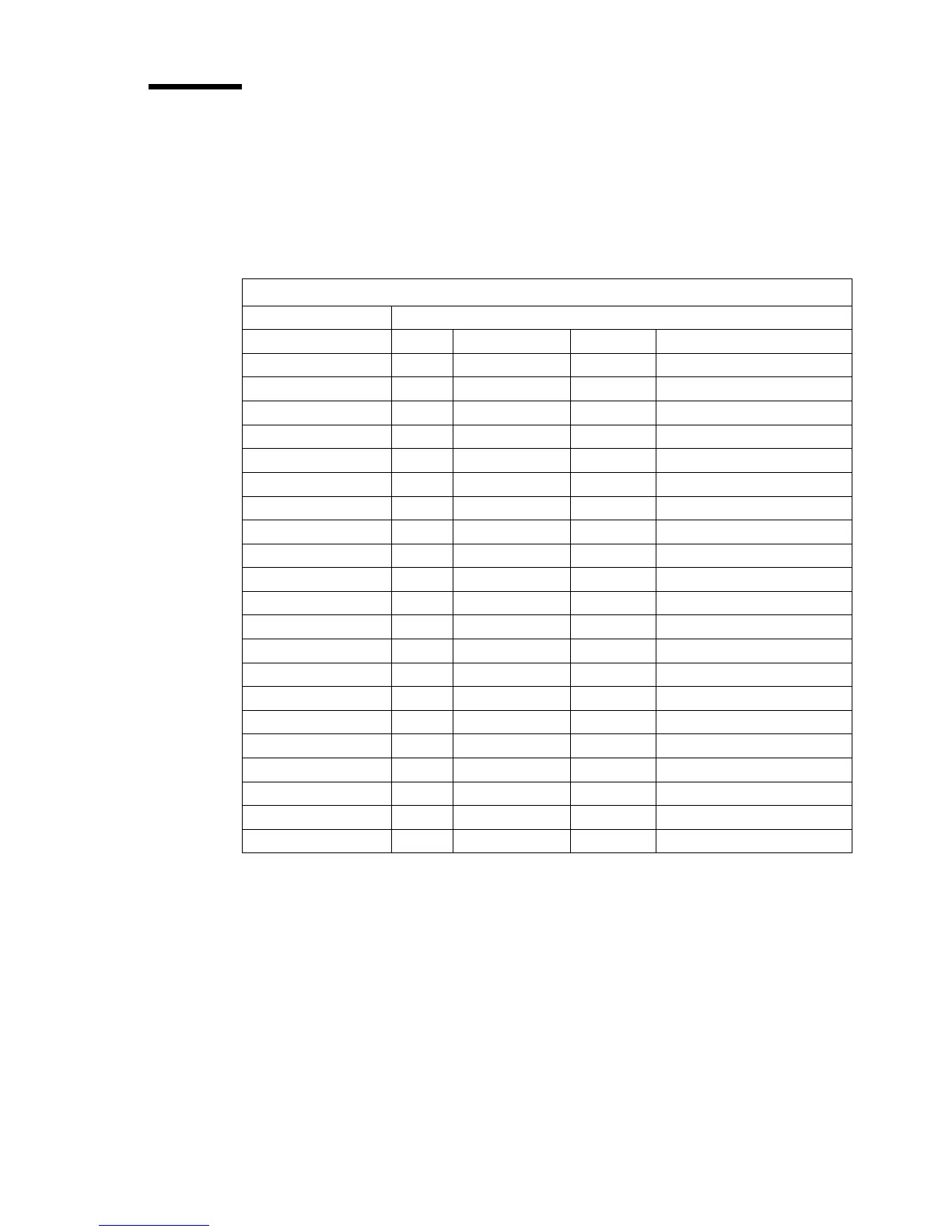
which format the Océ TDS320 controller chooses if you print a specific format
on a chosen range.
Automatic format selection
Paper series
DIN DIN carto 8.5 in Mixed 8.5 and 9.5 inch
DIN range
A3 X X
A2 X X
A1 X X
A0 X X
8.5 inch range
11 inch / B X X
17 inch / C X X
22 inch / D X X
34 inch / E X X
9 in range
12 inch / B+ X
18 inch / C+ X
24 inch / D+ X X
36 inch / E+ X X X X
Other formats
30 in X X
B1 carto X
B1 (DIN) X
B2 carto X
B2 (DIN) X
[69]



 To Next Page