Use the Océ TDS320 to print 19
Display
The display shows the feedback about print job status and error messages see
page 33 and page 34 in normal mode. In off-line mode it shows the ‘off-line’
menu (see figure on page 36).
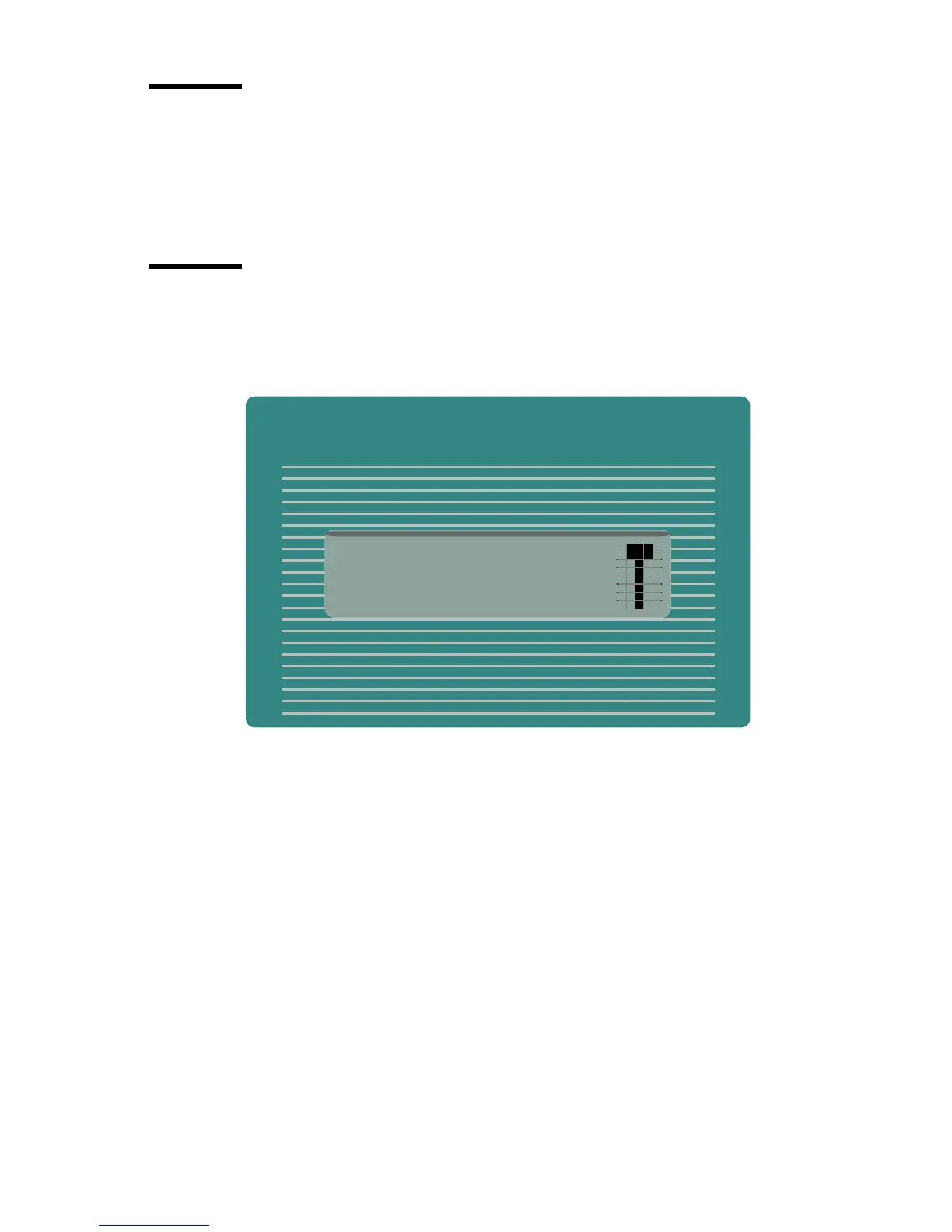
Menu level indicator
The menu level indicator indicates the current position in the menu. Press the
Previous key to scroll through the menu.
[4] Menu level indicator in the top level of the menu



 To Next Page