Printer supplies and maintenance 117
How to refill toner
If the ‘Refill toner’ message appears on the printer panel, you must refill toner
immediately.
Attention: Use only B5 toner.
▼ Refill toner
1 Press the On-line / Off-line key to turn the printer off-line.
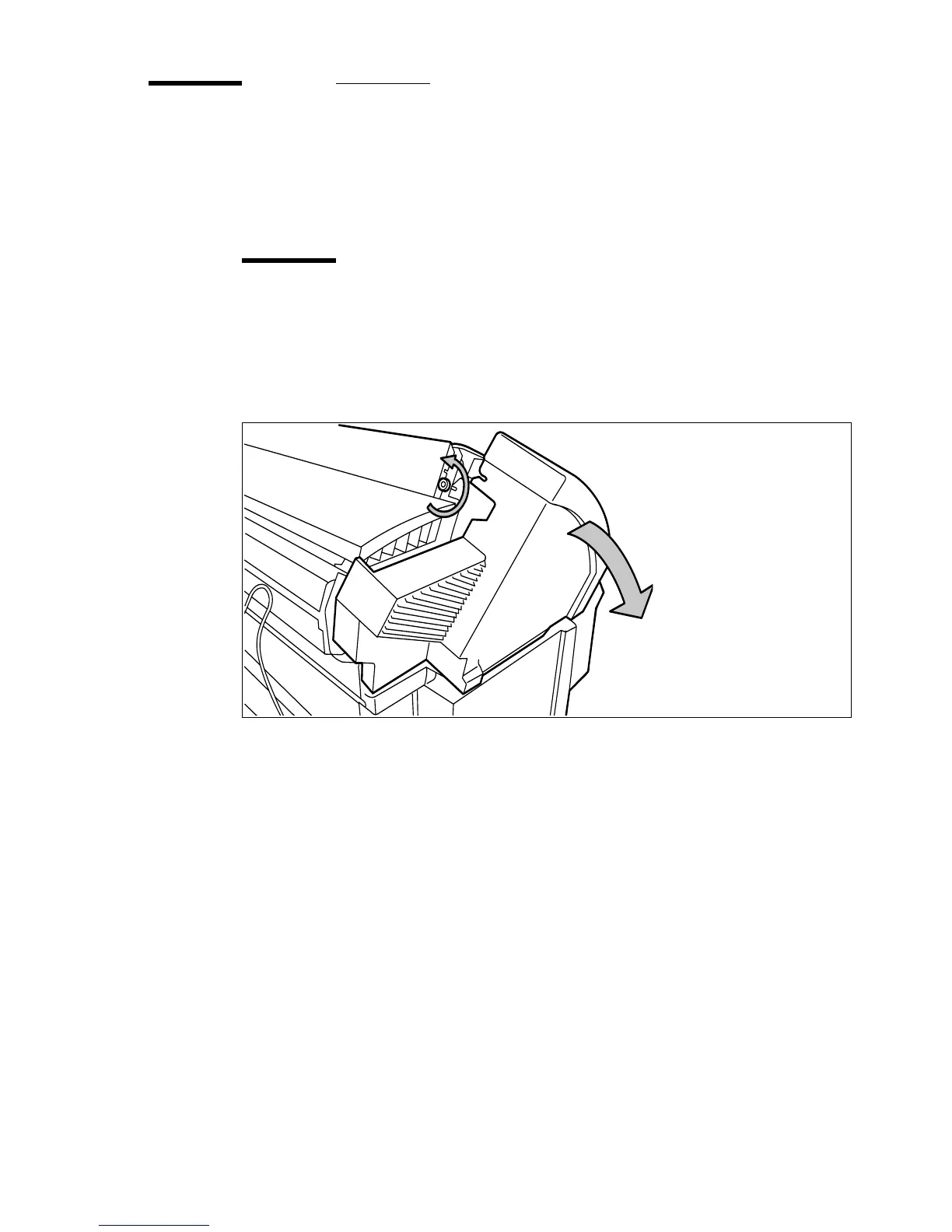
2 Unscrew the knurled nut at the left hand side of the printer and open the left
cover
(see figure 51).
[51] Unscrew the knurled nut and open the cover
3 Shake the toner bottle thoroughly and open the bottle.
4 Screw in the bottle clockwise in a slanted position (see figure 52).



 To Next Page