Use the Océ TDS320 to copy 57
Mirror-image copies
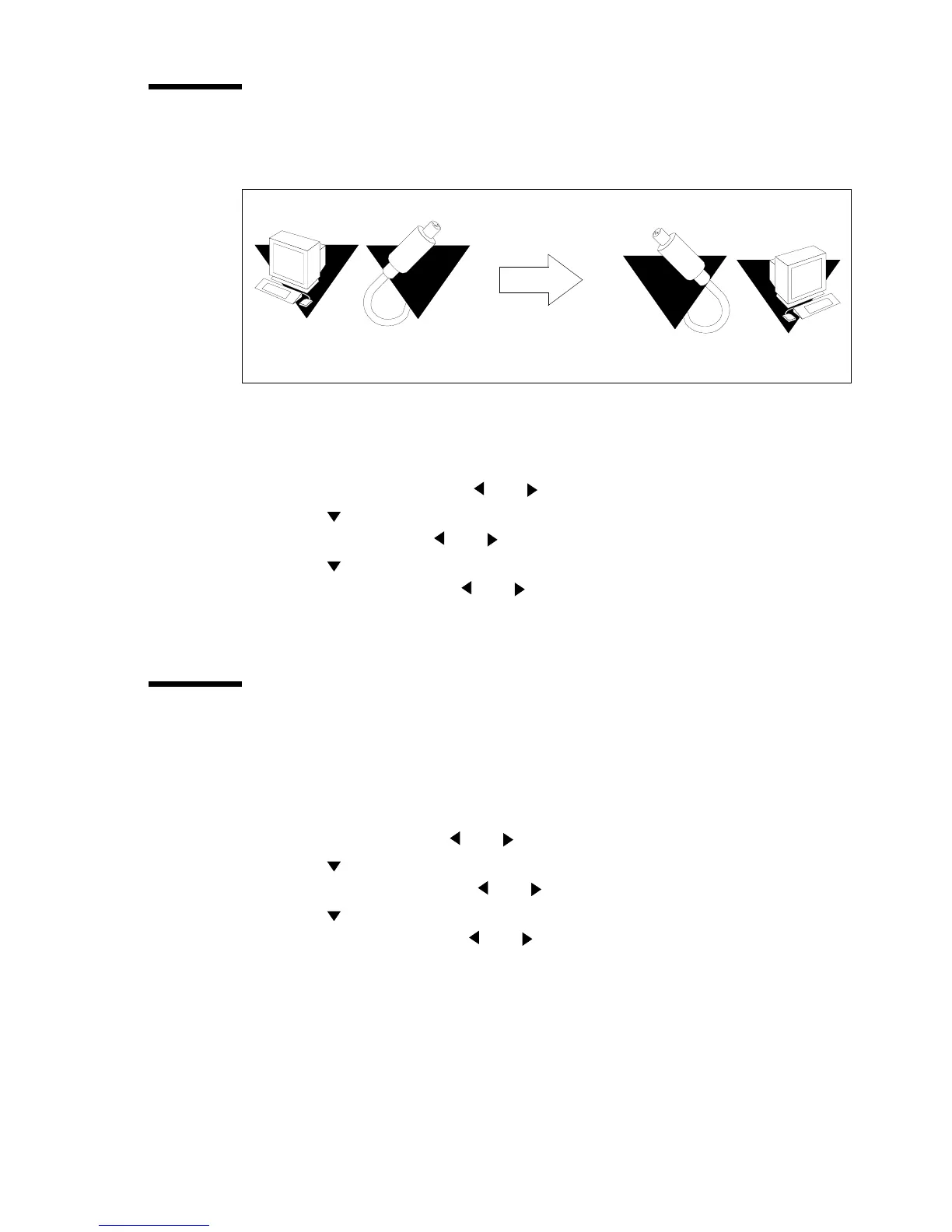
You can make a mirror-image copy of an original, as shown in the next figure:
[14] Example of a mirror-image copy
▼ To make a mirror-image copy
1 Press the Extra key.
2 Select ‘Paper copy’ with the or key.
3 Press the key to enter the ‘Paper copy’ menu.
4 Select ‘Mirror’ with the or key.
5 Press the key to enter the ‘Mirror’ menu.
6 Select ‘on’ or ‘off with the or key.
7 Press the confirm key.
Release original
For originals on thinner types of media you can enable Release original. With
Release original enabled the original will be fully released after it is scanned.
1 Press the Extra key.
2 Select ‘Scanner’ with the or key.
3 Press the key to enter the ‘Scanner’ menu.
4 Select ‘Release orig.’with the or key.
5 Press the key to enter the ‘Release orig.’ menu
6 Select ‘on’ or ‘off’ with the or key.
7 Press the Confirm key.
8 Make other settings if required.
9 Feed the original.
10 Press the Start key.
The original is fully released after the scanner has completed its scan run.



 To Next Page