Printer supplies and maintenance 119
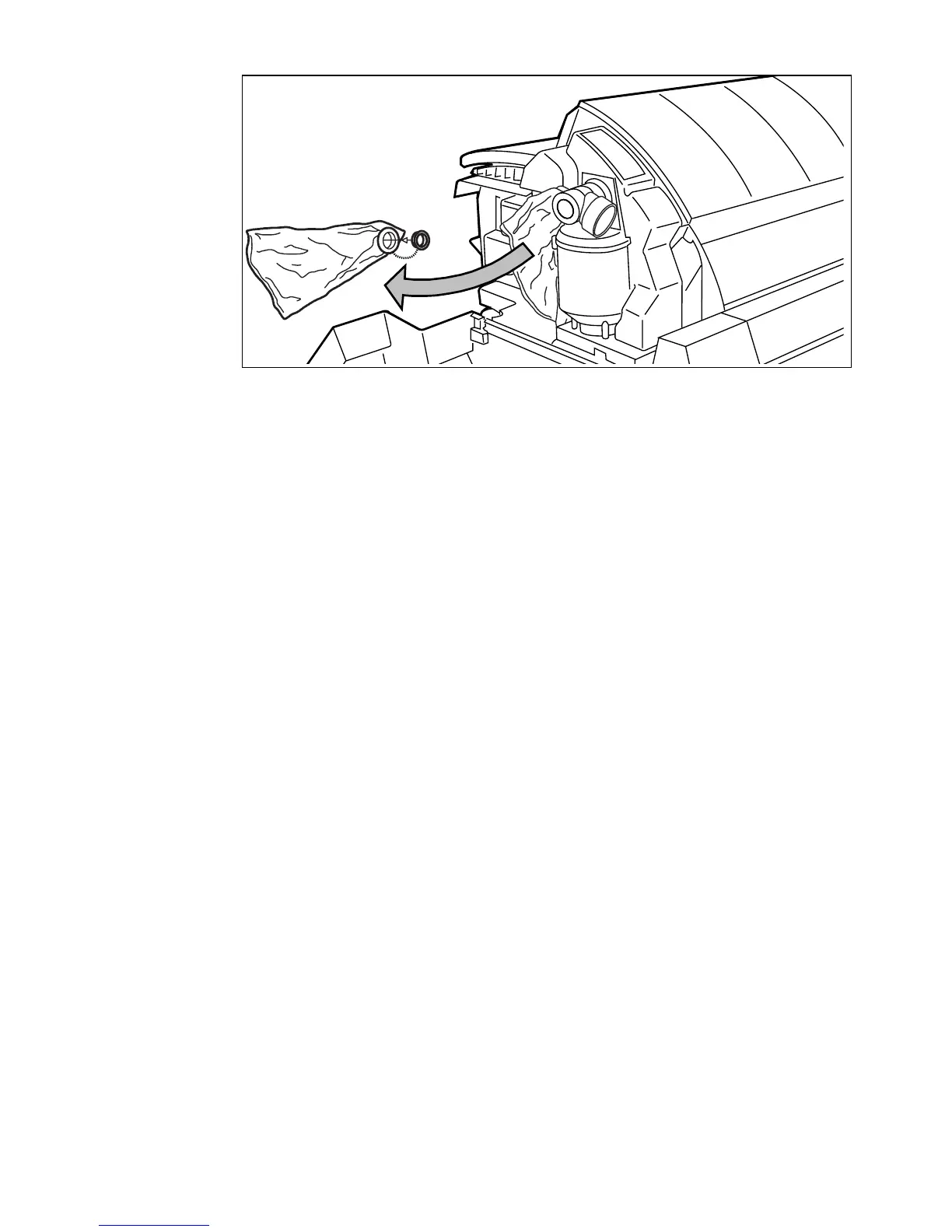
[54] Replace the waste toner bag
10 Slide a new waste toner bag over the holder.
11 Close the cover and tighten the knurled nut.
12 Press the On-line / Off-line key to turn the printer on-line and to resume
printing.
Note: Replace the toner waste bag, every time you refill the toner.



 To Next Page