How to solve problems 129
Caution: If the printer is used, the fuser can be hot.
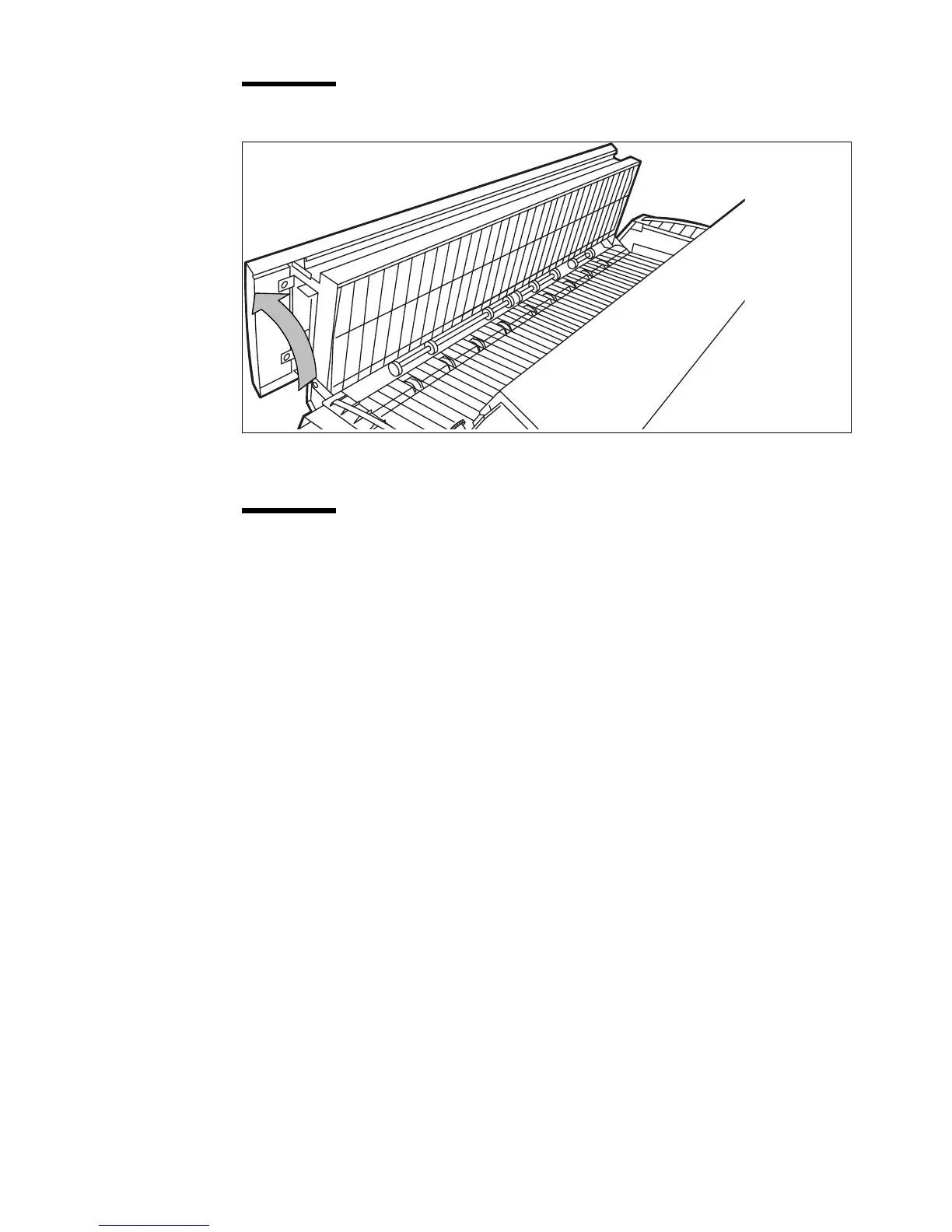
[62] Open the fuser section
5 Remove the jammed material.
Attention: Be careful! The toner is not fused.
6 Lift the green handle and close the fuser unit.
7 Close the left cover and tighten the screw.
8 Press the On-line / Off-line key to turn the printer on-line.



 To Next Page