Use the Océ TDS320 to Scan to file 75
▼ Delete a scanned file
1 Select a file in the right pane.
2 From the ‘File’ menu select ‘Delete’ or click the ‘Delete’ button on the toolbar
(see figure 24).
[24] ‘Delete’ button on the toolbar.
The selected file will be deleted.
Note: This option is only available if you are logged on as a Key operator
or as a Repro operator.
▼ View properties of a scanned file
1 Select a file in the right pane.
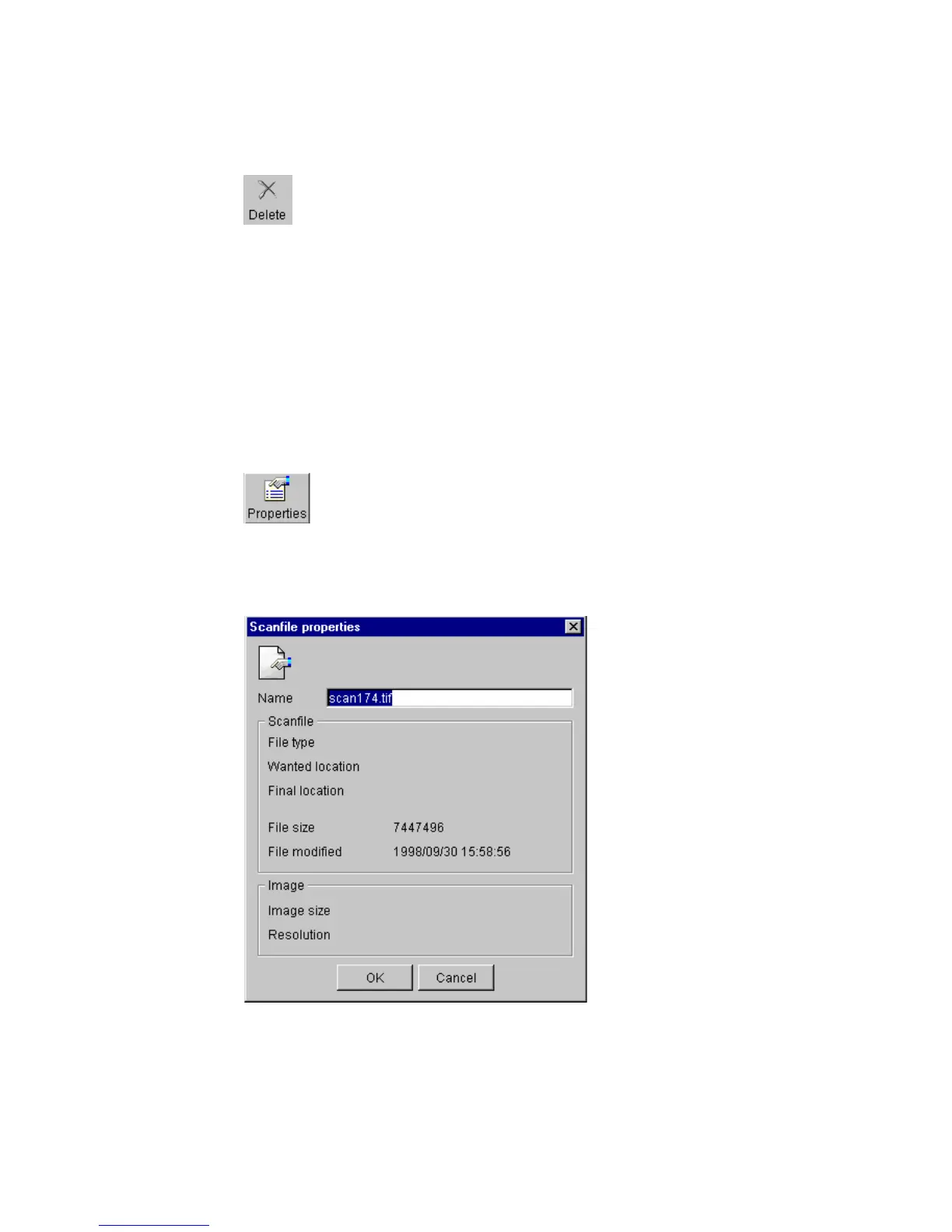
2 From the ‘File’ menu select ‘Properties’ or click the ‘Properties’ button on the
toolbar
(see figure 25).
[25] ‘Properties’ button on the toolbar.
The following window appears (see ‘‘Scanfile properties’ window’ on
page 75):
[26] ‘Scanfile properties’ window
3 Click ‘OK’ to close the ‘Scanfile properties’ window.



 To Next Page