Security features
182
13
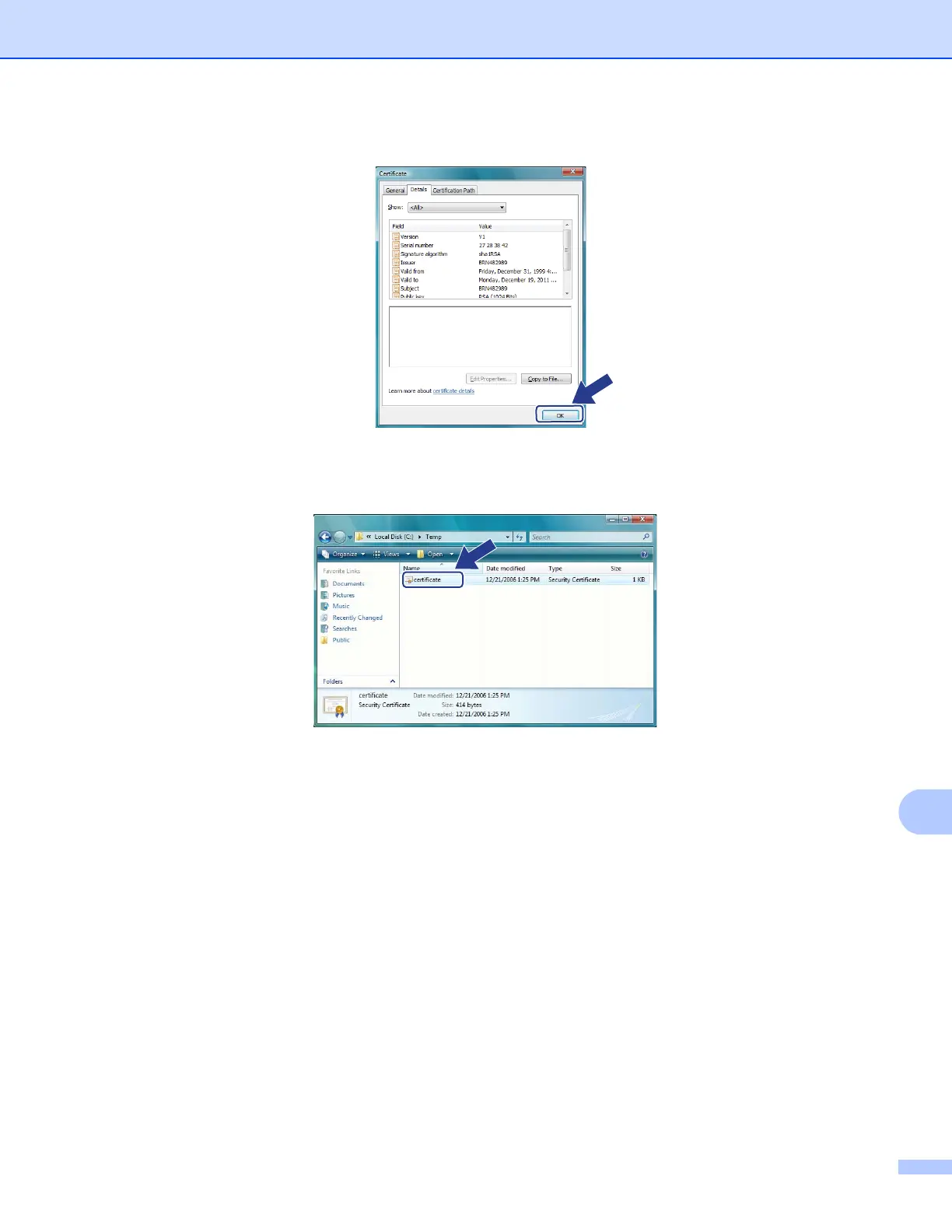
o Click OK.
p Open the folder that you saved the certificate file in step k and double-click the certificate file. For the
rest of the instructions, follow the steps from step d in For Windows
®
2000/XP and Windows Server
®
2003/2008 users on page 182.
For Windows
®
2000/XP and Windows Server
®
2003/2008 users 13
a Start your web browser.
b Type “https://printer’s IP address/” into your browser to access your printer (where
“printer’s IP address” is the IP address or the node name that you assigned for the certificate).














 To Next Page