EasyManua.ls Logo

OHAUS Explorer Balances - 1.5 BALANCE OPERATION; 1.5.1 Overview of the Controls

OHAUS Explorer Balances
86 pages
Print Icon
To Next Page IconTo Next Page
To Previous Page IconTo Previous Page
Loading...
CHAPTER 1 - GETTING STARTED
Ohaus Corporation www.ohaus.com 8 Explorer
®
Series Service Manual
1.5 BALANCE OPERATION
The Explorer
®
is a very simple to use yet sophisticated balance. Please refer to the Explorer
®
Instruction Manual for complete information on the set up and use of the balance.
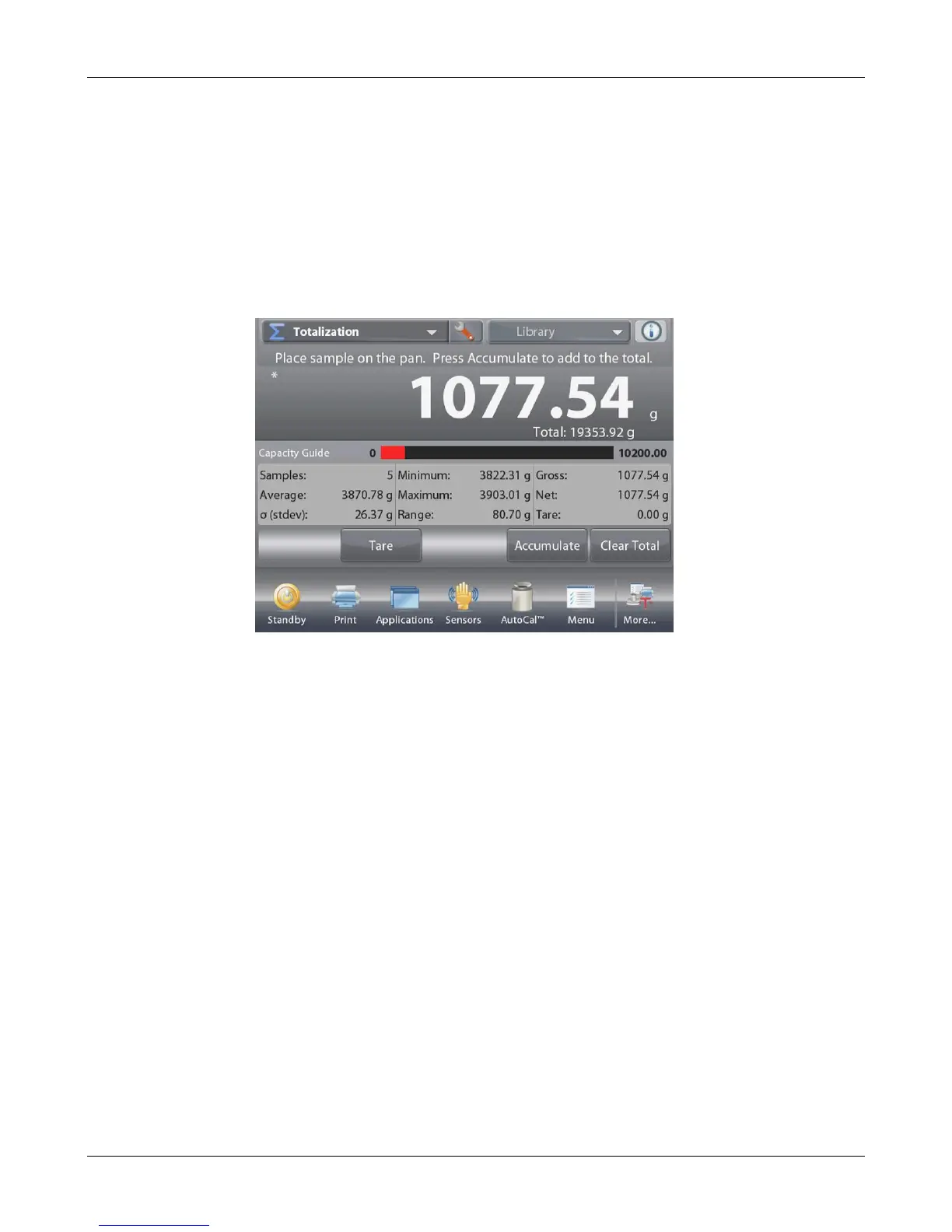
1.5.1 Overview of the Controls
Touch to access application setup menu
Touch to change
applications
Touch to access
available libraries
Instructional Messages
Touch for information
menu
Stability (*), Net (NET),
Gross (G) and/or center
of zero (>0<) indicators
Touch unit indicator to
change weighing unit
Capacity or Status Guides:
Vary by application
Result Fields:
Information varies by
application
Application Buttons:
Functions vary by
application
Touch icons to perform
specific functions or
access other functions

Table of Contents

Related product manuals