CHAPTER 1 - GETTING STARTED
Explorer
®
Series Service Manual 13 Ohaus Corporation www.ohaus.com
1.7 MENU STRUCTURE
Programmable features of the Explorer
®
are accessed through a graphical interface using the
Display Touch Panel. By touching an item on the display a further set of options will appear.
1.7.1 User Menu
For more detail on using the menu, see the Explorer
®
Instruction Manual.
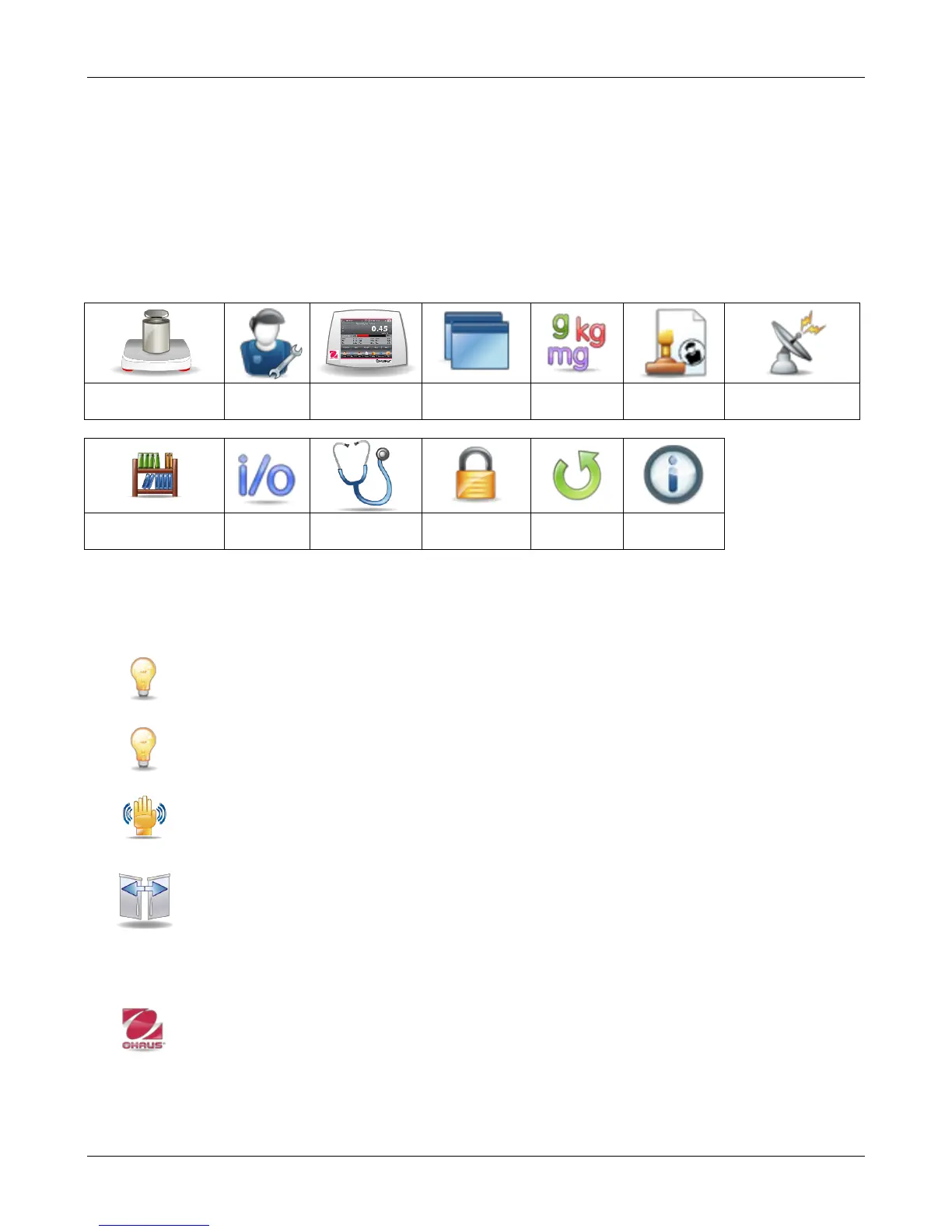
TABLE 1-5 EXPLORER
®
USER MENU
1.7.2 Diagnostics Menu
This menu used to access the balances Service Menu and also can be used to verify the
operation of some features.
Level Bubble Light (not available in EX12001, EX24001 and EX35001)
To verify proper operation of the illuminated Level Bubble. When selected, this light
should blink.
Draft Shield Light
To verify proper operation of the Draft Shield Light. When selected, this light should
blink.
Sensors
To verify proper operation of each Touchless Sensor. When operated, each sensor
should light and make a sound.
Automatic draftshield door
To verify proper operation of each Automatic Draftshield Door.
When operated, each door should move automatically.
Note: Only for Automatic draftshield door models
Service Menu
The Service Menu is intended for use by service personnel. A password is required
to access this menu; “Explorer” (SW 1.10) or “OHAUS” (SW 1.03).
The Service menu includes three sub-Menus; Ramp, Span Calibration and Internal
Calibration. See Appendix B for additional information.













 To Next Page